1Password launched a connector for Claude this week, giving AI agents the ability to sign into websites without the model ever handling a credential. 1Password for Claude sits between the agent and the vault: Claude requests access to a site, 1Password shows a desktop prompt naming the exact vault item, and the user approves, picks a different login, or denies. Nothing proceeds without that decision. Approval triggers the 1Password browser extension to fill the login directly into the page, over an encrypted channel the agent cannot read. Claude receives only confirmation of which item was used - passwords, one-time codes, and all other secret values stay outside the model's context, outside Anthropic's servers, and outside any log Claude produces.
1Password for Claude requires a Mac, the Claude Cowork desktop app, 1Password version 8.12.28 or later, and both the 1Password and Claude browser extensions. Pairing takes one step: select 1Password from Cowork's Connectors panel and authorize with Touch ID or account password. Behind that step, 1Password verifies Claude's identity through the operating system's code-signing facilities - the desktop app must carry a valid signature from Anthropic's Apple Developer account, and requests from any other process are rejected before they reach the credential store. Business account administrators must also turn on the "Allow AI agents to autofill for users" security policy; it is off by default.
Four Rules That Keep Passwords Out of the Model
1Password's security model for the integration runs on four hard constraints. The agent never handles secrets - Claude triggers a fill request and supplies context, but decryption and page injection happen entirely inside 1Password's software. No standing authorizations exist. Every credential grant is tied to a single session, approved fresh each time, so a compromised task cannot carry over permissions from an earlier one. Granted credentials are encrypted under per-session AES-256-GCM keys, held in memory only, never written to disk, and destroyed when the task ends or after nine hours, whichever comes first. All credential movement stays on the user's Mac - the fill channel is end-to-end encrypted between the 1Password desktop app and the browser extension, bypassing both companies' servers entirely.
How 1Password Fills While Claude Is Not Looking
Credential delivery has one design detail that makes the security model actually work rather than just sound good. Filling happens in a guarded window: when 1Password begins the fill, Claude's agent stops reading and tracking the page entirely. 1Password fills the credentials, submits the form, and verifies that submission completed before returning control. Credentials are gone before Claude resumes. Submission failures trigger an automatic cleanup - 1Password wipes all filled values before handing control back, so Claude never resumes on a page that still holds a secret value in any field. That fill-while-sleeping design is what separates genuine credential isolation from an approach that merely obscures values momentarily.
Agentic Mode: What Locks Down When Claude Takes the Wheel
Agentic Mode activates automatically whenever Claude controls a browser tab, whether or not 1Password is involved. While active, the 1Password browser extension removes its entire user interface from every page Claude controls - no inline fill suggestions, no autosave prompts, no notifications. Users cannot interact with the extension or fill their own logins on other tabs while a task runs. Closing the Claude-controlled tab group ends it. The lockdown matters because the alternative - leaving 1Password's convenience surfaces accessible while an agent operates the page - would create an obvious bypass route that any agentic task could stumble into without the user ever realizing credentials were in reach.
What Claude Can See, and Where Version One Falls Short
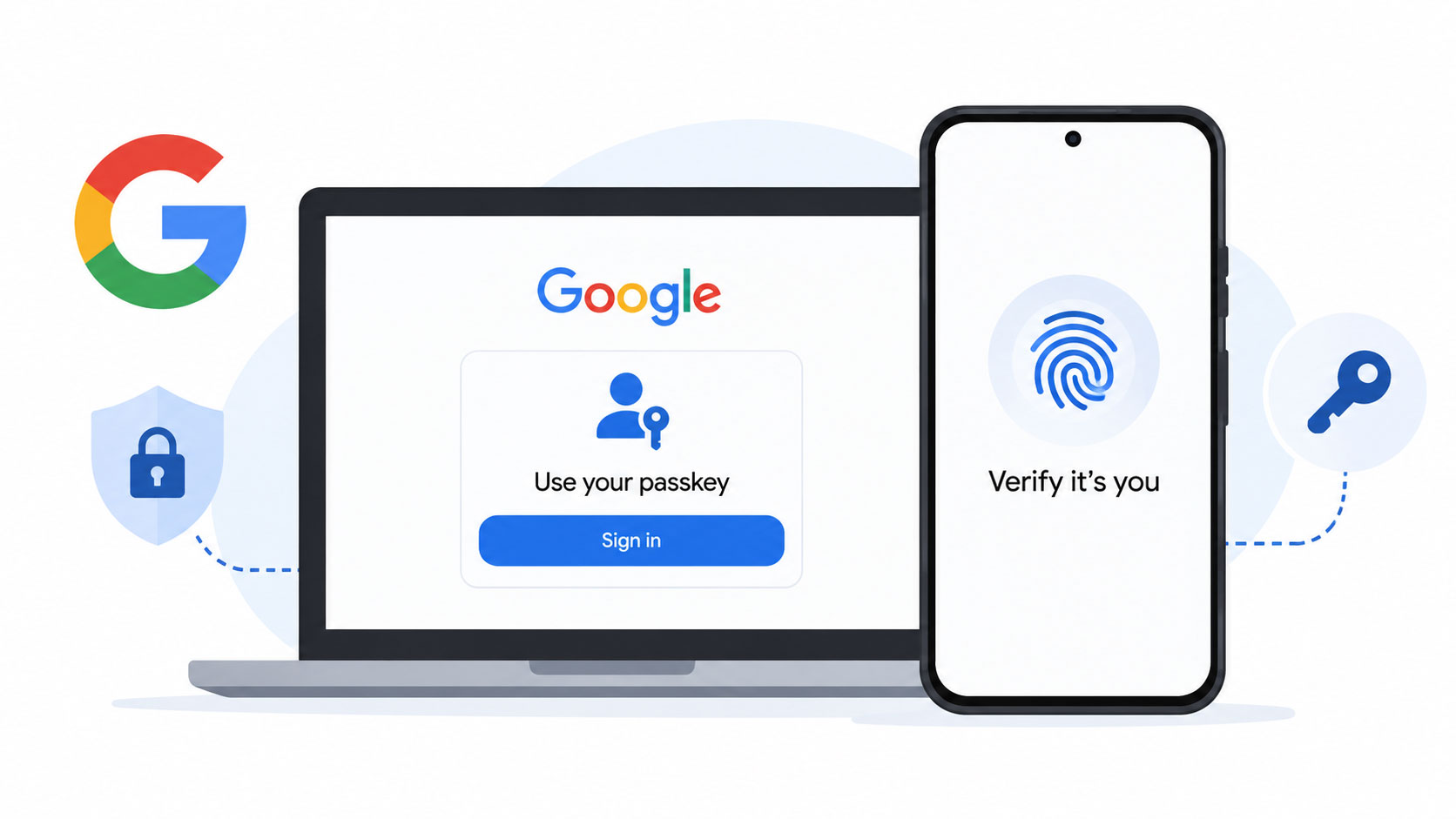
After a successful fill, Claude sees item metadata only: title, username or email, and the URLs saved on the vault entry. Secret values stay invisible. 1Password for Claude currently supports usernames, passwords, and one-time passwords from standard Login items - which covers the majority of web-based services. Social logins ("Sign in with Google" and similar OAuth flows) may not work as intended. Passkeys are unsupported. For agentic workflows that need to touch multiple authenticated services, the passkey gap is the most likely friction point today, particularly as consumer sites accelerate passkey adoption and begin retiring password-based flows entirely.
1Password published the open-source IPC client components powering the local protocol between Claude and 1Password on GitHub, giving developers a way to inspect the transport layer before trusting it with live credentials. Mac only for now. Windows and mobile support timelines are unannounced, and whether passkeys or social logins expand the feature set in a future release, 1Password has not said.