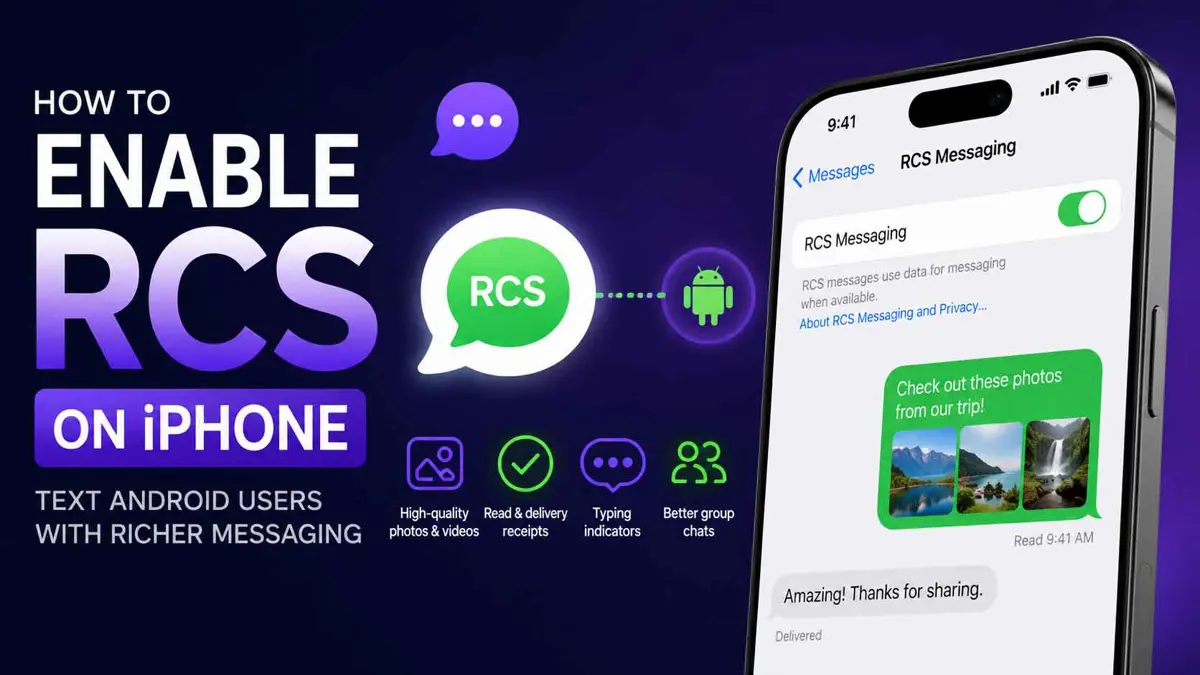
If you want to text Android users from an iPhone with better photos, read receipts, typing indicators, and other modern messaging features, you can use RCS. This guide explains how to enable RCS on iPhone, check whether your carrier supports it, and what changes when you use it.
What Is RCS on iPhone?
RCS, or Rich Communication Services, is a modern messaging standard that improves on traditional SMS and MMS. On iPhone, RCS lets you send messages to Android users with features such as high-resolution photos and videos, delivery receipts, read receipts, and typing indicators.
RCS messages still appear as green bubbles on the iPhone, just like SMS and MMS messages. Unlike iMessage, RCS is provided through your mobile network and can work over Wi-Fi or mobile data when supported by your carrier.
What You Need Before Enabling RCS
Before you turn on RCS, make sure your iPhone meets these requirements:
- iOS 18 or later
- A mobile data plan
- A network provider that supports RCS messaging on iPhone
- RCS availability in your region
Carrier support is important because RCS is a network-provided service. If your carrier does not support RCS on iPhone, the RCS Messaging option may not appear in Settings.
How to Enable RCS on iPhone
Once your iPhone is running a supported version of iOS and your carrier supports RCS, you can enable the feature directly from the Messages settings.
Step 1: Open Settings
Open the Settings app on your iPhone.
Step 2: Open Apps
Scroll down and tap Apps.
Step 3: Select Messages
Find Messages in the list of apps and tap it.
Step 4: Turn On RCS Messaging
Under the Text Messaging section, tap RCS Messaging and turn on the RCS Messaging switch.
There may be a short delay after you first enable RCS while the feature activates with your network provider.
How to Check If RCS Is Working
After enabling RCS, start a conversation with an Android user. When RCS is being used, the conversation will still appear with green message bubbles, but supported features such as read receipts, delivery receipts, typing indicators, and high-resolution media sharing should be available.
If the RCS Messaging option is missing from Settings, your carrier may not support RCS on iPhone, or the feature may not yet be available in your region.
For more information about Apple's latest Messages features, see our guide to What's New in Messages in iOS 27.
What RCS Changes When Texting Android Users
The biggest difference is the quality and functionality of conversations between iPhone and Android users. Instead of relying on older SMS and MMS features, supported RCS conversations can handle higher-quality photos and videos, typing indicators, read receipts, delivery receipts, and richer group messaging.
RCS does not replace iMessage. Conversations between Apple devices can continue to use iMessage, while supported conversations with Android users can use RCS.
RCS vs SMS and MMS
SMS and MMS are older messaging standards with more limited capabilities. RCS is designed to provide a more modern messaging experience while continuing to work with mobile phone numbers.
With RCS, supported conversations can include high-resolution photos and videos, read receipts, delivery receipts, and typing indicators. If RCS is unavailable, your iPhone may fall back to SMS or MMS depending on the conversation and network.
Is RCS Encrypted on iPhone?
RCS security has changed since the feature first arrived on iPhone. In iOS 26.5, Apple introduced end-to-end encrypted RCS messaging in beta for supported network providers.
You can find the encryption setting under Settings > Apps > Messages > RCS Messaging. Apple says the feature is available with supported providers and is rolling out over time.
Why Can't I See RCS Messaging on My iPhone?
If you cannot find the RCS Messaging option, check the following:
- Make sure your iPhone is running iOS 18 or later.
- Check that your mobile data plan is active.
- Confirm that your network provider supports RCS on iPhone.
- Check whether RCS is available in your region.
- Install any available carrier or iOS updates.
- Restart your iPhone and check the Messages settings again.
If the setting still does not appear, contact your network provider to confirm whether RCS messaging is supported for your line.
Frequently Asked Questions
Does RCS work between iPhone and Android?
Do RCS messages appear as green bubbles?
Does RCS replace iMessage?
Can I use RCS without mobile data?
Why is the RCS option missing?
