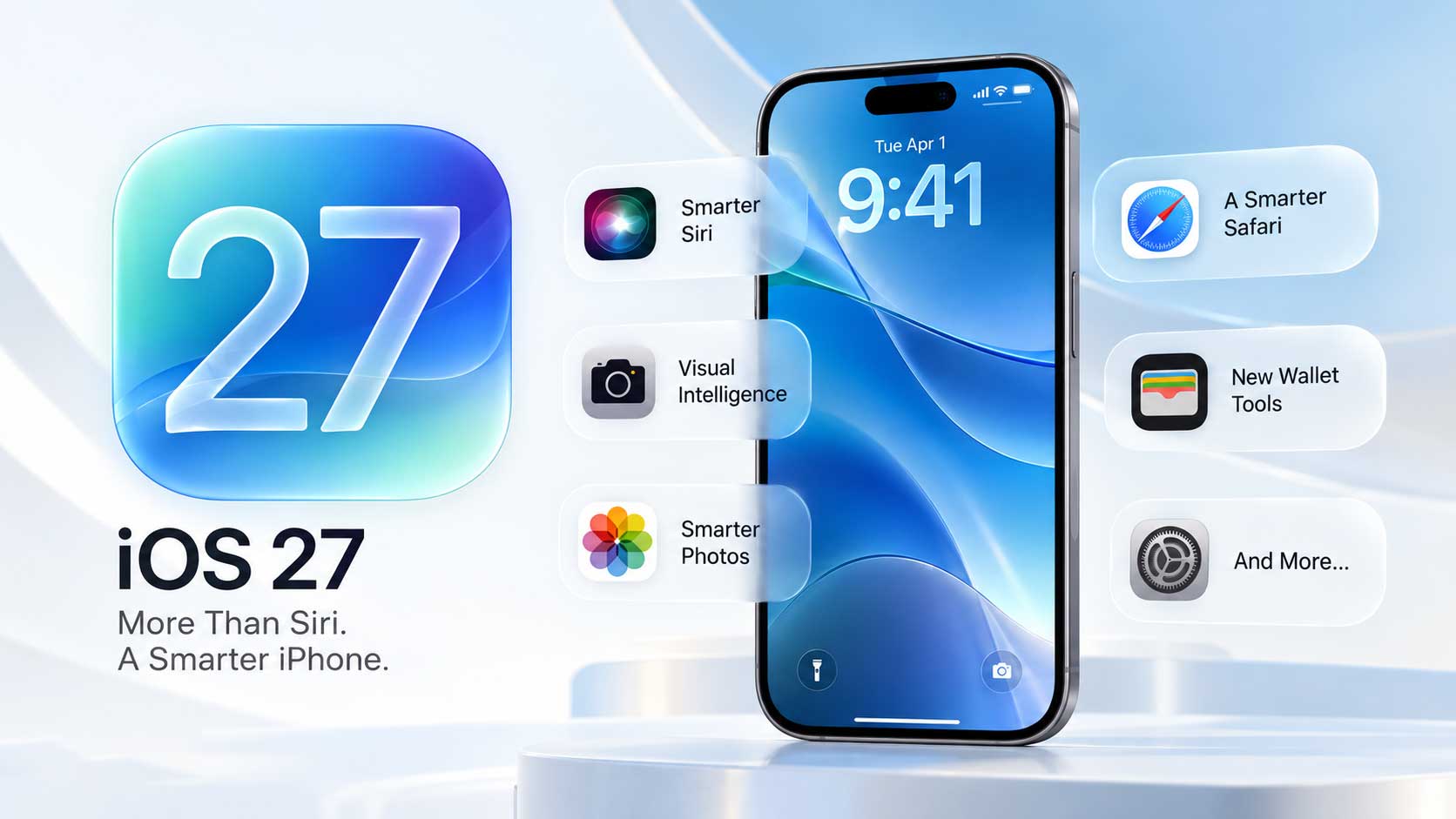
iOS 27 Messages is getting its biggest update in years. Apple is bringing iOS 27 Messages features across three areas: Apple Intelligence integration with one-tap suggestions and smarter Smart Reply, a new Drawing iMessage app for quick doodles, and RCS upgrades that finally make green-bubble conversations behave more like iMessage. Everything new across all iOS 27 system apps is covered in our full iOS 27 overview.
One-Tap Suggestions Powered by Apple Intelligence
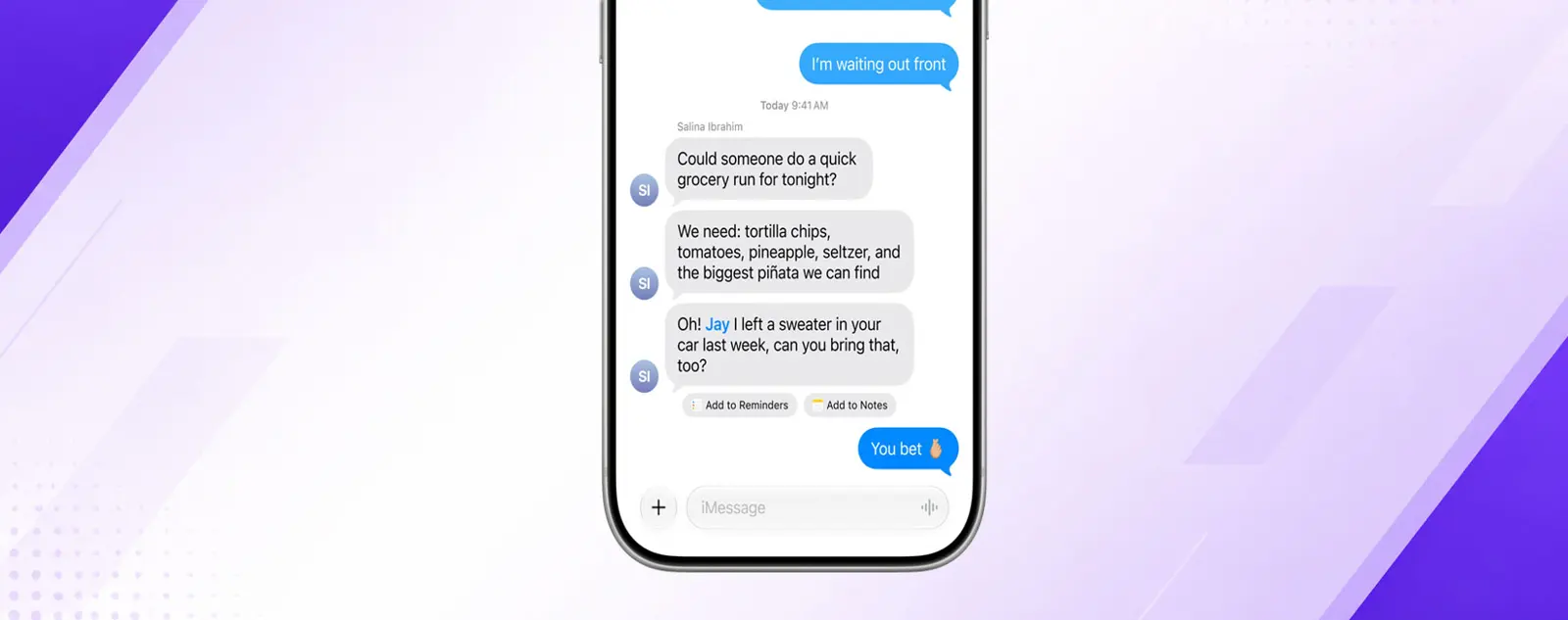
Messages now surfaces one-tap suggestions based on what people are talking about in a conversation. Send someone a grocery list and Messages may offer to turn it into a reminder. Mention a meeting time and a suggestion to add it to Calendar appears. Suggestions show up either just below the relevant message or in the top row of the keyboard - Apple Intelligence reads the context and places them where they fit.
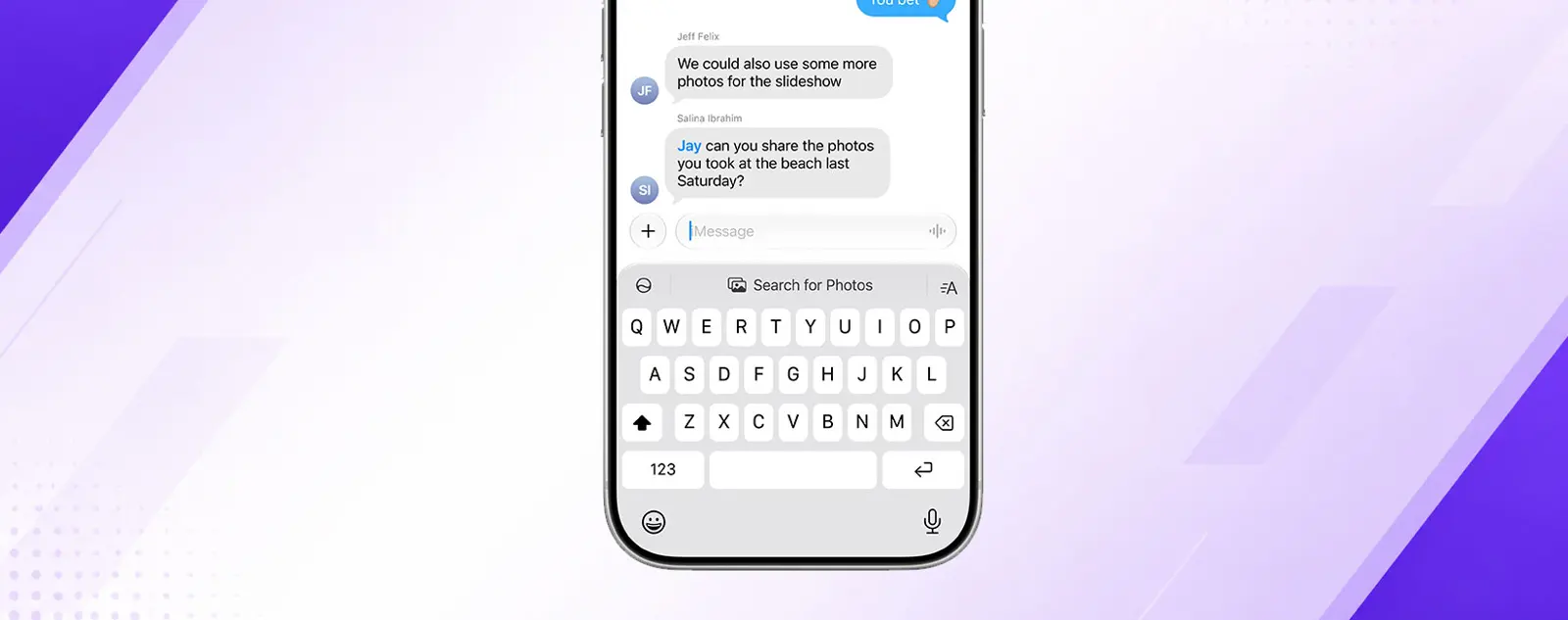
Photo search gets smarter too. If someone asks for pictures from a trip, Messages can search your library using keywords, locations, and the people Apple Intelligence recognizes in your photos - then surface the right ones without you having to leave the conversation. Smart Reply suggestions also improve in iOS 27: they now draw on your personalized writing style, so suggestions sound more like you and less like a generic autocomplete. One-tap suggestions require an Apple Intelligence-compatible device (iPhone 15 Pro or later, or iPhone 16 or later).
New Drawing iMessage App
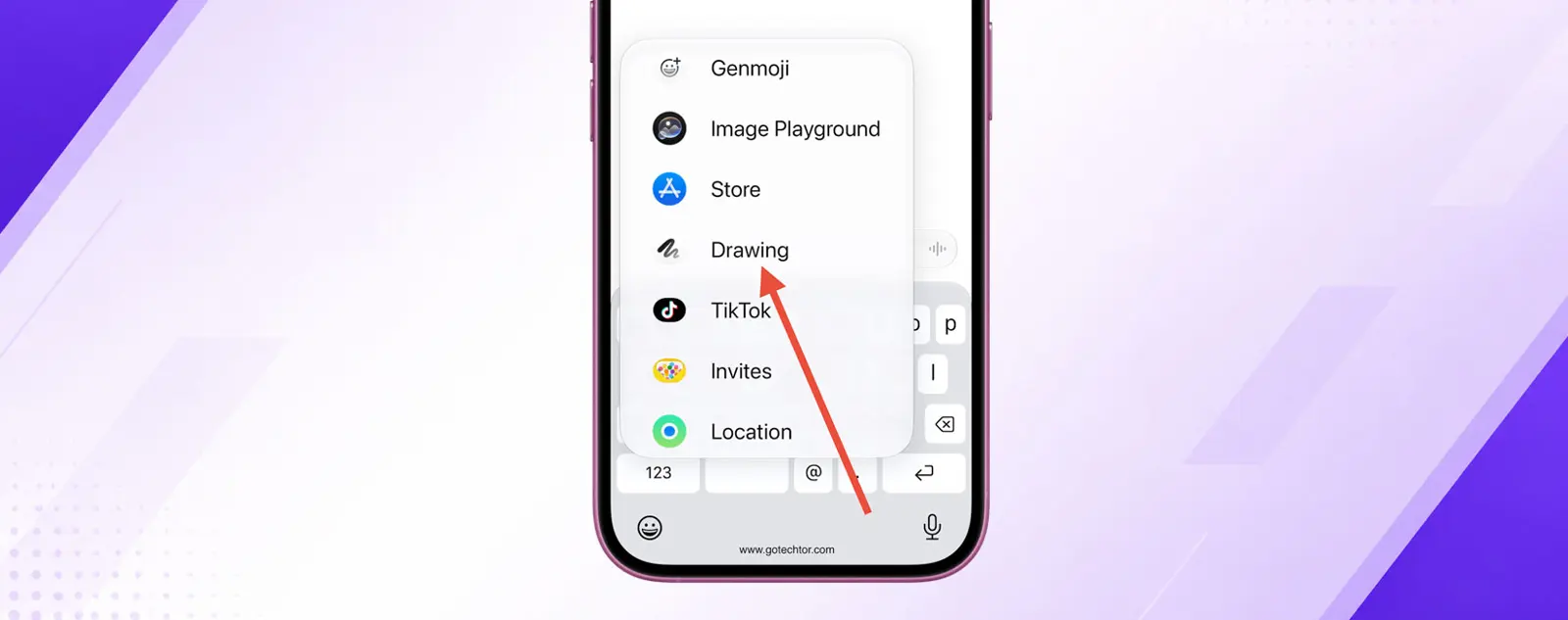
iOS 27 adds a Drawing app to the iMessage app tray. Open it inside any conversation and you get the same Markup toolkit found in Notes, Preview, and Photos - pens, pencils, a ruler, text, and shapes - for sending a quick hand-drawn sketch. Any iPhone running iOS 27 can use it.
Apple has not announced Apple Pencil support for the Drawing app on iPhone. A screenshot is needed here from an iOS 27 beta device
RCS Upgrades: Inline Replies and Real Tapbacks
RCS messaging in iOS 27 gets two changes that close the gap between green-bubble and blue-bubble conversations. Inline replies now work in RCS threads - tap and hold any message, choose Reply, and the quoted message appears just like it does in iMessage. Previously, RCS had no inline reply support on iPhone.
Tapback reactions also work properly across platforms for the first time. Android users will now see the actual emoji reaction - the heart, the thumbs up, the exclamation mark - instead of a text string that reads "Ryan loved an image." Both changes are part of the RCS 2.7 standard. That same standard also includes the ability to edit and unsend messages, though Apple has not confirmed whether those features will arrive in iOS 27 or a later update. An RCS screenshot is needed here from a beta device.
Smaller Changes and Fixes
Four more changes round out the Messages update in iOS 27:
- A new setting lets you remove the audio/dictation button from the message text field entirely. Go to Settings > Apps > Messages > Show in Text Field, then choose Record Audio, Start Dictation, or None.
- Multiple Tapback reactions on the same message now group into a single notification instead of firing one alert per reaction.
- Children's accounts get automatic detection and blocking of gore and violent content in shared images and videos.
- Smart Reply suggestions now draw on a user's personalized writing style, making them more accurate over time.
Apple also improved Messages performance across the board: failed messages now retry automatically, loading and syncing speeds are faster, thumbnails appear for offloaded media, and conversations are now searchable by phone number or contact nickname. iOS 27 ships this fall. What's new in Wallet in iOS 27 covers the new Create a Pass and Split Bill features in the same release - and what's new in Maps in iOS 27 covers AI-enhanced Flyover and Local Lists.