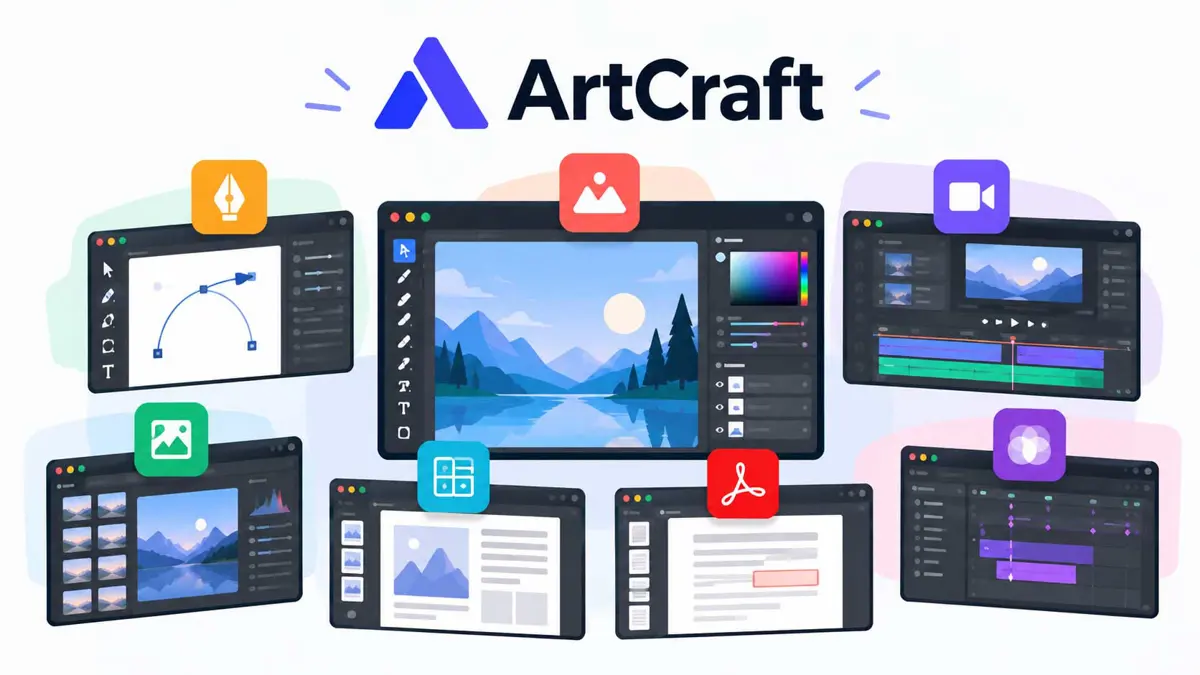
ArtCraft Adobe alternatives are becoming a more interesting test of AI-assisted software development. The ArtCraft team is building seven free, open-source creative applications designed around workflows associated with Adobe Photoshop, Illustrator, Premiere Pro, Lightroom, Acrobat, After Effects, and InDesign. The projects are written in Rust and are intended to run as native desktop apps, with browser support available for parts of the suite.
The projects are not a finished replacement for Adobe Creative Cloud. Their public repositories describe them as independent, clean-room implementations, and individual apps remain in active development. But the breadth of the effort makes ArtCraft worth watching: rather than building one small alternative, the team is attempting to cover several major creative workflows under one umbrella.
Seven apps target familiar creative workflows
ArtCraft's Crafting Apps collection includes tools for image editing, vector illustration, video editing, photo development, PDF work, motion graphics, and page layout.
- PhotoCraft: image editing with layers, masks, type, adjustment tools, and support for layered PSD files.
- VectorCraft: vector illustration, with tools and workflows familiar to users of vector-design software.
- FilmCraft: video editing, color, and sound workflows.
- LightCraft: photo-library management and RAW development.
- PdfCraft: reading, organizing, combining, splitting, and protecting PDF documents.
- EffectCraft: motion graphics and visual effects.
- DesignCraft: page layout and publishing.
The scope is ambitious, but the projects should be evaluated individually. A working image editor does not automatically mean the video editor, motion-graphics tool, or publishing app is equally mature. Feature coverage, compatibility, stability, and the quality of exported files will determine whether these tools can handle real production work.
Screenshots show what is being built
The public repositories include screenshots and examples of the applications' interfaces and output. PhotoCraft's repository shows editing controls such as layers, adjustment panels, masks, type, and export options. VectorCraft's repository showcases vector-editing features including Bézier paths, multiple artboards, blends, and shape operations.
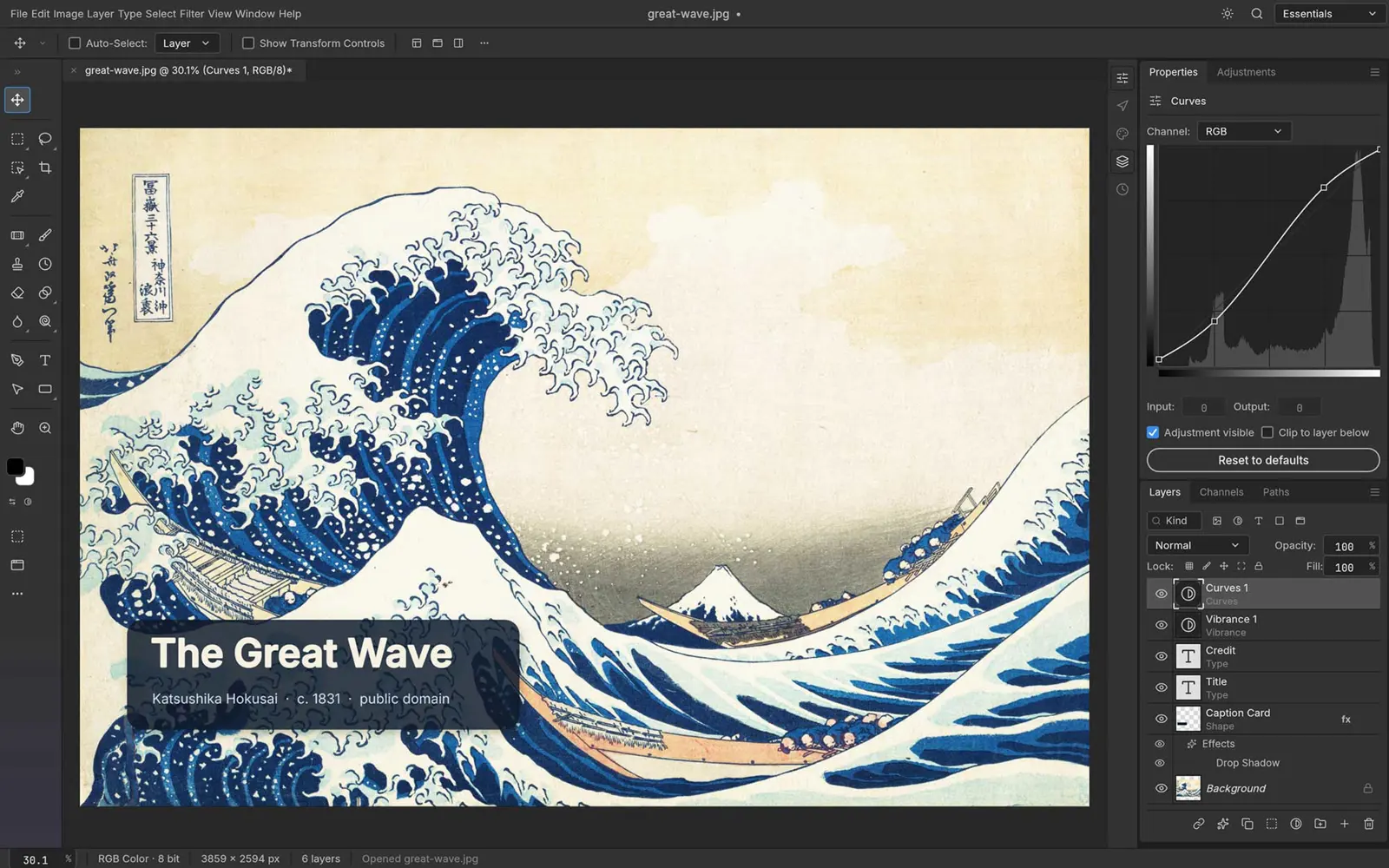
These are useful illustrations of the current projects, not independent proof that every feature matches Adobe's implementation. Readers should treat feature lists and performance statements on project pages as claims from the developers unless independently tested.
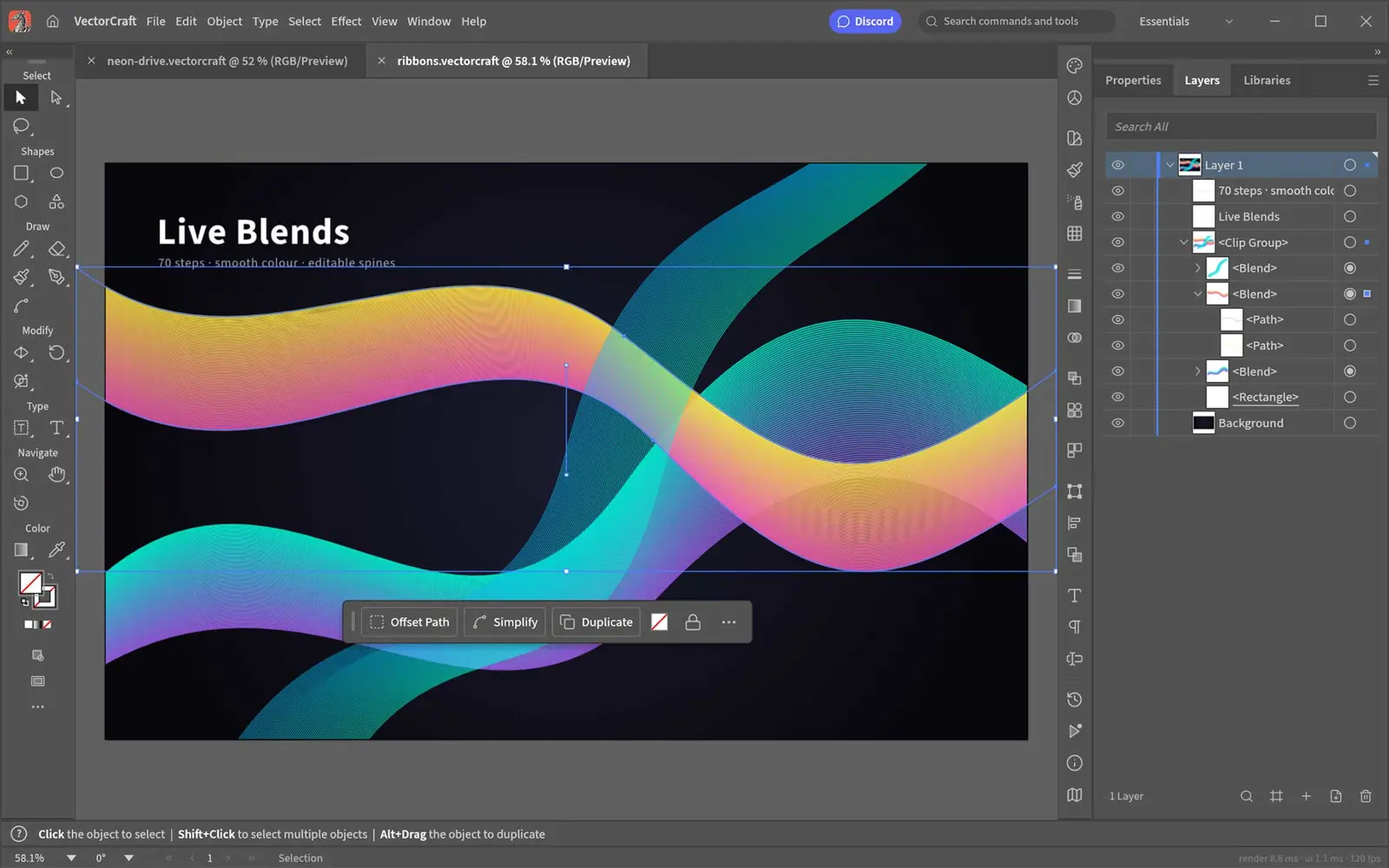
For readers who want to inspect the work directly, the official ArtCraft apps directory links to the projects, while the PhotoCraft and VectorCraft repositories provide implementation details, documentation, and project status.
AI may lower the cost of building competing software
The bigger story is not simply that these apps resemble familiar creative tools. It is that AI-assisted coding may reduce the effort required to build and iterate on complex software. Small teams can use coding agents to help implement features, work through bugs, and extend a codebase. Open-source projects can then invite outside developers to inspect and improve that work.
That does not mean AI makes a professional application easy to finish. Reproducing years of product development involves more than recreating menus and tool panels. Editors must handle edge cases, large files, complex documents, color management, accessibility, performance, and compatibility with workflows that teams depend on every day.
ArtCraft's approach also emphasizes agent-ready controls. The project repositories describe ways to drive app actions through command interfaces and MCP servers. If these interfaces prove reliable, AI agents could do more than suggest edits: they could operate the same tools that a person uses. That is a promising direction, but its practical value will depend on how well it works in real projects.
Adobe still has a substantial head start
Adobe's advantage is not just the feature set of an individual application. Creative Cloud connects established tools, file formats, team workflows, integrations, and production habits built up over many years. Professionals often need predictable results and dependable collaboration more than they need a new interface.
Adobe is also adding agentic AI to its own products. In April 2026, the company announced Firefly AI Assistant in public beta, describing a conversational assistant that can coordinate multi-step workflows across apps including Photoshop, Lightroom, and Premiere. That shows Adobe is trying to use AI to make its existing creative ecosystem easier to operate, rather than waiting for competitors to define the next workflow. Official announcement.
ArtCraft therefore faces a two-sided challenge: it must make useful alternatives, while Adobe continues to improve the products creators already know. The open-source approach could appeal to users who want more control over their software, local files, or licensing. But free access alone will not persuade a production team to switch if important features or compatibility are missing.
Saganote has also covered how major platforms are approaching AI-powered design, including Google's AI design tool for Workspace. ArtCraft differs in its emphasis on open-source desktop applications rather than a design feature built into an existing productivity ecosystem.
The real test is reliability, not resemblance
The current projects are best understood as an ambitious early-stage effort, not proof that Adobe's creative software business is about to be displaced. The most useful signals to watch are whether the applications become stable enough for daily use, how well they handle real-world files, how quickly contributors resolve bugs, and whether agent controls deliver reliable results outside demos.
If AI-assisted development makes it cheaper to build and maintain capable creative software, ArtCraft could become part of a wider wave of alternatives to established subscription products. For now, its significance is the experiment itself: how far a small, open-source effort can go when AI tools help accelerate software development.
