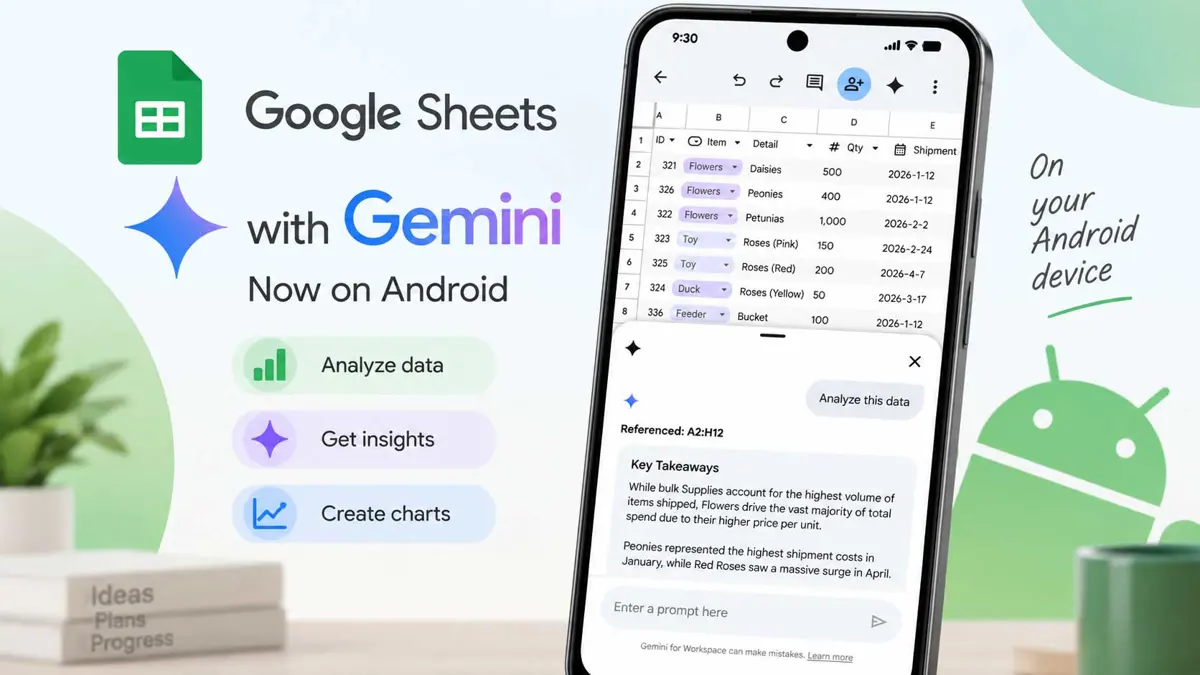
Gemini in Google Sheets Arrives on Android With Data Insights and Charts
Google is bringing Gemini in Sheets to Android so users can analyze spreadsheet data, get insights, and create charts on the go.

Gemini in Google Sheets is now rolling out to Android devices, giving eligible users a way to analyze spreadsheet data without opening the desktop version. Google announced the update on September 10, with rollout already underway.
What Gemini in Sheets can do on Android
Users can tap the Gemini spark icon in a compatible spreadsheet and ask questions about their data. Gemini can generate analytical insights and create charts, while Google is also providing suggested prompts such as “Summarize this table” and “Analyze for insights.”
The Android experience is deliberately narrower than Gemini in Sheets on the web. Google says mobile capabilities currently focus on data analysis and insights. Complex edits, formatting actions, and formula generation still require the web version.
Who gets Gemini in Google Sheets on Android
Google lists availability for Business Standard and Plus, Enterprise Standard and Plus, Google AI Pro for Education, and consumer Google AI Pro and Ultra plans. The feature is being gradually rolled out, with visibility taking up to 15 days for Rapid Release and Scheduled Release domains.
The update is another step in Google's broader push to bring Gemini features into everyday Workspace workflows. For another recent example, see Google Pics, its AI design tool for Workspace.
For Android users who mainly need quick spreadsheet analysis while away from a computer, the update makes Gemini in Sheets more useful on mobile. Users who need deeper spreadsheet changes will still need to switch to the web version.