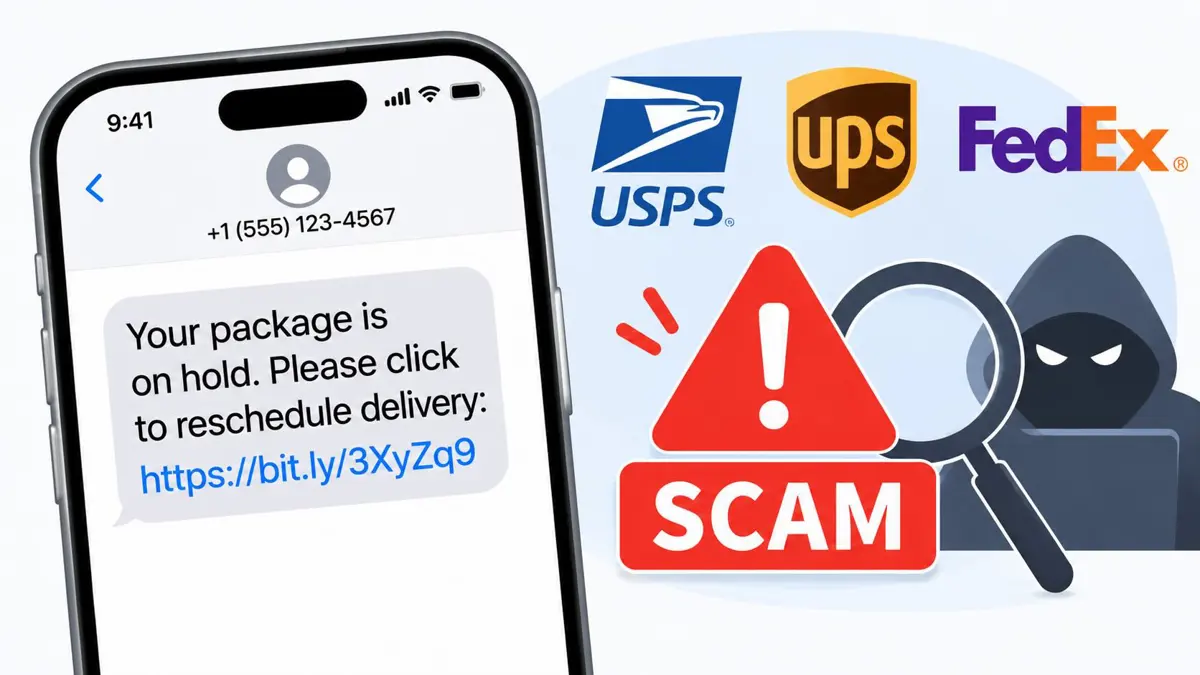
Delivery text scams use a fake missed-package notice to push a tap on a link, and the carriers publish a few rules that help sort real messages from fake ones. Holiday shopping makes the pitch believable. A message's look proves little, so the checks below rely on what the carriers and the FTC say.
Holiday Shipping Gives Fake Delivery Texts More Cover
Holiday orders create the opening. Scammers borrow that expectation, and McAfee, a security vendor, reported in December 2023 that 36% of Americans in its survey said they had fallen victim to an online shopping scam during the holidays. In that survey, fake missed-delivery notices were named by 56% of respondents as a scam type they had seen, and text messages about purchases they never made by 57%.
Those figures are vendor data, not a government count. Consumer Reports, Aspen Digital, and the Global Cyber Alliance found that one in five scam attempts began through a text message or messaging app, as Axios reported in December 2024. Saganote's guide to spotting a fake Black Friday tech deal covers the shopping-side scams that tend to run alongside fake delivery alerts.
Real vs Fake: Signs Side by Side
| Sign | Common in fake texts | What real contact looks like |
|---|---|---|
| Who started it | A package nobody ordered or expected | USPIS says USPS would not text a consumer unless the customer initiated the request |
| The link | Lookalike domains such as fedx.com or fed-ex.com, or a .shop domain, per FedEx | FedEx names fedex.com and its Import Tool as legitimate |
| Payment | A redelivery fee, an updated card, or personal data, which the FTC says legitimate companies do not ask for by text | FedEx says it may text a secure link to pay duties and taxes on international shipments, and to verify the amount in its Import Tool |
| Pressure | "Your package cannot be delivered click here to confirm" or a threat that an account freezes in 30 minutes, as ABC15 quoted | Carriers direct customers to their own tracking pages |
| Best next step | Do not tap the link, and contact the company using a number or website known to be real, as the FTC advises | Check the tracking number in the carrier's own app or website, which McAfee also recommends |
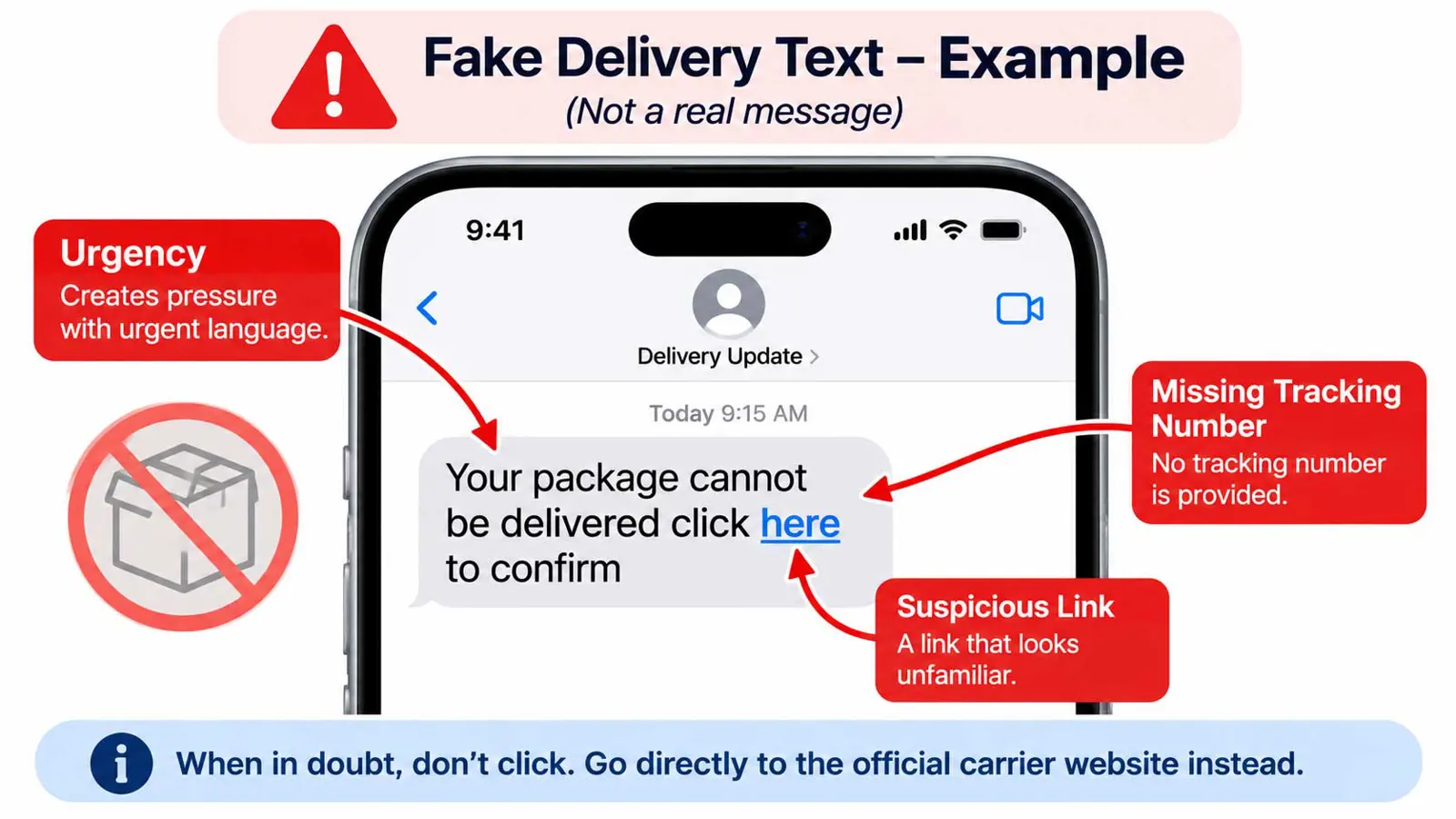
Missing details are a warning. Asking whether the sender is a company the recipient has an account with is the FTC's test, and a no means the message is suspect. Real alerts normally relate to something the recipient bought or requested.
How USPS, UPS, and FedEx Actually Send Alerts
USPS does not appear to text consumers unprompted. Axios quoted the U.S. Postal Inspection Service in 2024 as saying USPS "would never contact a consumer via text message, unless the customer initiated the request." Its page on fake emails adds that the Postal Service does not notify customers of delivery attempts or ask for personal information by email.
FedEx is more specific. Its fraud page says FedEx may contact a recipient by email or text with a secure link to pay duties and taxes on international shipments, and that the amount can be checked in the FedEx Import Tool. That page also says FedEx never requests payment or personal information in exchange for releasing a package. UPS's own fraud page could not be loaded for this article, so its text-message policy is not summarized here, and its site is the place to check.
Phone Settings That Filter These Texts
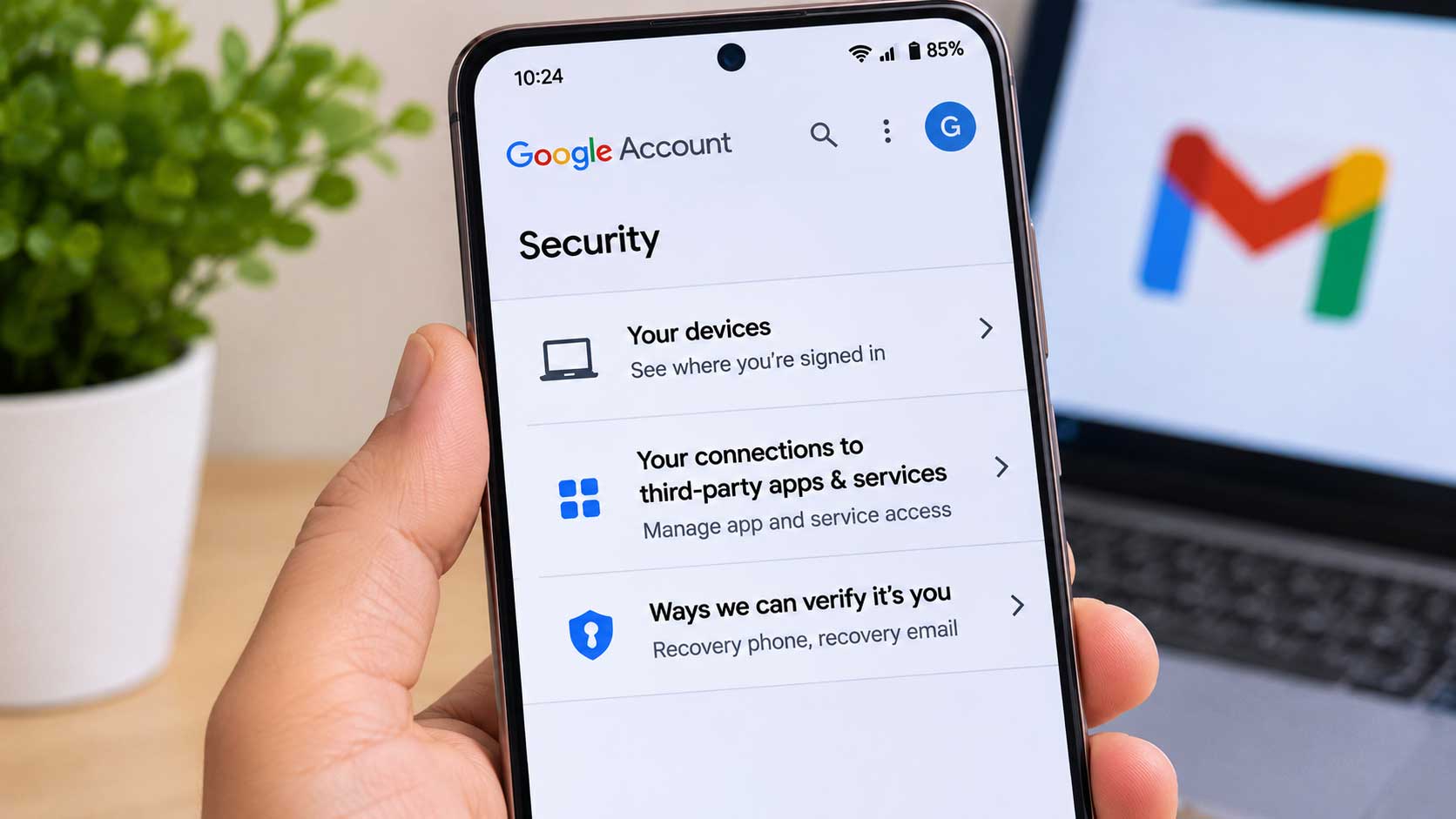
Phones add a second layer against delivery text scams. According to the FTC, people can filter or block unwanted texts through a phone setting, the wireless provider, or a call-blocking app. On Android, Google Messages offers an opt-in mode that Saganote covered in its guide to Messages Enhanced Protection, and the Gemini scam protection report gives Google's figure of more than 5 million suspected scam calls and texts flagged each month. Both are Google claims relayed by Saganote.
- Android: the Enhanced protection option sits under Messages settings > Protection & Safety > Spam and scam protection, though the menu can vary by version and rollout is staged
- iPhone: Apple's page covers blocking a sender from the conversation by tapping the contact at the top and choosing Block Caller, or through Settings > Privacy & Security > Blocked Contacts
- Link checks: Truecaller's free Scam Checker marks numbers and links as Safe or Potential Fraud and follows shortened links, but the Android app is launching in India first
- Carrier tools: the FTC lists the wireless provider as a filtering option, so a carrier's own spam tools are worth checking
How to Report a Scam Text
Reporting comes last. Reporting delivery text scams helps providers block similar messages, and the FTC lists three options for spam texts: copy the message and forward it to 7726 (SPAM), report it in the messaging app, or report it at ReportFraud.ftc.gov. Delivery-specific channels exist too.
- Forward the text to 7726 (SPAM), which the FTC says helps the wireless provider spot and block similar messages.
- Report it in the messaging app. In Google Messages, touch and hold the conversation, tap Block, then Report spam, then OK.
- Report it to the FTC at ReportFraud.ftc.gov.
- For a text about USPS or a failed package delivery, forward it to spam@uspis.gov and delete it, as the Postal Inspection Service advises.
- For a FedEx message, forward it to abuse@fedex.com, or call 1.800.584.2681 about unrecognized charges.
- If a card number was entered, contact the bank right away, as FedEx advises.
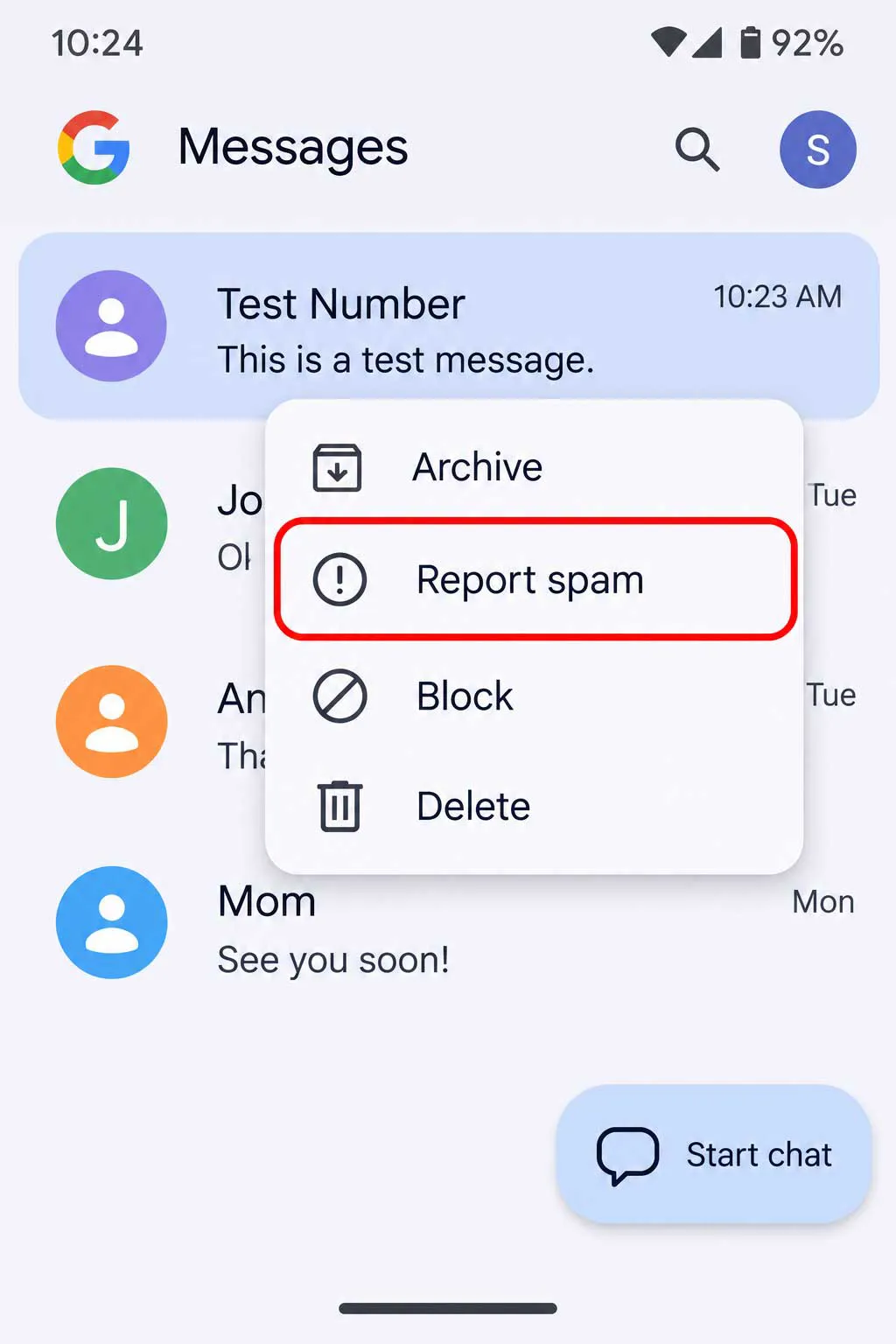
Google says a spam report sends the sender's number, the last 10 incoming messages, and the SIM or IP country code, and that reports may also be used to train AI models. Report with a test conversation if the content is private.
Reporting does not reverse a loss. If information was submitted, the FTC points people who responded to a phishing message to IdentityTheft.gov, and FedEx suggests the FBI's IC3 or a state attorney general for money lost. Guidance changes, so a carrier's own fraud page is the authority on new tricks.
Frequently Asked Questions
Does USPS send text messages about packages?
Does FedEx ever text a link?
What should be done with a suspicious text?
Where do delivery scam texts get reported?
What if a link was already tapped?