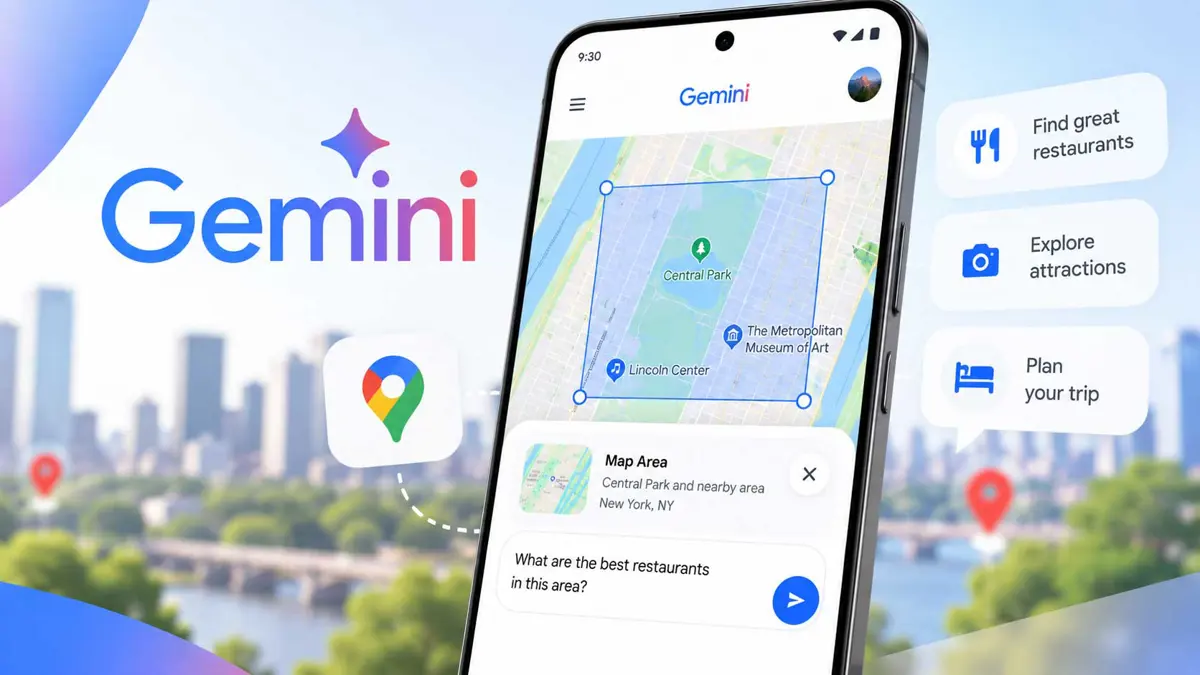
The Gemini Map tool is rolling out on Android and iOS, giving users a way to select a geographic area on a live map and attach it directly to a Gemini prompt. The tool is designed for location-based questions without requiring the area to be described entirely in text.
The Gemini Map tool turns a map selection into prompt context
The Map option appears in Gemini's mobile tool carousel alongside options such as Photos, Camera, Files, Drive, and Notebooks. Tapping it opens a live map with a circular focus area. Users can pan and zoom the map, or use the search control to find another location.
After selecting the area, tapping Explore this area adds Map Area to the prompt. Users can then add a question about the selected location before sending the request. The October 2 rollout report says the tool is available on Android and iOS, but not on the web version of Gemini.
Gemini already uses Google Maps for location questions
Google already documents Maps integration in Gemini for finding businesses, restaurants, parks, and attractions, as well as getting addresses, opening hours, and directions. The new Map tool changes how geographic context can be supplied by letting users select an area visually before writing the question. Google's Gemini Maps documentation
That makes the feature different from simply asking Gemini to find a named place. A selected map area can represent a broader part of a city, neighborhood, or another geographic region, giving the prompt a visual location reference.
The Map tool follows Google's broader push to bring Maps information deeper into Gemini. Saganote previously covered Google Maps testing Gemini for food ordering, while Waze's Gemini-powered navigation updates show the same broader move toward conversational location features.
The rollout is separate from Google's current change from the slash command to the @ shortcut for skills and connectors. That change remains in beta, while the Map tool is reported as widely rolled out on mobile.
