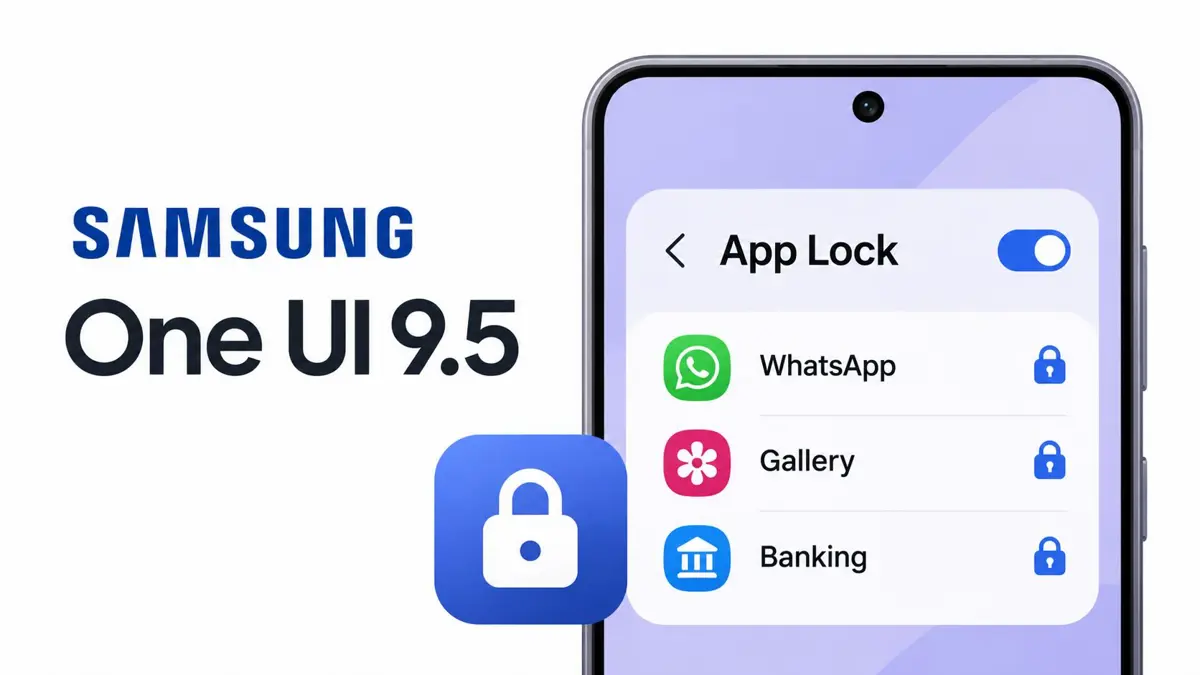
Samsung App Lock is finally coming to Galaxy phones, giving users a way to protect individual apps without moving them into Secure Folder. The feature arrives in the One UI 9.5 beta for the Galaxy S26 series and uses biometrics or the phone's screen-lock method to restrict access.
When an app is locked, Samsung also hides its notification content and removes its widgets. That helps keep private information out of view when someone else is using an already-unlocked phone.
How Samsung App Lock works
App Lock adds authentication to selected apps in the phone's regular interface. Users can unlock an app with biometric authentication or their existing screen lock. Samsung says the feature also hides notifications and widgets associated with locked apps.
That makes it a simpler option for protecting apps such as messaging, photos, email, or banking apps when handing a phone to someone else. Secure Folder remains a separate protected environment; App Lock is designed to protect apps without moving them into that separate space.
Secure Folder is no longer the only built-in option
Samsung's Secure Folder can keep apps and files inside a separate, protected space, but that setup is more involved when someone only wants to add an authentication step to an app they already use. App Lock addresses that everyday use case directly.
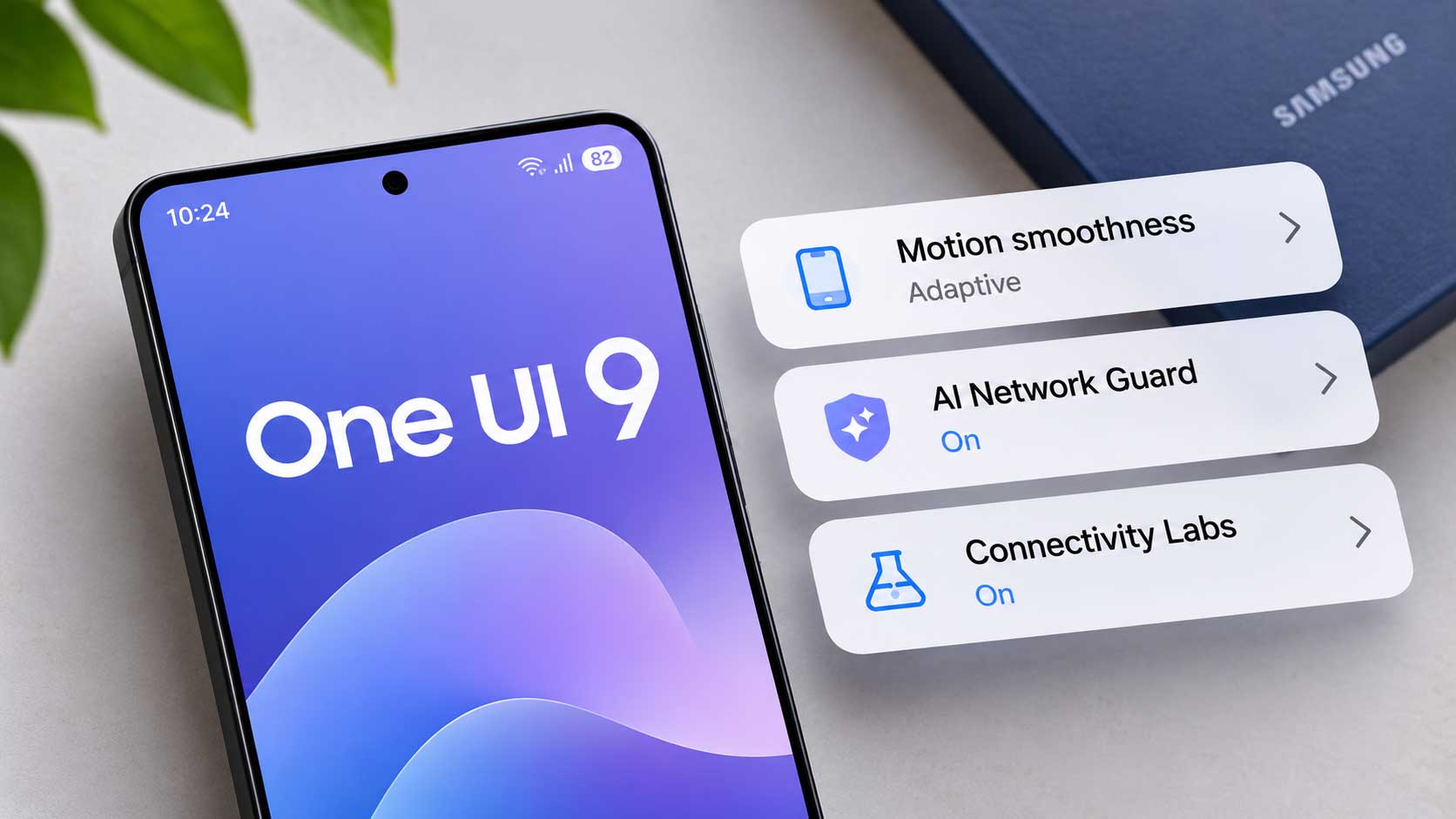
Galaxy owners can also read Saganote's guide to One UI 9 hidden features and settings for other options and changes in Samsung's software.
One UI 9.5 beta is limited to Galaxy S26 for now
Samsung opened the One UI 9.5 beta on November 18, 2026, for the Galaxy S26 series in Germany, India, South Korea, Poland, the United Kingdom, and the United States. Eligible users can register through the Samsung Members app.
The company has not announced a complete list of older Galaxy devices that will receive App Lock or a stable-release schedule. For now, the feature is part of the S26 beta rather than a confirmed wider rollout.
For related Samsung software coverage, see Samsung One UI 9 is reaching more Galaxy S26 phones in the US. Galaxy users who want to strengthen app-level account protection can also review WhatsApp security features for safer accounts.
Samsung's new App Lock gives Galaxy owners a more straightforward way to keep selected apps private, without creating a separate Secure Folder copy or changing how they normally use those apps.
Official details: Samsung's One UI 9.5 beta announcement.