Gmail Makes 2FA Codes Easier to Copy Without Opening Emails
Gmail is adding a Copy code shortcut on Android and iOS that lets users copy verification codes directly from the inbox.

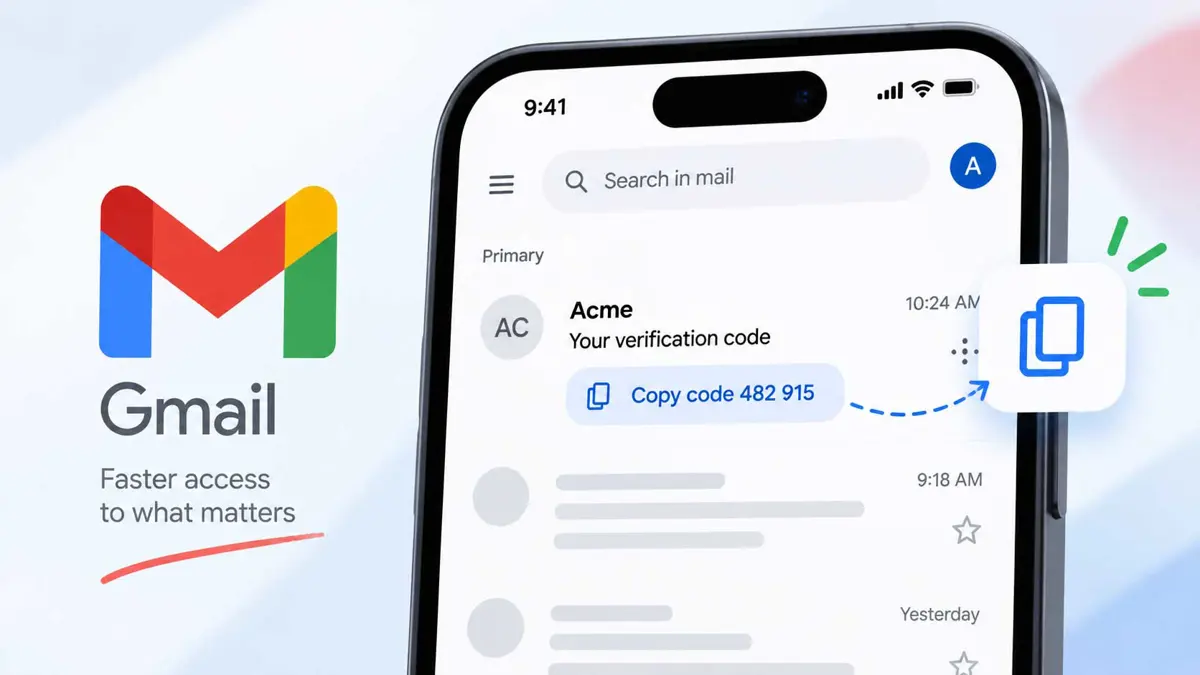
Gmail is making two-factor authentication a little less tedious with a new Copy code shortcut on Android and iOS. The Gmail Copy code button appears beneath the subject line when an email contains a verification code, letting users copy the code without opening the message. 9to5Google spotted the feature in testing on September 19, so the rollout should be treated as an observed update rather than a Google-announced feature.
Gmail Copy Code Shortcut Works From the Inbox
The shortcut appears as a pill-shaped button below the email subject, with the code included in the button label. When you tap it, Gmail copies the verification code to the clipboard so it can be pasted into the app or website that requested it. 9to5Google says it saw the shortcut work with emails from stores and banks during brief testing.
That removes a small but repetitive step from the usual 2FA process. Instead of opening an email, finding the code, selecting it, and copying it, users can grab the code from the inbox view.
Why the Gmail Copy Code Button Matters
Most verification emails are opened for one reason: to retrieve a short one-time code. The new shortcut does not change how two-factor authentication works, but it reduces the number of taps needed to move that code from Gmail to the service where it is needed.
Google already offers a similar Copy code workflow in Google Messages. Its official help documentation says users can open a message containing a verification code and tap Copy code before pasting it into the app or website. Google also says those messages and verification codes are not sent to Google servers as part of that feature.
For more on Google's handling of one-time passwords, see our coverage of Google Messages auto-deleting OTP texts after 24 hours.
Where Gmail's Copy Code Feature Is Showing Up
According to 9to5Google's testing, the Gmail Copy code shortcut is appearing in the Android app version 2026.09.07.x and iOS version 6.0.260907. It was not showing up in Gmail on the web during that testing.
That means availability can vary by platform, app version, account, and rollout stage. Seeing the feature in the latest mobile app does not necessarily mean every Gmail user has it yet.
A Small Part of a Bigger Account-Security Picture
The shortcut is about convenience, not stronger authentication. The underlying 2FA code still works the same way, and users should continue to treat unexpected verification emails carefully.
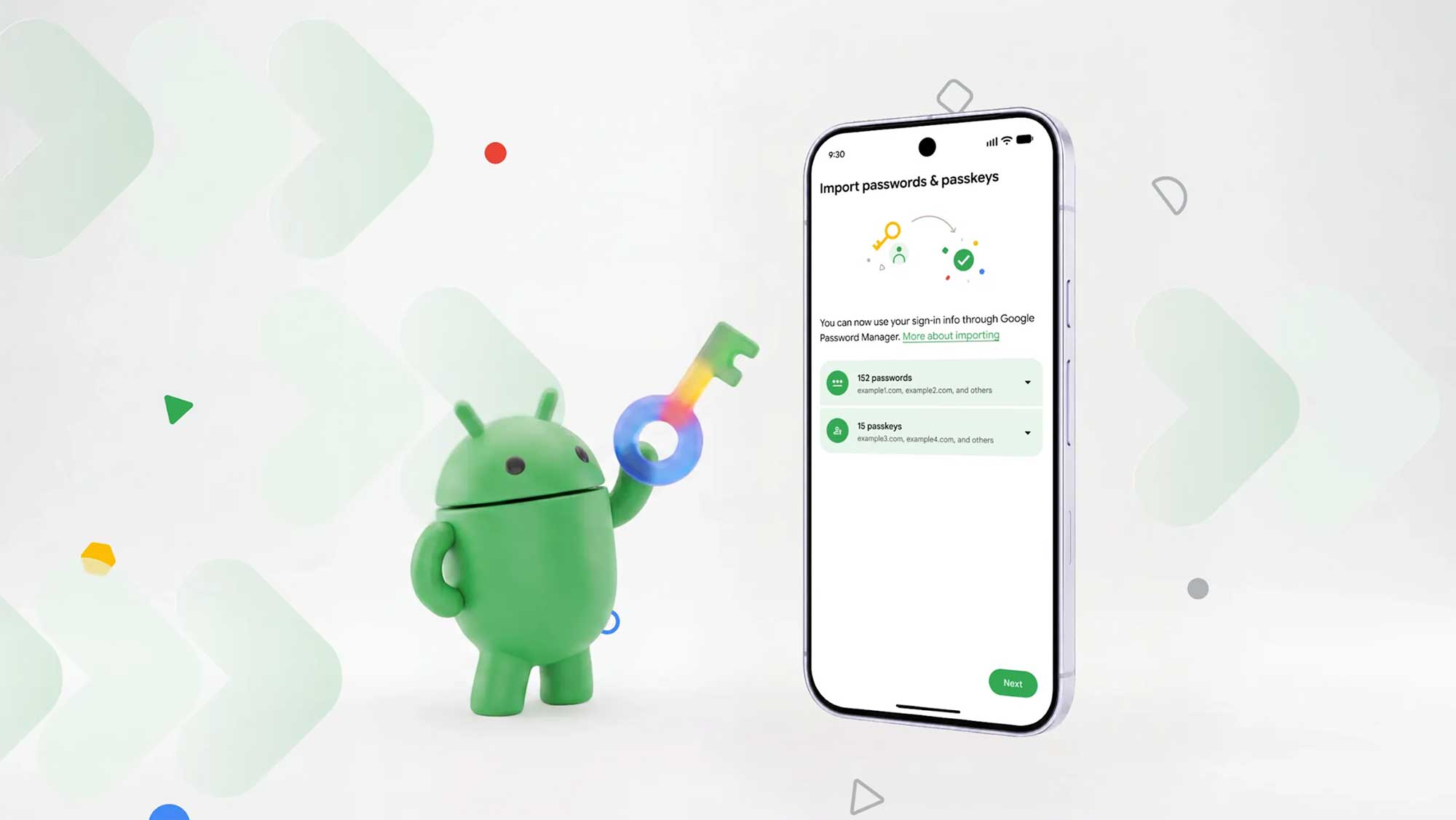
Saganote has also covered Google's selfie video sign-in for account recovery, which shows how Google is experimenting with different ways to help users regain access to accounts. Password-management changes are another part of the picture, including Google's easier password-manager switching tools on Android.
For broader account protection, our guide to WhatsApp account security settings covers another set of controls users can review when protecting an account.
Gmail's Copy Code Shortcut Is a Quality-of-Life Update
The Gmail Copy code shortcut is a small interface change, but it targets a task people repeat whenever they sign in with email-based 2FA. For users who have the feature, copying a verification code can now take one tap from the inbox instead of requiring the email to be opened first.
For now, the feature should be described as a mobile rollout observed by 9to5Google rather than a broadly announced Gmail release. The report found it on Android and iOS, while Gmail on the web did not show the shortcut during testing.