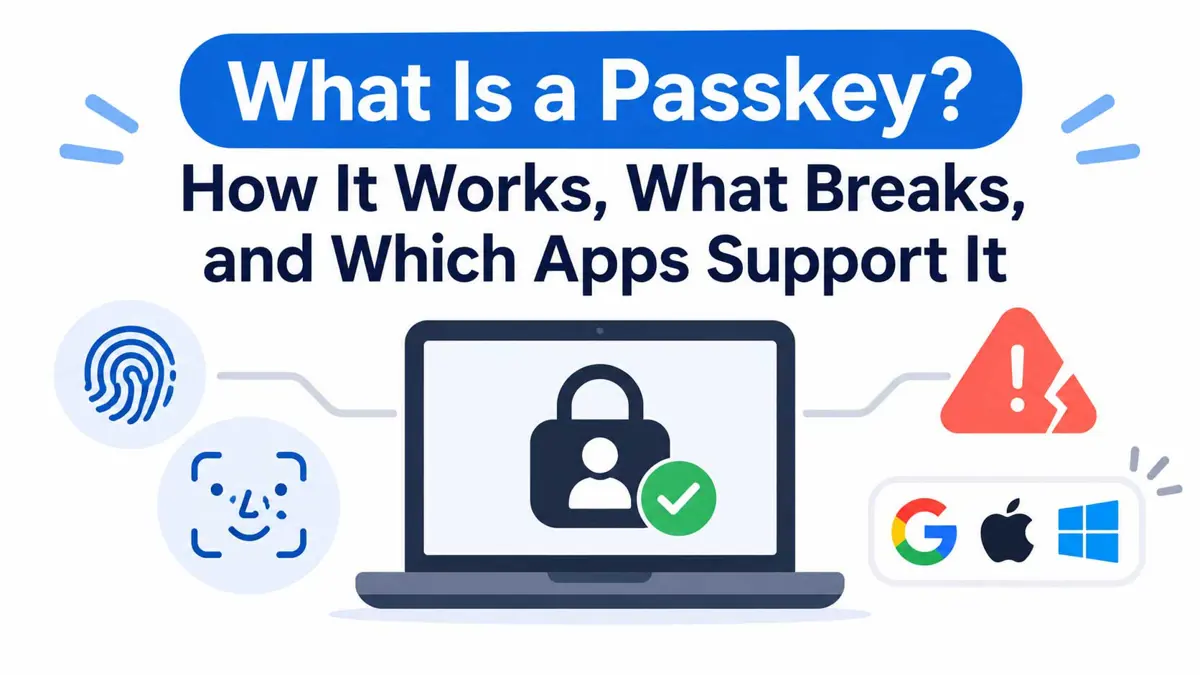
What is a passkey, and why do Google, Apple and Meta all push it? A passkey is a cryptographic credential that signs a user in with a fingerprint, face scan or device PIN instead of a typed secret. Adoption is no longer small. Meta says more than one billion people have set up a WhatsApp passkey, as Saganote reported in August.
A 2024 survey commissioned by the FIDO Alliance found 53% of people had turned on passkeys for at least one account, while 22% had done so for every account that allowed it. FIDO has a stake in those numbers. That gap between "at least one" and "every" account suggests support is still uneven, and the sections below show where.
A Passkey Is a Key Pair, and the Private Half Never Leaves the Device
How passkeys work comes down to public-key cryptography. Each time a user creates a passkey for a site, the device generates a key pair for that account alone, so no two sites ever share a credential. Sites store the public key, and the private key stays on the device.
Sign-in then runs as a challenge and response. A site sends a random challenge, the device signs it with the private key after a fingerprint, face scan or PIN approves the use, and the site checks the signature against the public key. No secret travels over the network, which means a breached database holds nothing an attacker could replay.
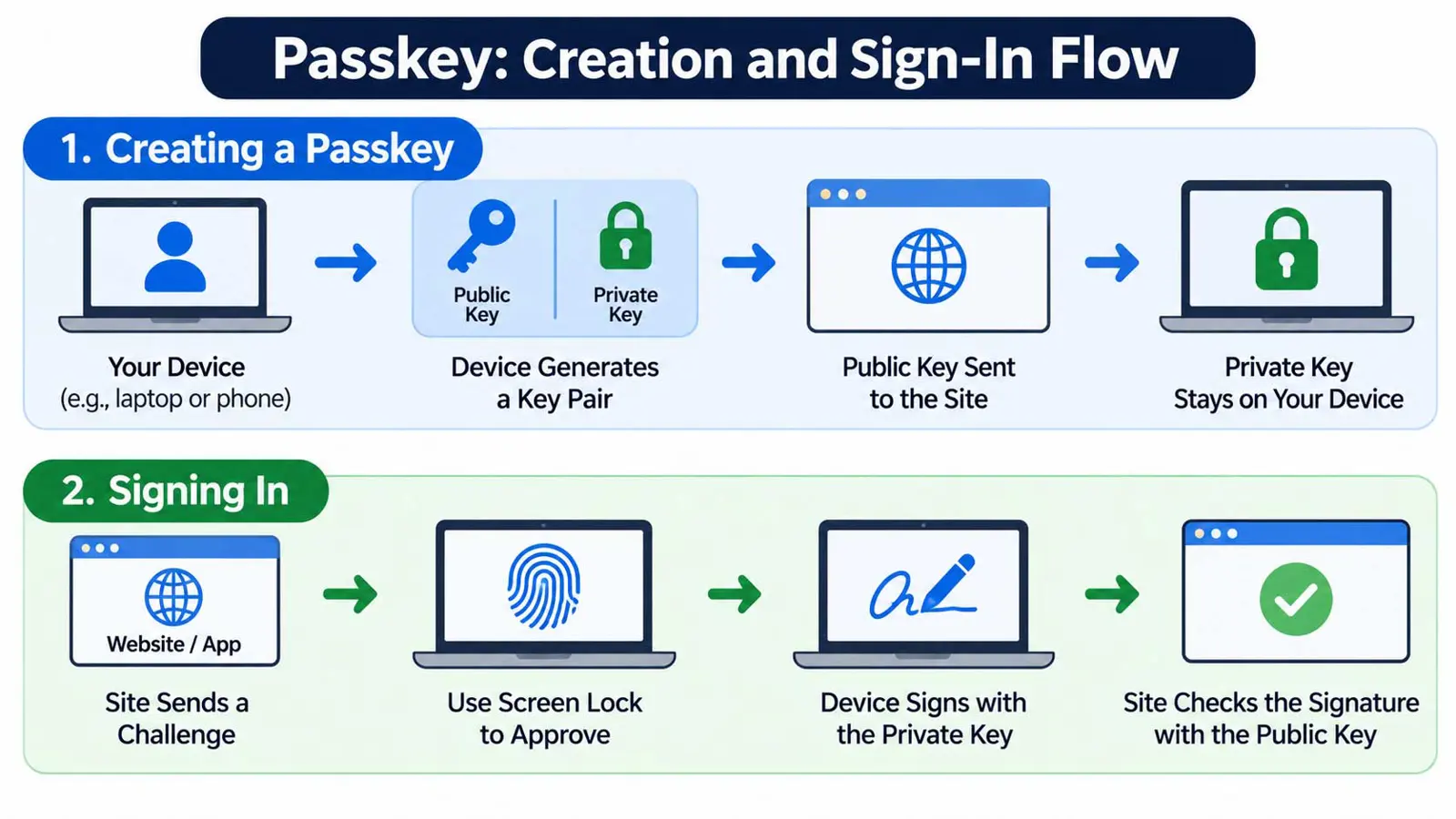
Biometrics only unlock the key. Google says fingerprint and face data stays on the device and never reaches Google, so a passkey is not a stored face or fingerprint. Only the key pair counts as the credential, and the screen lock is the gate in front of it.
Phishing resistance follows from the same design. Passkeys bind to a site's domain, so a lookalike page cannot use one, according to GitHub's documentation, and a typed secret is exactly what such pages harvest.
Synced and Device-Bound Passkeys Trade Convenience for Control
Asking "what is a passkey" usually leads to the next question: where does it live? Two answers exist. Synced passkeys travel between a user's devices through a credential manager, such as iCloud Keychain, Google Password Manager or a third-party app, with end-to-end encryption. Device-bound passkeys never leave one device, as with a hardware security key.
| Type | Where it lives | Survives a lost device | Moves to another manager |
|---|---|---|---|
| Synced | iCloud Keychain, Google Password Manager or a third-party manager | Yes, through the sync account | Sometimes, if both managers support Credential Exchange |
| Device-bound | One device, such as a hardware security key | No, GitHub says it cannot be backed up or moved | No |
Apple's version ties recovery to the Apple Account. Passkeys sync through iCloud Keychain, which Apple says is end-to-end encrypted with keys it does not hold, and recovery after losing every device needs the account credentials, an SMS reply to the registered number and the device passcode. Ten failed attempts destroy the escrow record.
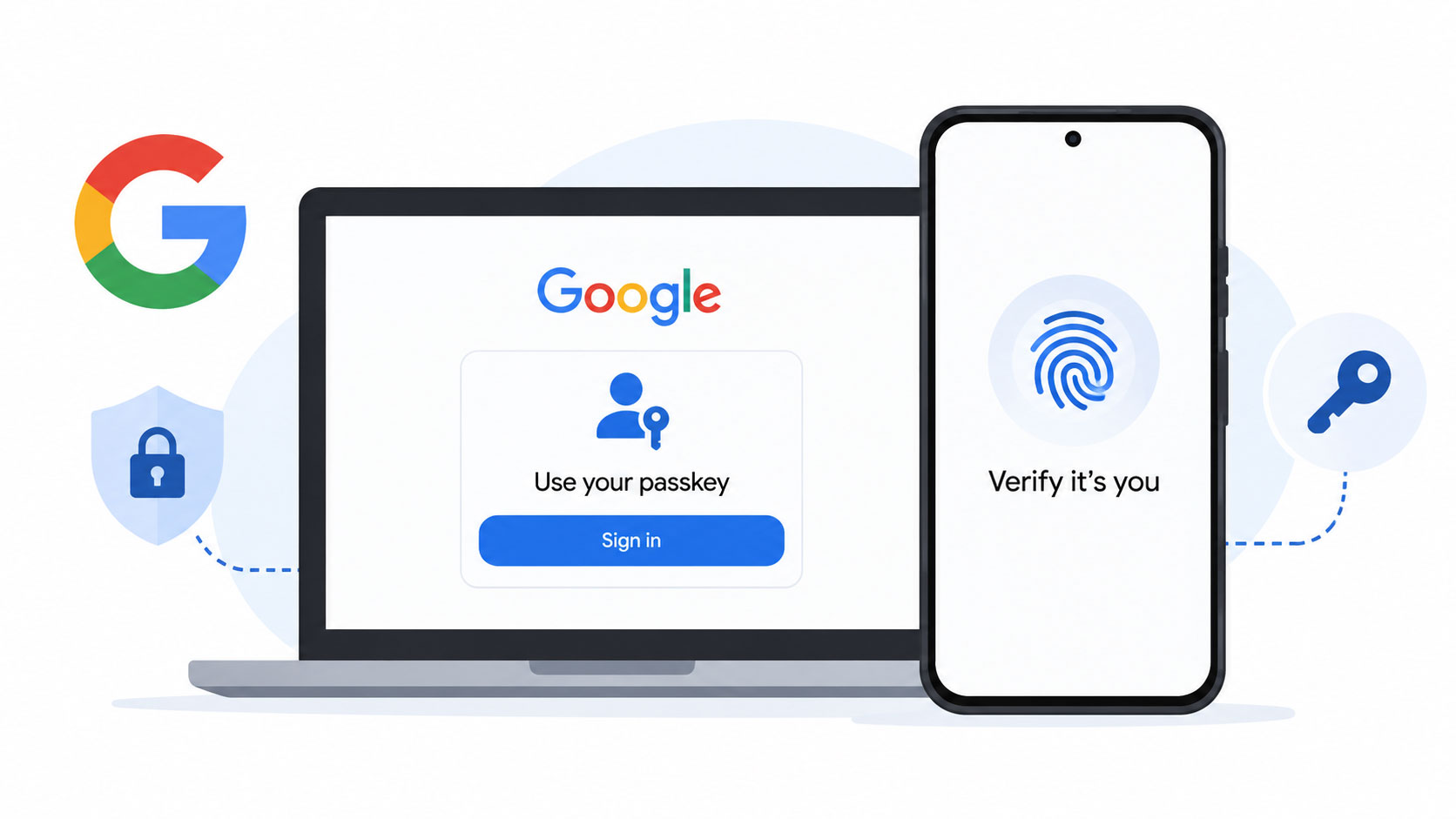
Cross-device sign-in covers the case where the passkey sits on a phone and the sign-in happens on a laptop. Google says the phone needs Bluetooth for that handoff, and Saganote's Google passkey guide walks through the QR scan and the setup at g.co/passkeys. Keys never leave the phone.
Google, Apple, GitHub and WhatsApp Support Passkeys, but OS and Browser Versions Matter
Support depends on two layers: the service and the device. Services decide whether to offer passkeys at all, while the operating system and browser decide whether the device can create and use them. Both layers must line up.
| Service | Passkey support | What to know |
|---|---|---|
| Google Account | Personal accounts | Needs Android 9+, iOS 16+, Windows 10+, macOS Ventura+ or ChromeOS 109+; Workspace admins may block passkey-only sign-in |
| Apple Account | Sync through iCloud Keychain | Requires two-factor authentication on the Apple Account |
| GitHub | Personal accounts | Device-bound passkeys cannot be backed up or moved |
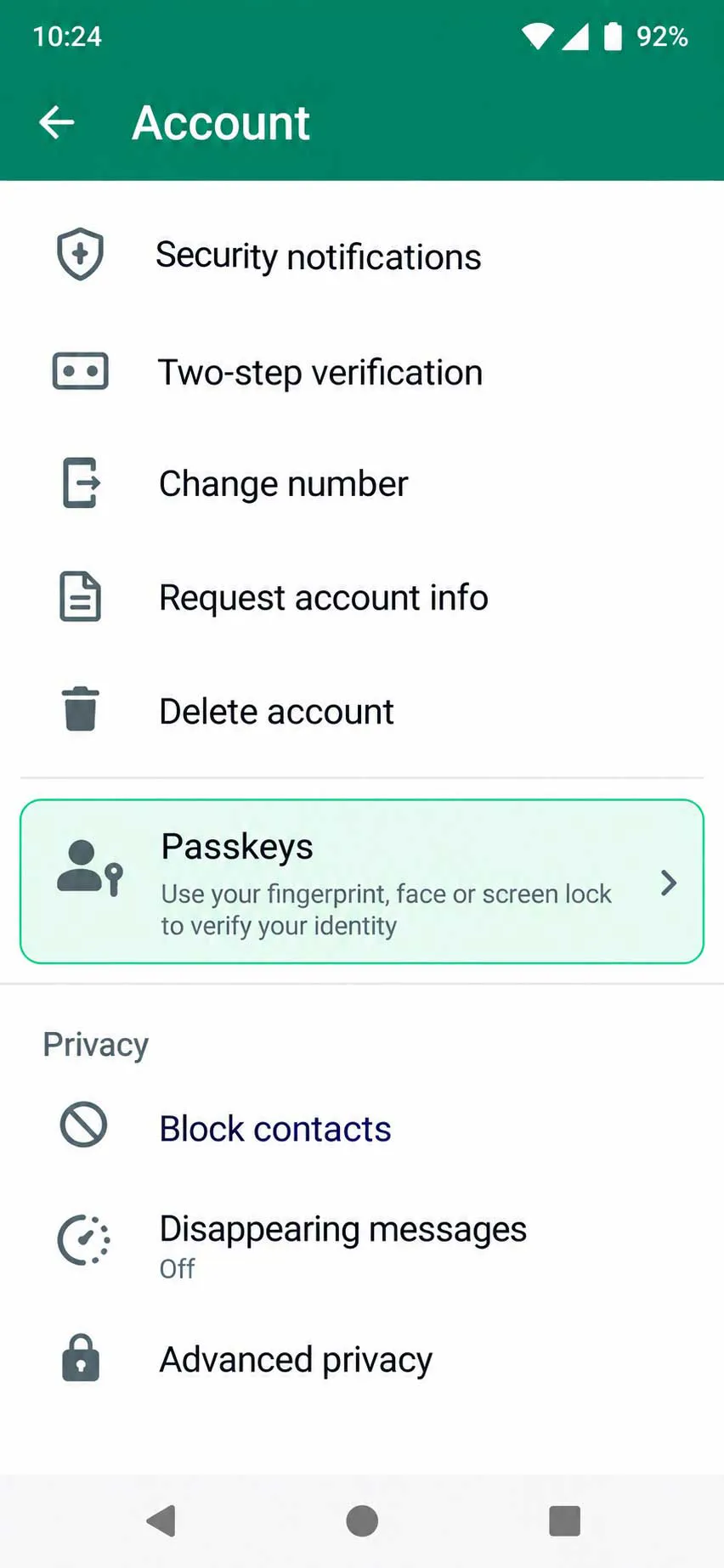
| More than one passkey per account | Meta announced the change on Aug. 25; settings sit under Account, then Passkeys |
Browser floors follow the same pattern. Google lists Chrome 109, Safari 16, Edge 109 and Firefox 122 as the minimum versions for its passkeys, so an out-of-date browser can hide the option.
Windows is the awkward case. Support tables at passkeys.dev list built-in synced passkeys for Windows as planned, though device-bound passkeys work there, so Windows users who want sync typically rely on a third-party manager.
Automation tools lag behind. 1Password's Claude connector, which lets the AI sign into sites without seeing credentials, does not support passkeys in its current version, as Saganote's coverage notes, so agent workflows still lean on typed credentials.
Lost Phones, Platform Switches, Recovery Gaps and Workplace Rules Break Passkeys
A lost phone is the first failure case. Google says anyone who can unlock a device holding the passkey can reach the account, even after a sign-out, so passkeys belong on personal devices only. A short PIN could become the weakest point. Google's fix is to sign in from another trusted device and remove the lost device's passkey.
Moving between ecosystems is the second failure point. Passkeys have traditionally been harder to move than passwords, and Google now uses the Credential Exchange standard to shift them between Google Password Manager and compatible third-party managers on Android, as Saganote reported in September. Both managers must support the exchange, so the feature is not universal.
WhatsApp built in redundancy. Accounts can now hold more than one passkey, which helps people who move between Android and iOS, and passkey setup appears as the second of seven settings in Saganote's WhatsApp account guide.
Recovery is the third gap. Google added a face-video option for personal accounts on July 23, and a short recording can restore access after a lockout. Google describes the option as a supplement to passkeys, recovery emails and recovery contacts, as Saganote covered, and it excludes Workspace, child and Advanced Protection accounts.
Smaller snags add up. Google says a new passkey can take up to seven days to become available, that it may disable a passkey it judges suspicious with 30 days to confirm it before deletion, and that some browsers and operating systems refuse passkeys in Incognito mode.
Workplace accounts follow separate rules. Google notes that an administrator may block passkey-only sign-in on Workspace accounts, though passkeys can still serve as a second step or a recovery option.
Passwords are not leaving yet. Google says adding a passkey does not delete existing sign-in or recovery methods, and Apple moved automatic password changes to a future software update, according to Saganote's iOS 27 roundup.
Passkeys Block Phishing, but Leaked Contact Data and One-Time Codes Still Matter
Nobody can type a passkey into a lookalike page. Contact data still leaks through third parties, though: the LastPass customer data taken in the Klue breach covered names, phone numbers, email addresses and support case records, while password vaults stayed untouched, as Saganote reported. Details like those can feed targeted phishing, the attack passkeys exist to block.
One-time codes add a step that passkeys remove. Gmail is testing a Copy code button on Android and iOS that moves a code from an email to an app in fewer taps, as Saganote covered, but the feature does not change how two-step verification works. Google says a passkey skips the second step entirely.
A Five-Step Path to a First Passkey Without Losing Access
Setup order matters. Following this order keeps existing sign-in options in place until the passkey proves itself, which follows Google's note that adding one removes nothing.
- Update the operating system and browser to at least the versions Google lists.
- Confirm the phone or computer has a screen lock, since a device without one cannot use its passkey.
- Create the passkey on a personal device, not a shared or borrowed one.
- Keep existing recovery methods in place, because adding a passkey removes none of them.
- Add a second passkey on another device or manager, which covers the loss of a single phone.
Portability will track manager support. Credential Exchange transfers work only when both managers adopt the standard, so the list of managers that join will decide how freely passkeys move between ecosystems.
Frequently Asked Questions
What is a passkey in simple terms?
Do passkeys replace passwords completely?
Can a passkey move to a new phone?
Is a passkey safe if the phone is stolen?
Do passkeys work in Incognito mode?