Windows 11 Administrator Protection reached the Release Preview channel on August 14 via optional update KB5120998. Two builds carry it: 26100.9267 for Windows 11 24H2, and 26200.9267 for 25H2. After more than a year of Insider testing, the feature is one step from general availability.
How It Differs From Traditional UAC
Standard UAC keeps two tokens alive for the entire session. Administrator Protection scraps that model.
Elevated actions create a hidden, isolated administrator profile - that profile ceases to exist the moment the elevated process closes, taking the admin token with it. Malware that gains a foothold in the regular session cannot inherit elevated rights because the elevated session never overlaps with the standard one.
Each elevation request requires a biometric check or PIN. Single sign-on credentials from the regular user session do not carry into the elevated profile - apps that assume SSO works inside elevated contexts will behave unexpectedly.
What Breaks When You Enable It
Before enabling Windows 11 Administrator Protection, Microsoft warns of several compatibility issues worth reviewing.
- Hyper-V and Windows Subsystem for Linux may not function correctly
- Network resources and mapped drives can become unavailable in elevated sessions
- Applications may write data to the elevated profile rather than the user's actual profile
- Scheduled tasks should run as SYSTEM or a dedicated service account, not a standard user
For enterprise environments running Microsoft's MDASH AI for Windows vulnerability scanning, confirm compatibility before deploying the feature at scale. The isolated profile model changes how elevated processes interact with system resources in ways that can surface unexpectedly in production.
How to Turn It On
Group Policy path: Computer Configuration > Windows Settings > Security Settings > Local Policies > Security Options > "User Account Control: Configure type of Admin Approval Mode."
Intune users find it under Settings Catalog > Local Policies Security Options.
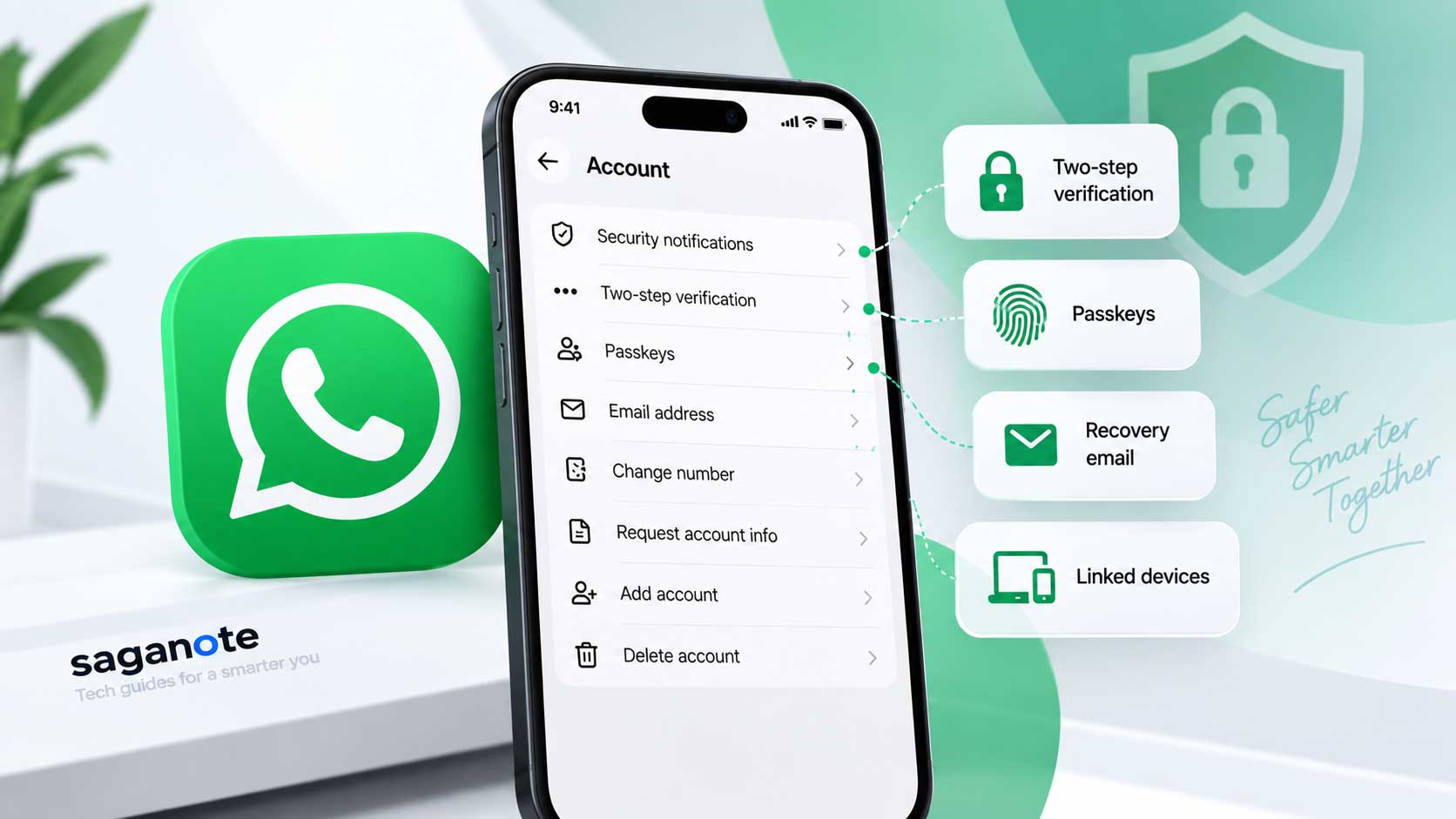
Consumer builds surface it inside Windows Security > Account protection > Administrator protection - when enabled by the device administrator.
Nine Project Zero Bypasses - All Reportedly Patched
Google Project Zero found nine bypass methods during testing. Microsoft reportedly patched all of them before or after the initial Insider release.
For a feature Microsoft spent over a year developing in Insider channels, nine documented exploits is a high number before GA - but Project Zero finding them before broad deployment is exactly how the process is supposed to work, unlike the broader open source ecosystem where fewer than 5% of AI-found vulnerabilities get fixed.
One More Wrinkle: Microsoft's Documentation Conflicts
Release notes state that Windows 11 Administrator Protection "isn't classified as a formal security boundary." Microsoft Learn's own pages contradict this, indicating the feature introduces one.
Security teams treating this as a hard perimeter should test that assumption - the documentation inconsistency alone suggests the boundary claims are still being worked out internally.
Microsoft has not announced a general availability date. No indication exists of when - or whether - the feature ships enabled by default.