Picking among the best password managers comes down to three facts: which devices a household uses, what the plan costs at renewal, and whether outsiders can inspect the code. Four apps cover most buyers. Prices below come from each vendor's own page on Nov. 11, and several include first-year discounts that end at renewal.
Last checked Nov. 11, 2026. This page tracks the best password managers and lists four today, and the comparison table gains a column each time another manager is added.
Bitwarden, 1Password, Proton Pass and Apple Passwords Differ Most on Price, Platforms and Open Code
Plan details below come straight from each vendor's page. "Not stated" means the page gave no answer, and promotional prices cover only a first term, so renewal rates can differ.
| Bitwarden | 1Password | Proton Pass | Apple Passwords | |
|---|---|---|---|---|
| Free option | Free plan, unlimited devices | 14-day trial, no card | Free plan, unlimited devices | Built into iOS 18, iPadOS 18, macOS Sequoia and visionOS 2 |
| Individual price | $19.80 a year | $2.99 a month billed yearly, $3.99 regular | $1.99 a month billed $23.88 a year, $4.99 regular | No separate plan |
| Family price | $47.88 a year, 6 users | $4.49 a month billed yearly, $5.99 regular, 5 users | $2.79 a month billed $33.48 a year, 6 users | Shared Groups, no plan |
| Passkeys | All plans, including free | Sync across Mac, iOS, Windows and Android | All plans; Android 14 or later | Yes, through iCloud Keychain |
| One-time code generator | Premium and Families | Not stated | Pass Plus and above | Yes |
| Open source | Entire codebase on GitHub | Not stated | Apps and extension on GitHub | Not stated |
| Platforms | Unlimited devices | Mac, iOS, Windows, Android | Browser, mobile and desktop apps | Apple devices; Windows through iCloud for Windows in Chrome or Edge; Android not listed |
Bitwarden Charges the Least and Publishes Its Code With Annual Audits
Bitwarden Premium costs $19.80 a year, which works out to $1.65 a month, and the free plan already covers passkeys on unlimited devices. Premium adds the one-time code generator, emergency access, vault health reports and 5GB of file storage. Families runs $47.88 a year for six users.
Anyone can read Bitwarden's source, because the entire codebase sits on GitHub under the AGPL v3.0 or the Bitwarden License. Audits run annually. Its 2025 round covered the browser extension, desktop and mobile apps, the web vault and the cryptography, with auditors including Cure53, Fracture Labs and Unit 42.
Encryption happens on the device before anything syncs, and keys derive from the master password through PBKDF2-SHA256 at 600,000 iterations by default or through Argon2id. Bitwarden cannot read vaults. A forgotten master password locks the account out unless a recovery option is active, such as emergency access for Premium users.
1Password Offers No Free Tier but Extends Into AI Agents and Workplace Apps
1Password Individual lists at $3.99 a month and shows $2.99 billed yearly, a price that includes an extra 25% off the first 12 months for new customers who buy directly. Families, for up to five users, shows $4.49 against a $5.99 list price. A 14-day trial replaces a free tier.
Account protection pairs a master password that 1Password never stores with a 128-bit Secret Key, a design the company says keeps vault contents unreadable to it. Independent audit results appear on 1Password's site, and a HackerOne bug bounty runs alongside. Source licensing goes unmentioned on 1Password's security page.
Passkeys sync across Mac, iOS, Windows and Android, according to 1Password's product page, which lists creation and use only for the desktop browser version and iOS 17 and iPadOS 17. Agent support is narrower. Announced July 16, the 1Password connector for Claude runs only on Mac inside the Cowork desktop app and does not support passkeys.
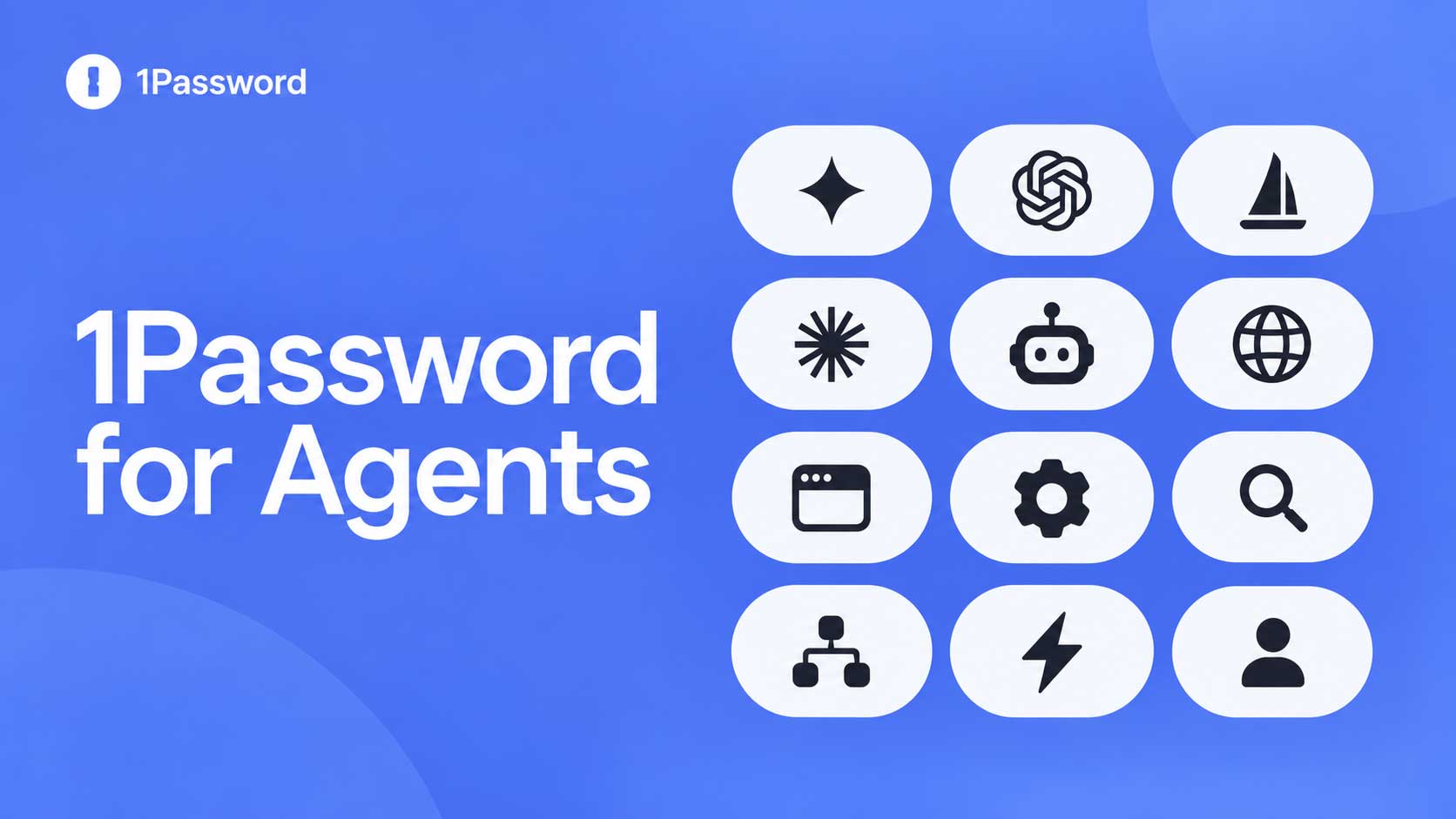
Broader agent access arrived Oct. 22. 1Password for Agents lets approved assistants sign in to sites from a user's vault without ever seeing the credential, starting with Meta Muse and SpaceXSI's Grok Bot, and it costs nothing extra on Individual and Family accounts hosted on 1Password.com. 1Password.eu and 1Password.ca accounts do not work with it yet.
Workplace buyers see a different 1Password. Google Chat gets a 1Password app that requires a managed Google Workspace account and a SaaS Manager subscription, so individuals and families will not encounter it.
Proton Pass Pairs Open Code With a Mail and VPN Bundle, and Promo Prices Need a Renewal Check
Proton Pass Free includes unlimited logins, notes, cards and devices, 10 hide-my-email aliases and passkeys. Pass Plus lists $4.99 a month, shows $1.99 billed at $23.88 every 12 months, and adds unlimited aliases, a built-in code generator, vault sharing, file attachments, emergency access and a command-line tool. Family covers six users at $33.48 a year.
Unlimited bundles Pass with Mail, Calendar, VPN and Drive at $9.99 a month, billed $119.88 every 12 months. VPN renewal follows its own terms. A Proton VPN review found VPN Plus renews at $83.88 a year with auto-renewal as the checkout default, and the VPN rankings show how the service compares with rivals.
Mail is the other half of the bundle. Proton Mail added six automatic inbox categories on Aug. 21 and says zero-access encryption still protects inbox contents, one more feature inside the bundle.
Proton publishes the Pass code for its browser extension, iOS app and Android app on GitHub. Cure53 audited the mobile apps, extensions and API in May and June 2023 and reported no critical issues, though Proton said one medium-severity item stayed open because Android lacked the information needed to fix it. Proton last updated that audit page in April 2024.
Passkeys work on every plan, but Android support starts at version 14, and a passkey cannot unlock the Pass app itself, which still asks for a password, passphrase or biometrics. Limits exist.
Apple Passwords Adds No Cost on Apple Hardware but Leaves Gaps Elsewhere
Apple Passwords stores logins, passkeys, Wi-Fi credentials and one-time codes, and syncs through iCloud Keychain on iOS 18, iPadOS 18, macOS Sequoia and visionOS 2 or later. Shared Groups let families share entries. Apple's guide lists import and export options.
Windows users can reach the same entries in Chrome or Edge through iCloud for Windows, while Apple's pages list no Android support. Mixed Apple and Android households need another manager.
Apple left automatic password changes out of the iOS 27 launch, according to the iOS 27 feature roundup, so rotating a weak entry remains a manual job. Alerts still work. Apple's Passwords app flags weak and compromised entries, and 1Password's Watchtower does similar work.
Switching Managers Depends on Credential Exchange, Not Just Export Files
Google Password Manager on Android can move passwords and passkeys to and from compatible third-party managers using Credential Exchange, a standard Google announced Sept. 10 that replaces manual export files. Support is the catch. Both sides must support the flow, and the announcement names no compatible managers.
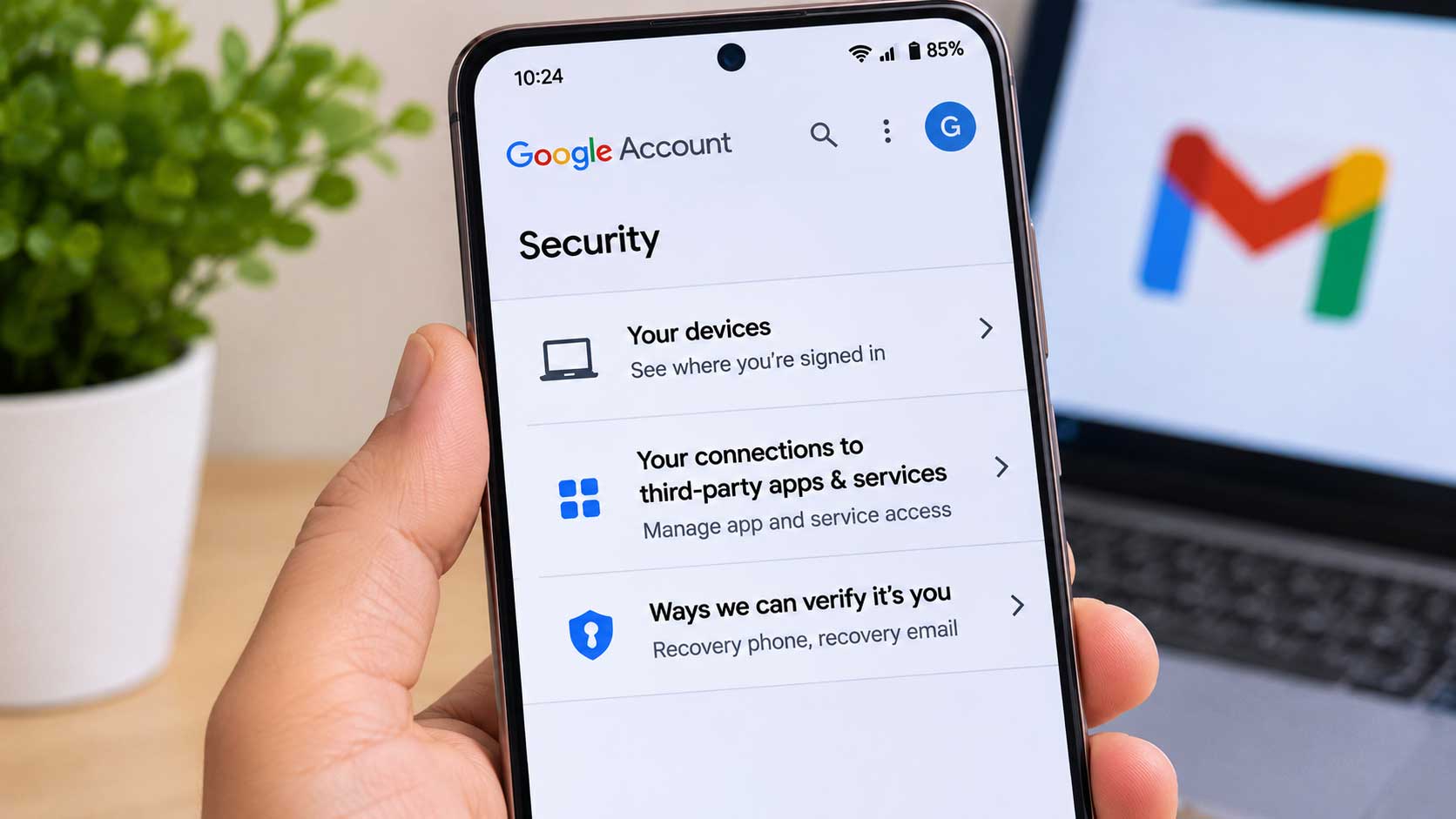
Passkeys on Google accounts live on a device or in a credential manager, according to the Google passkey setup guide, so the manager holding one decides how easily it moves. Checking Credential Exchange support before choosing a manager avoids a stranded passkey. Portability is not automatic.
Passkey Storage Has Become a Selection Criterion, and WhatsApp Shows Why
WhatsApp's planned iPhone cloud backup treats a passkey as the primary key, described as a credential stored in the device's password manager, according to the backup report. Whichever manager holds that passkey decides whether a new phone restores the backup. Platform lock-in is the risk.
Accounts can now hold more than one passkey, which helps people who move between Android and iOS, and passkey setup is the second of seven items in the WhatsApp settings guide. Cross-platform managers keep options open.
A Vendor Breach Does Not Always Reach the Vault, as the LastPass Incident Showed
LastPass reported on June 24 that the extortion group Icarus had breached Klue, a market intelligence tool its sales teams used, and took OAuth tokens that opened LastPass's Salesforce environment. Attackers reached names, phone numbers, email addresses, physical addresses, support case records and sales data, but not vaults. Vaults stayed secure.
Customers received narrow guidance: skip changing master passwords unless the same one protects other accounts, and watch for phishing from three domains LastPass does not own. Contact data matters. For buyers, the useful question is what a vendor keeps outside the vault, because contact details and support records can feed targeted phishing even when vaults stay intact.
Apple-Only Homes, Mixed Households, Budget Buyers and Agent Users Each Land on a Different Manager
Verdicts on the best password managers differ by household. Each row in the table matches a need to the facts above instead of naming one winner, and gaps in the vendors' own pages remain.
| Household or need | Option that fits | Reason from the facts above |
|---|---|---|
| Apple devices only | Apple Passwords | Built in, Shared Groups, no plan to buy; no Android listing |
| Mix of Apple, Windows and Android on a budget | Bitwarden | $19.80 a year, free plan with passkeys, open code, annual audits |
| Aliases and a Mail and VPN bundle | Proton Pass | 10 free aliases, unlimited on Plus, Unlimited bundle at $9.99 a month |
| AI agent sign-in | 1Password | Claude connector on Mac and the Agents program; no free tier |
| Passkey portability | Check Credential Exchange support first | Both managers must support the transfer |
Discounts end after the first term. At list prices, 1Password Individual costs $3.99 a month and Proton Pass Plus $4.99, against $1.65 for Bitwarden Premium, so renewal notices will show how much of today's gap survives.
Frequently Asked Questions
What is the best password manager for a mixed Apple and Android household?
Is a free password manager enough?
Bitwarden vs 1Password: which costs less?
Can passkeys move between managers?
Did the LastPass breach reach vaults?