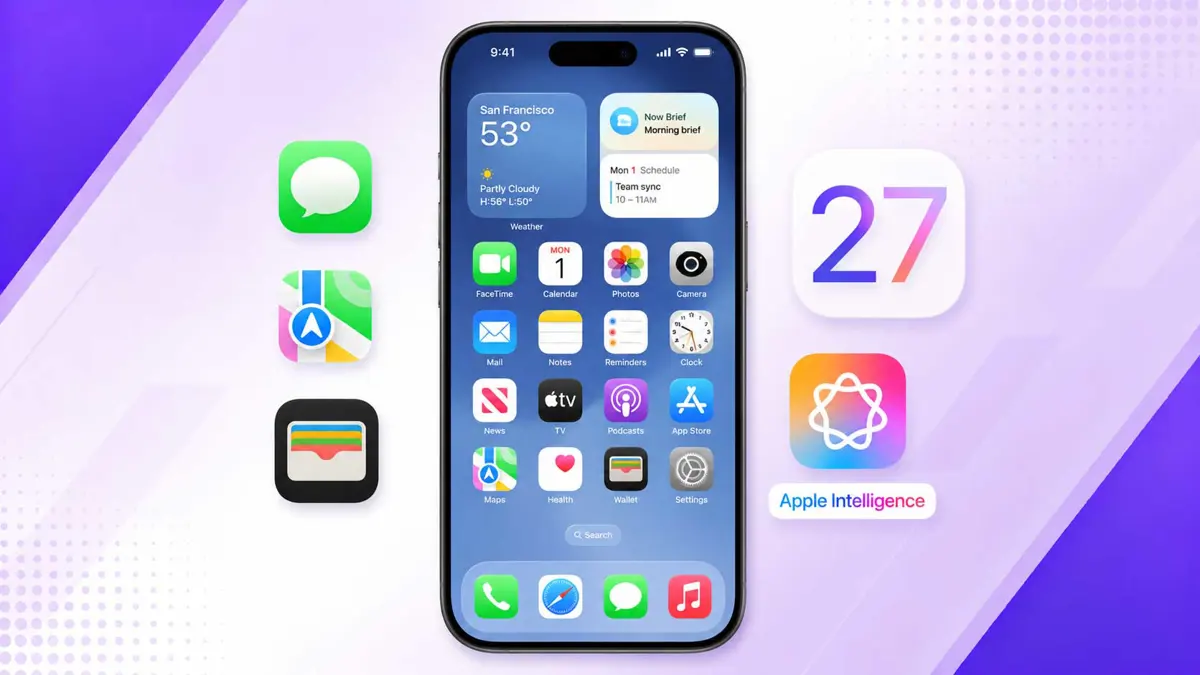
iOS 27 is the most wide-ranging iPhone update in years. Apple rebuilt Siri from scratch using Google Gemini, added Apple Intelligence features across every major system app, and shipped a new visual design language alongside the fastest app performance improvements since Apple Silicon arrived on iPhone. iOS 27 is available as a free update for iPhone 15 and later, with Apple Intelligence features limited to iPhone 15 Pro, iPhone 16, and newer models.
Siri Gets Rebuilt With Google Gemini
The biggest change in iOS 27 is Siri. Apple replaced the engine under Siri with Google Gemini, giving the assistant a far more capable natural language model. Siri in iOS 27 can hold multi-turn conversations, execute complex requests that span multiple apps, and understand context from earlier in a conversation without losing the thread. Apple did not replace Siri's voice, branding, or its privacy architecture - on-device processing still handles requests that do not need to go to the cloud. What changed is the model powering the intelligence behind it.
A new Siri app lands alongside the rebuilt assistant. The standalone app gives Siri a persistent home on the Home Screen and in the App Library, with a full conversation view instead of the overlay interface. Personal Siri requests - things that reference your messages, photos, or contacts - still stay private and process on-device. Gemini handles requests that need broader world knowledge or complex reasoning.
Apple Intelligence Comes to Messages
Messages gets Apple Intelligence integration for the first time in iOS 27. One-tap suggestions appear below messages or in the keyboard row, based on what's being discussed in the conversation - a grocery list might get an "Add to Reminders" suggestion, a meeting time a Calendar prompt. Smart Reply now personalizes its suggestions to match the user's own writing style over time, so replies sound less like autocomplete and more like the person sending them.
A Drawing iMessage app joins the app tray, letting users send hand-drawn sketches from the same Markup toolkit that exists in Notes and Photos. RCS messaging also gets two upgrades: inline replies finally work in green-bubble conversations, and Tapback reactions now send as actual emoji to Android users instead of text strings. Full details on every Messages change in iOS 27.
Wallet Can Now Create Passes and Split Bills
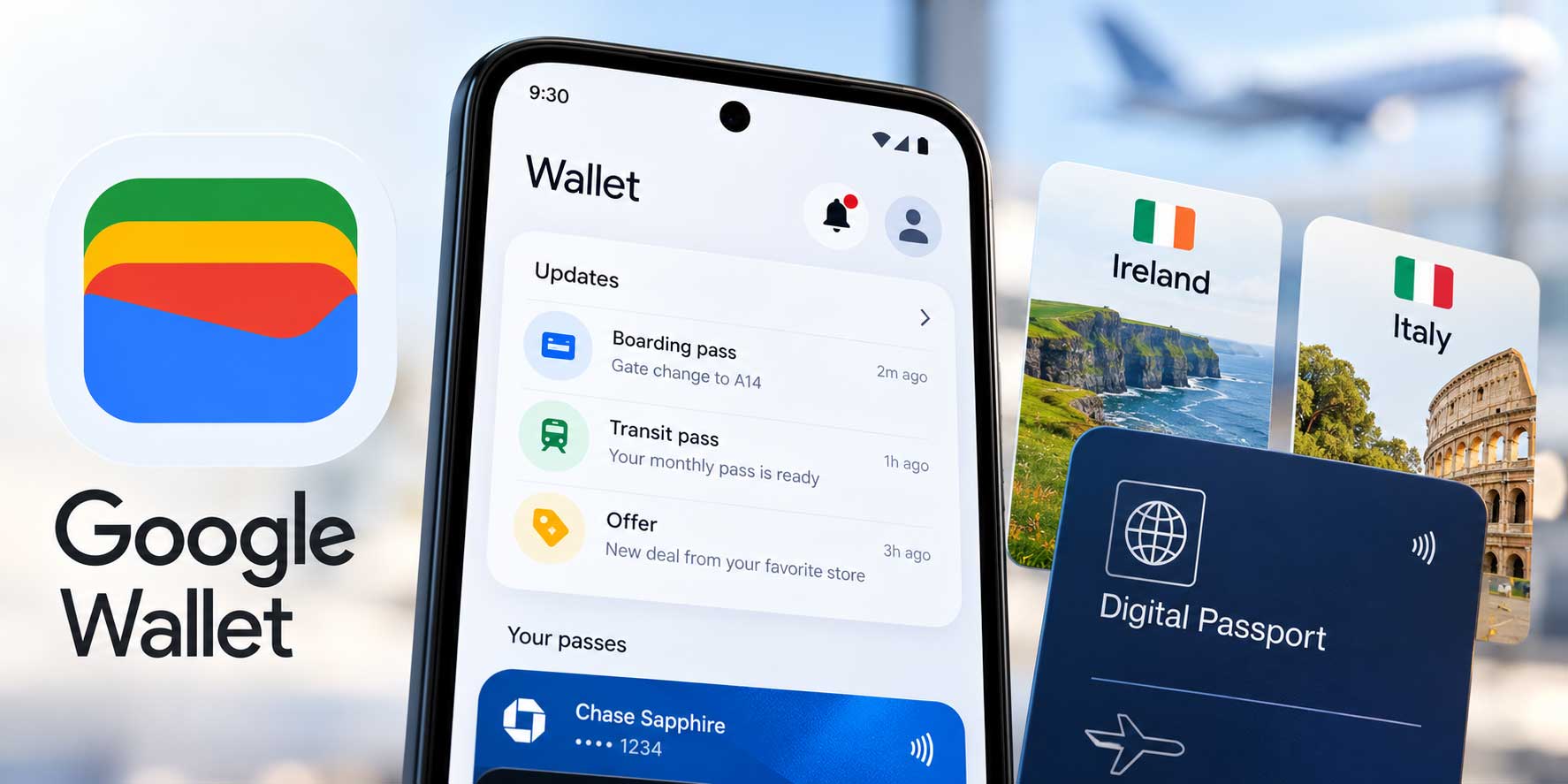
iOS 27 Wallet adds a Create a Pass option that works two ways. Point the camera at any physical card - a gym membership, a loyalty card, an event ticket - and Visual Intelligence reads the details and imports them. No typing. Alternatively, build a pass from scratch using one of three templates: Standard, Membership, or Event. Scanning requires an Apple Intelligence-compatible device; manual template creation works on any iPhone running iOS 27.
Split Bill with Apple Cash connects Siri's camera to Wallet's payment tools. Scan a restaurant receipt and a Split Bill prompt appears - open it to send payment requests or pay your own share directly through Apple Cash. No math, no app-switching. Full details on every Wallet change in iOS 27.
Calendar Finally Gets Natural Language Event Creation
Calendar in iOS 27 can create events from plain-language descriptions. Type "Coffee with Mark at Starbucks at 3pm Tuesday" and Calendar fills in the time, location, and invitee suggestions automatically. Edit the description and Calendar updates the details to match. Natural language input also works for Reminders, so the same behavior extends across Apple's task and calendar ecosystem.
Apple requires Apple Intelligence for this feature, which limits it to iPhone 15 Pro and iPhone 16 or later. For Fantastical subscribers, this is exactly what they paid a monthly fee for - built in and free. Full details on every Calendar change in iOS 27.
Apple Music Gets AutoMix Upgrades and Landscape Now Playing
AutoMix, the AI-powered transition feature in Apple Music, gets a smarter algorithm in iOS 27 that matches transitions by key, tempo, and energy level. AutoMix also expands from iPhone and iPad to Apple TV and HomePod for the first time. Artist pages get a visual refresh with a more prominent shuffle button and updated name display.
Now Playing adds landscape orientation support in iOS 27 - the first time the screen has worked in anything other than portrait. Apple TV gains hi-res lossless audio playback, matching quality tiers previously limited to headphones. Siri AI integration lets users ask about an artist mid-conversation, then follow up with "shuffle her new album" without restarting. Full details on every Apple Music change in iOS 27.
Maps Gets AI-Enhanced Flyover and Local Lists
Flyover - the 3D aerial city view in Maps - uses AI to sharpen building and landmark detail in iOS 27. Apple says the update combines aerial photography with machine learning to produce more lifelike city renderings. A new Local Lists feature surfaces curated place collections - trending restaurants, kid-friendly spots, places to meet friends - derived from aggregate location signals without tying data to individual users. Local Lists is US-only at launch.
Suggested Places expands in iOS 27 to show many more recommendations in a horizontal swipe, up from just two slots in iOS 26.5. Natural language routing lets users describe route conditions - "avoid highways" or "add a coffee stop" - instead of setting filters. A Parked Car widget arrives for the Smart Stack. Full details on every Maps change in iOS 27.
Camera Vision and a New App
iOS 27 ships a Camera Vision feature that can identify objects, text, and scenes through the viewfinder without taking a photo. Point the camera at a plant, a restaurant menu, or a product label - the system identifies it and offers relevant suggestions or information. Camera Vision runs on-device and does not upload images.
Battery Focus and Performance Improvements
Battery Focus is a new mode in iOS 27 that limits background activity, visual effects, and refresh rates to extend battery life during low-charge situations. Unlike Low Power Mode, Battery Focus can be scheduled or triggered automatically based on battery percentage without enabling the full Low Power state.
Apple says apps launch 30% faster in iOS 27, with the biggest gains on older Apple Silicon devices. Scrolling and animations get optimizations across the entire OS. Background app refresh is more intelligent, reducing unnecessary wake-ups that previously shortened standby time. These are system-wide changes - they apply without any app updates from developers.
New Design Language
iOS 27 refreshes the visual design across the entire OS. Every system app gets a new icon design, with updated shapes and colors that Apple says feel more consistent across dark and light mode. The Lock Screen gets a redesigned notification layout, and the Home Screen adds new widget options. Translucency and depth effects across alerts and sheets are more pronounced in iOS 27 than in previous versions.
Availability and Compatibility
iOS 27 is available as a free software update. Compatible devices: iPhone 15, iPhone 15 Plus, iPhone 15 Pro, iPhone 15 Pro Max, iPhone 16, iPhone 16 Plus, iPhone 16 Pro, iPhone 16 Pro Max, and any iPhone 17 model. Apple Intelligence features require iPhone 15 Pro, iPhone 15 Pro Max, iPhone 16, or newer. iOS 27 is available in the public beta now; the final release ships this fall alongside the iPhone 17 lineup.