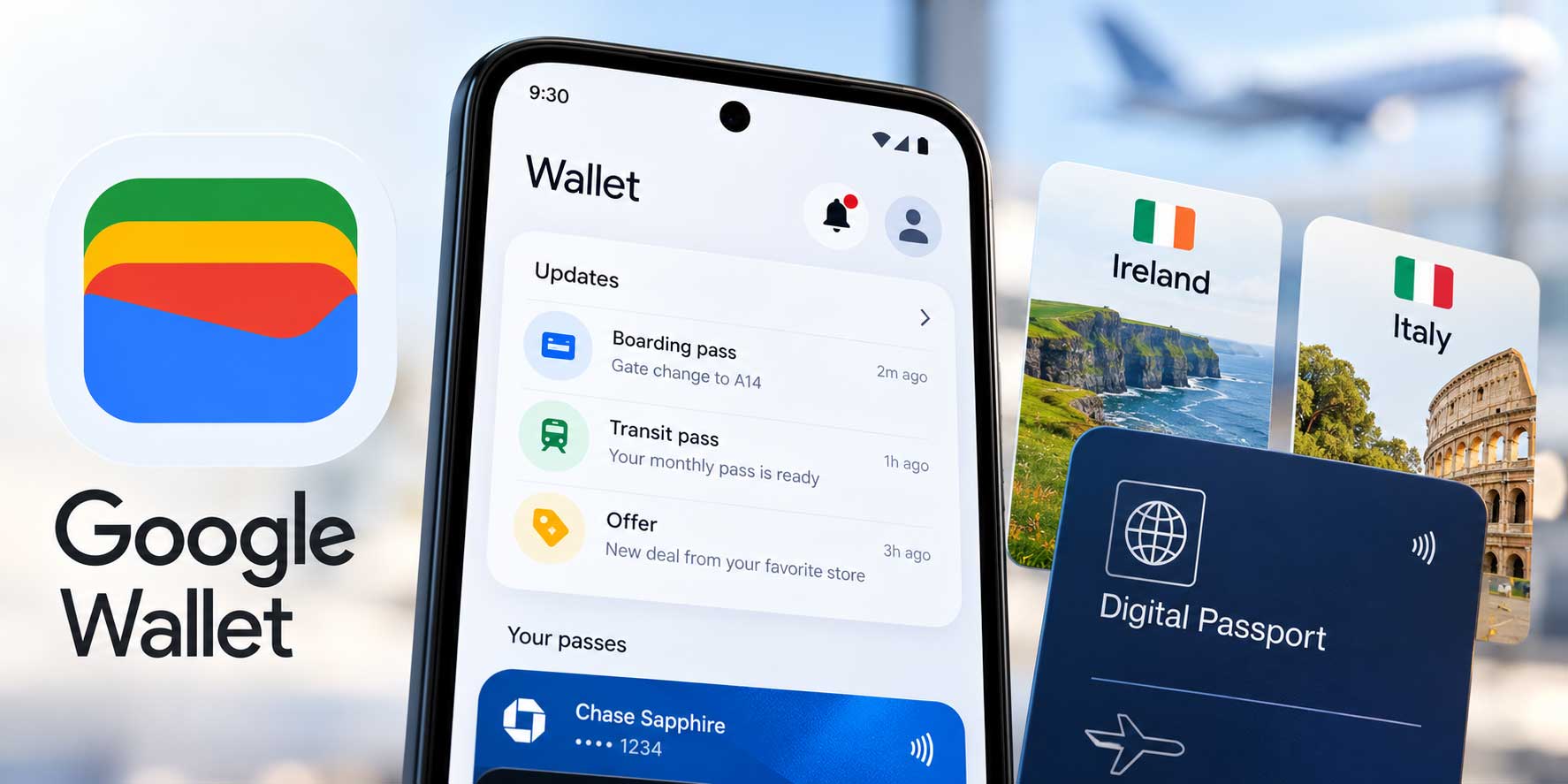
iOS 27 Wallet adds two new capabilities that expand what the app can hold and what it can do with money. Create a Pass lets users digitize any physical card or build a pass from scratch. Split Bill with Apple Cash connects a Siri receipt scan directly to payment requests. Both land this fall as part of iOS 27's broader system app updates.
Create a Pass: Scan Physical Cards or Build From Scratch
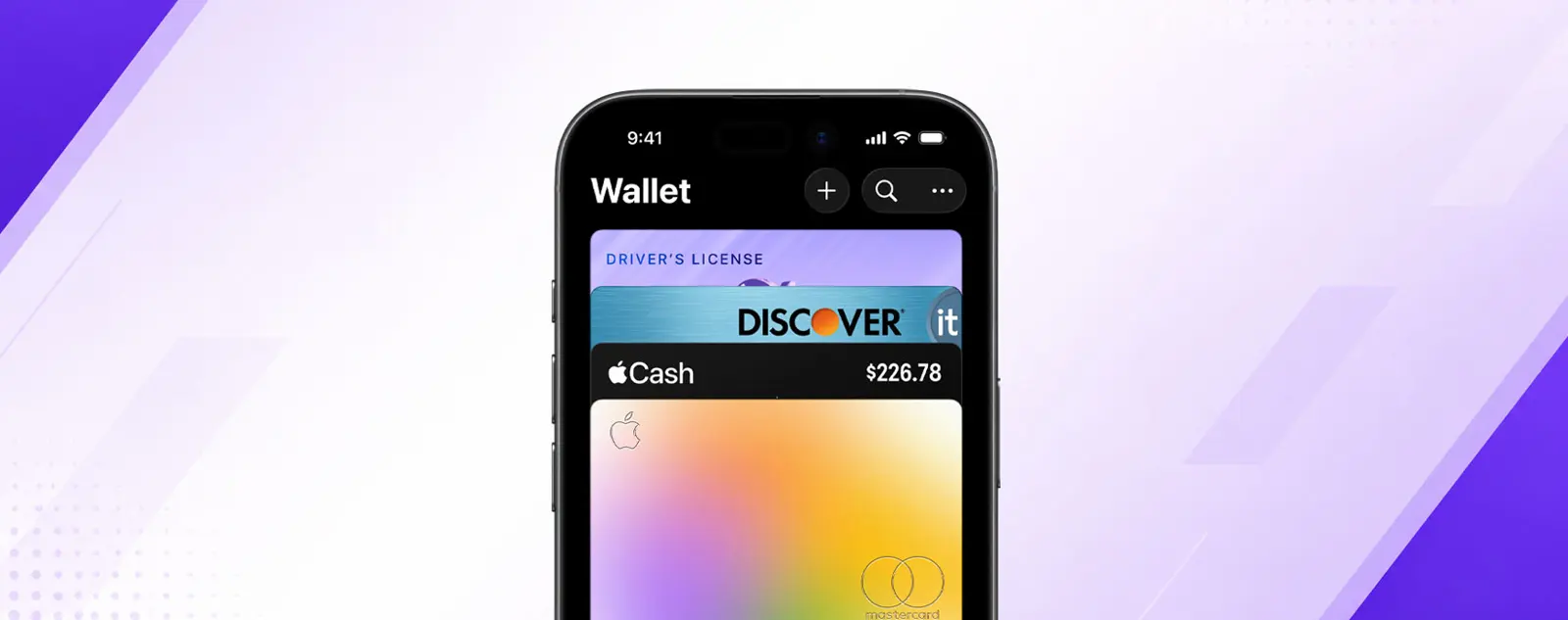
Tapping the + button in iOS 27 Wallet now shows a new option: Create a Pass. Two paths are available. Scan a physical pass - a loyalty card, gym membership, event ticket - and Visual Intelligence reads the details and imports them into Wallet. No typing required. Alternatively, build a pass manually from one of three templates: Standard, Event, or Membership.
Scanning requires an Apple Intelligence-compatible device (iPhone 15 Pro or later, iPhone 16 or later). Manual pass creation works on any iPhone running iOS 27. Apple has not published a list of pass fields supported in manual creation, but the three templates cover the most common use cases most people would want in Wallet.
Split Bill With Apple Cash
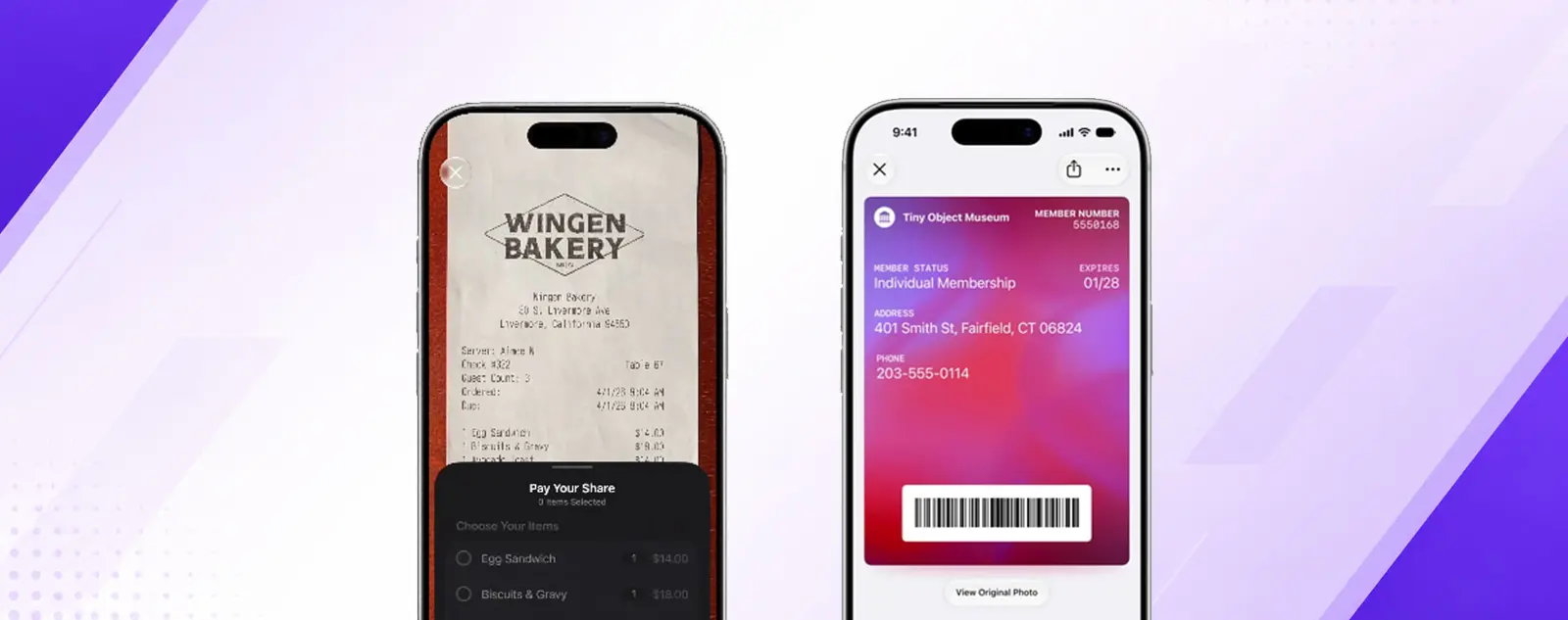
iOS 27 connects Wallet's payment tools to the Camera app via Siri. Point the camera at a restaurant receipt and Siri can read the total. From there, a Split Bill with Apple Cash option appears - open it in Wallet and choose Request (ask others to pay their share) or Pay Your Share (send your portion directly). No manual math, no switching between apps to calculate splits.
Split Bill works with Apple Cash, which requires a US Apple ID and age 18 or older. What's new in Calendar in iOS 27 covers another system app that gets a long-requested Apple Intelligence upgrade in the same release - natural language event creation follows a similar pattern of replacing a multi-tap workflow with a single typed description.
Other Changes in iOS 27 Wallet
The Orders section inside Wallet is easier to find in iOS 27, with a UI update that surfaces it higher in the app. Wallet also gets a new icon design alongside the other system app icons refreshed in iOS 27. What's new in Messages in iOS 27 covers the other major app update shipping at the same time - including a Drawing iMessage app and RCS upgrades.
iOS 27 ships this fall. Both Create a Pass and Split Bill will be available at launch.