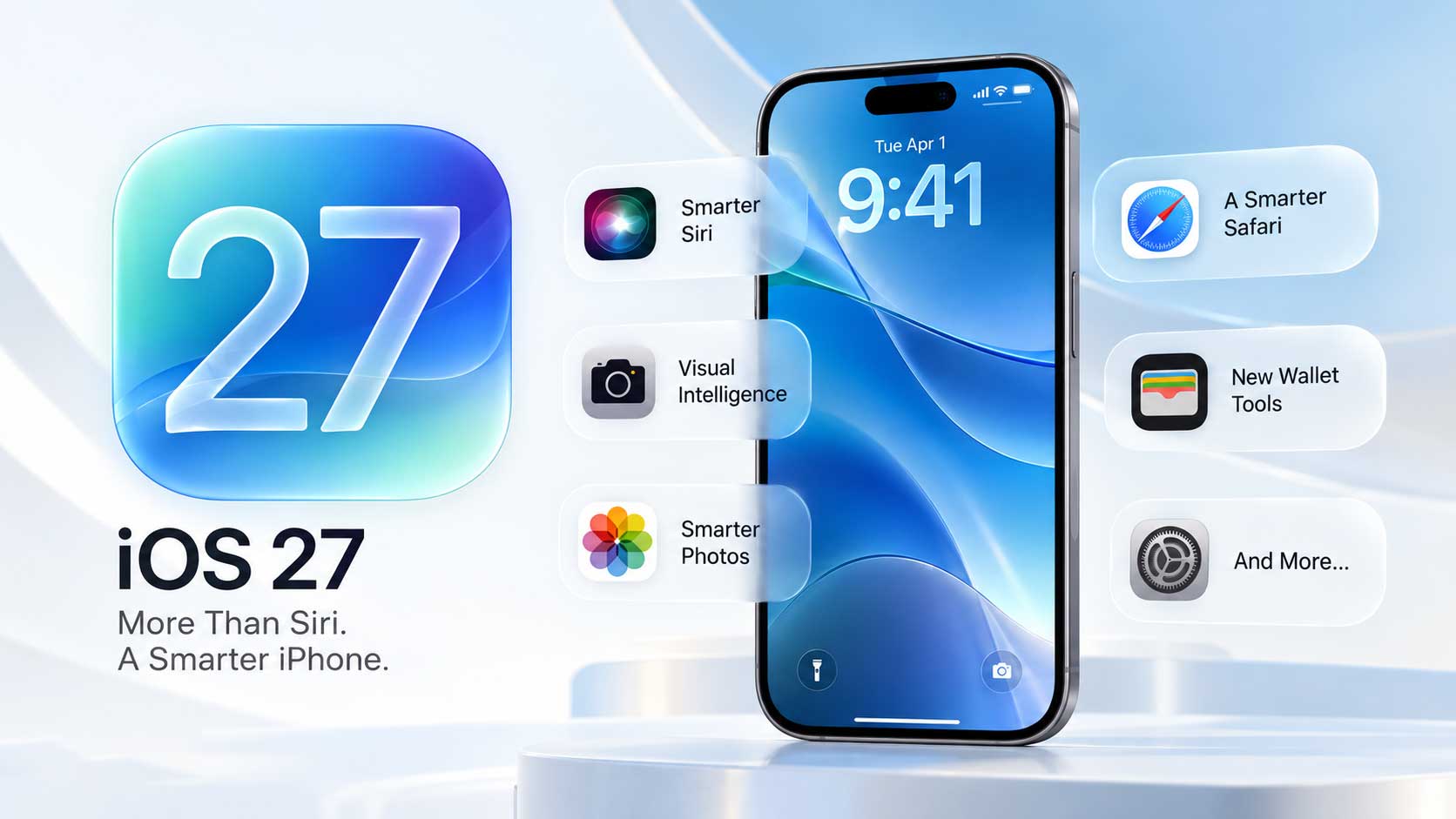
iOS 27 iCloud gets seven distinct changes. Photos, HomeKit cameras, Passwords, Siri, and collaboration tools all see updates that Apple announced at WWDC in June and refined through developer and public betas since. All seven land in September when iOS 27 ships alongside new iPhone models.
Photos: Prioritize Syncing, Faster Uploads, and Android Support
Three changes hit Photos. A new "Prioritize Syncing" toggle forces all photos to upload to iCloud immediately, regardless of battery level and without waiting for the device to charge. After 24 hours, that toggle resets automatically. Apple also reports faster upload speeds to iCloud Photos in iOS 27, meaning images reach other devices more quickly after a shot is taken.
Shared Albums gain the other two changes. Android and Windows users can now upload photos and videos to Shared Albums directly, making cross-platform sharing work in both directions for the first time. Albums also keep full-resolution originals rather than compressed copies - a change Apple needed in place before cross-platform uploads could produce usable results.
HomeKit Cameras: 4K Recording and AI Event Alerts
Two separate updates come to HomeKit Secure Video. All supported cameras can record at up to 4K - no specific plan tier required, and no Apple Intelligence hardware needed. Higher-resolution recording is a standalone change for any HomeKit Secure Video user.
Camera AI is a separate requirement. Apple's Home app generates text summaries of camera activity and delivers them as notifications - examples include "Someone was seen" and "Animal seen." Events from two cameras get paired when the same person moves between areas, so the notification shows a combined overview rather than two separate alerts. A search tool lets homeowners look for specific event types in the playback timeline. All of these AI features require a 2TB or higher iCloud+ plan ($9.99 per month in the US), a home hub running HomePod, HomePod mini, or Apple TV 4K, and an iPhone 15 Pro or any iPhone 16 model or later.
Passwords Detects and Fixes Weak Credentials Automatically
Apple Intelligence in the Passwords app can identify weak credentials saved to iCloud Keychain and update them in the background. Safari handles the process - navigating to the relevant site, completing the password reset flow, and saving the new credential without any manual steps. An Apple Intelligence-compatible device is required. Apple has not published a list of supported sites or addressed how the feature handles accounts that require additional steps during a password change - details that remain open ahead of the fall launch.
Smaller Changes and Fixes
Four more changes round out the release. These iOS 27 iCloud additions affect Siri, collaboration, Journal, and Apple Intelligence daily limits, and none require the 2TB iCloud+ tier that the HomeKit AI features demand.
- Siri conversation sync: Siri conversations now sync across iPhone, iPad, and Mac via iCloud. Previous chats are accessible from any signed-in device through the new Siri app - relevant alongside the conversation features in iOS 27 Messages.
- Collaboration links: iCloud collaboration links gain richer previews when shared. Recipients without access can send an access request to the file owner. Shared content on iCloud.com loads faster.
- Journal: Each entry now shows an iCloud sync status indicator.
- Apple Intelligence limits: Image Playground and other Apple Intelligence features will carry daily usage caps. Higher iCloud+ plan tiers receive larger daily limits. Apple has not published the specific numbers.
Seven changes. Every iOS 27 iCloud feature listed here ships in September alongside new iPhone models. Developer and public beta participants can access all of them in the current beta, with Apple yet to confirm a precise date beyond the fall 2026 window.