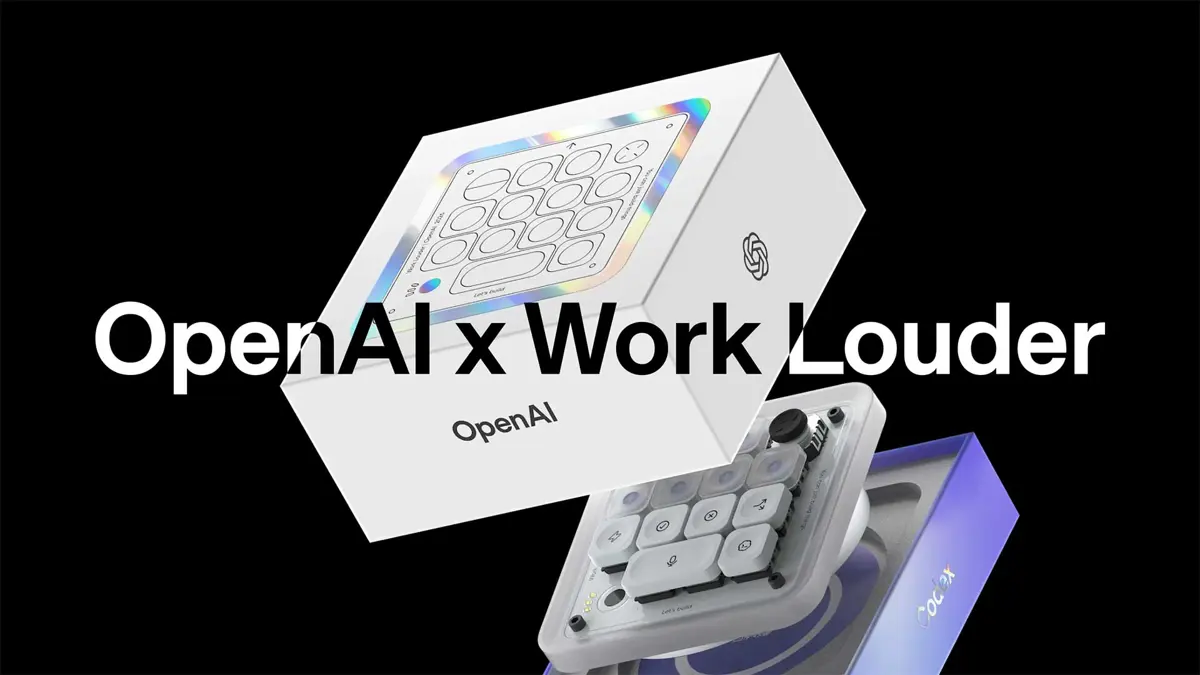
Codex Micro setup is mostly a mapping exercise. OpenAI and Work Louder ship the $230 macro pad with 32 custom icon keycaps and sensible defaults, but the Work Louder Input software lets you reassign every switch, joystick direction, and dial position. Four distinct input types control four distinct things. Get those assignments right and the Micro earns its place on your desk - when OpenAI revealed the Codex Micro in June, pricing and key mapping details were still unconfirmed. Now that the device has been shipping for 10 days, there is enough to build a real guide.
Four Input Types, Four Jobs
Each physical control on the Codex Micro maps to a different layer of a coding session. Agent Keys monitor your running agents via live RGB. Command Keys handle the one-tap actions you repeat constantly. The joystick launches Skills instantly. The dial adjusts how hard the model thinks. None of them overlap, and that separation is what makes the device feel intentional rather than cluttered.
| Input | Count | Primary job |
|---|---|---|
| Agent Keys | Multiple | Live RGB status per agent: thinking, running, waiting, done |
| Command Keys | Multiple | One-tap core actions: accept, reject, stop, new chat |
| Joystick | 1 (4 directions) | Instant Skills launcher |
| Rotary dial | 1 | Real-time reasoning level control |
| Touch sensor | 1 | Context-sensitive secondary inputs |
Agent Keys: One Key Per Worktree
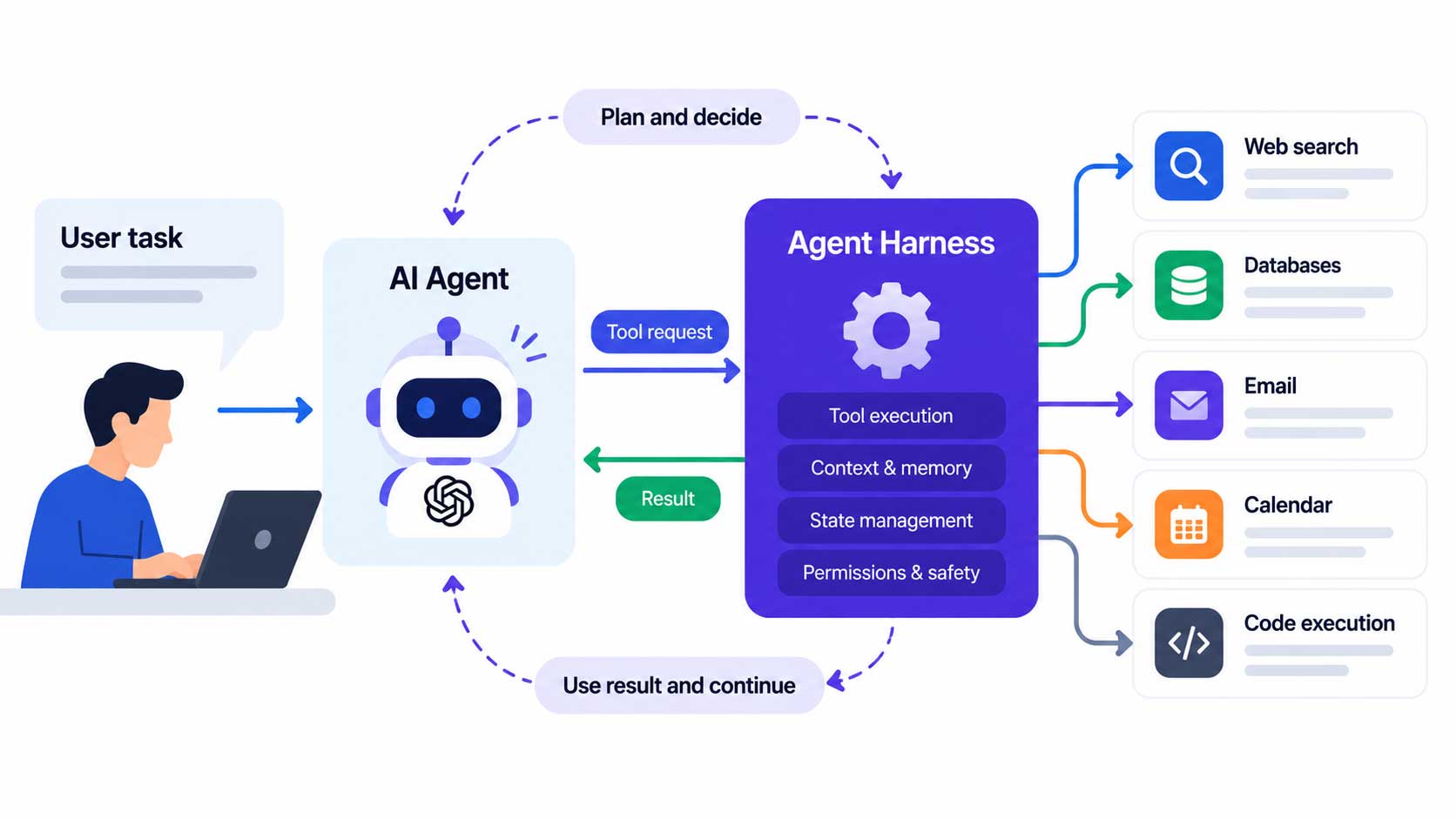
Agent Keys connect to live Codex agent sessions and report status through RGB lighting. Pulsing means the agent is reasoning through your task. Solid means code is being written or changed. A dim key means the agent has stalled and needs your input. A brief flash signals the run is done and ready to review. For parallel agentic coding sessions - three or four worktrees running at once - these keys function as a physical status board, replacing the tab-switch habit entirely.
| RGB behavior | Agent status | What to do |
|---|---|---|
| Pulsing | Thinking | Wait, or adjust reasoning level on the dial |
| Solid | Running | Let it run - agent is writing changes |
| Dim | Waiting | Agent needs input before it can continue |
| Brief flash | Done | Switch to that agent and review the diff |
Map one Agent Key per active worktree. Engineers at Harvey who adopted Codex reported cutting early iteration time by 30-50% running parallel sessions - the Micro's RGB layer makes monitoring that many simultaneous agents possible without a second monitor or constant tab switching.
Command Keys: Five Assignments Worth Setting Up First
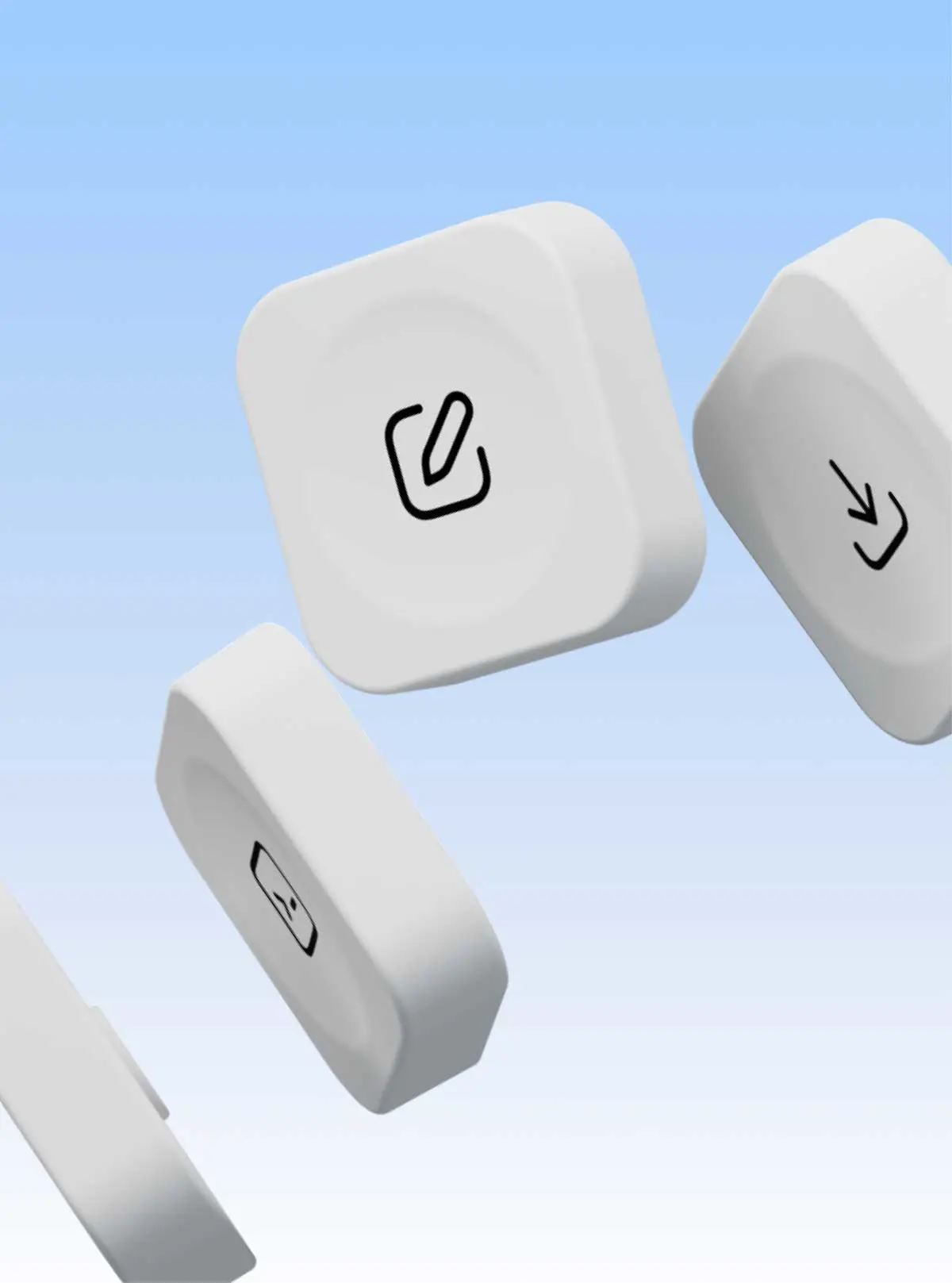
Command Keys handle the actions you repeat most often in a Codex session. Accept, reject, stop, push-to-talk, and new chat are the five that come up dozens of times a day. A dedicated physical key for each removes the cost of hunting a menu or recalling a hotkey - small per-action savings that compound across a six-hour coding session.
| Key slot | Codex action | Why it earns a dedicated key |
|---|---|---|
| K1 | Accept all changes | Happens after every successful agent run |
| K2 | Reject and revert | Quick escape from a bad agent direction |
| K3 | Stop agent | Interrupt before the agent writes beyond your intent |
| K4 | Push-to-talk | Voice input without dropping keyboard focus |
| K5 | New chat | Open a fresh task alongside the current one |
Push-to-talk deserves particular attention. Describing a problem out loud while your hands stay on the keyboard is a faster input mode for many developers than typing a full prompt - a physical push-to-talk key makes that pattern frictionless in a way no software shortcut quite manages.
The Joystick: Bind Your Four Best Skills
Flicking the joystick launches a Codex Skill - a saved prompt-and-action sequence that Codex replays on demand. Four directions mean four instant Skills, callable without typing a word. A practical starting set for most backend and full-stack developers:
- Up: Review this PR for bugs and unhandled edge cases
- Down: Debug the current error and explain the root cause
- Left: Refactor selected code for readability
- Right: Write tests for the selected function
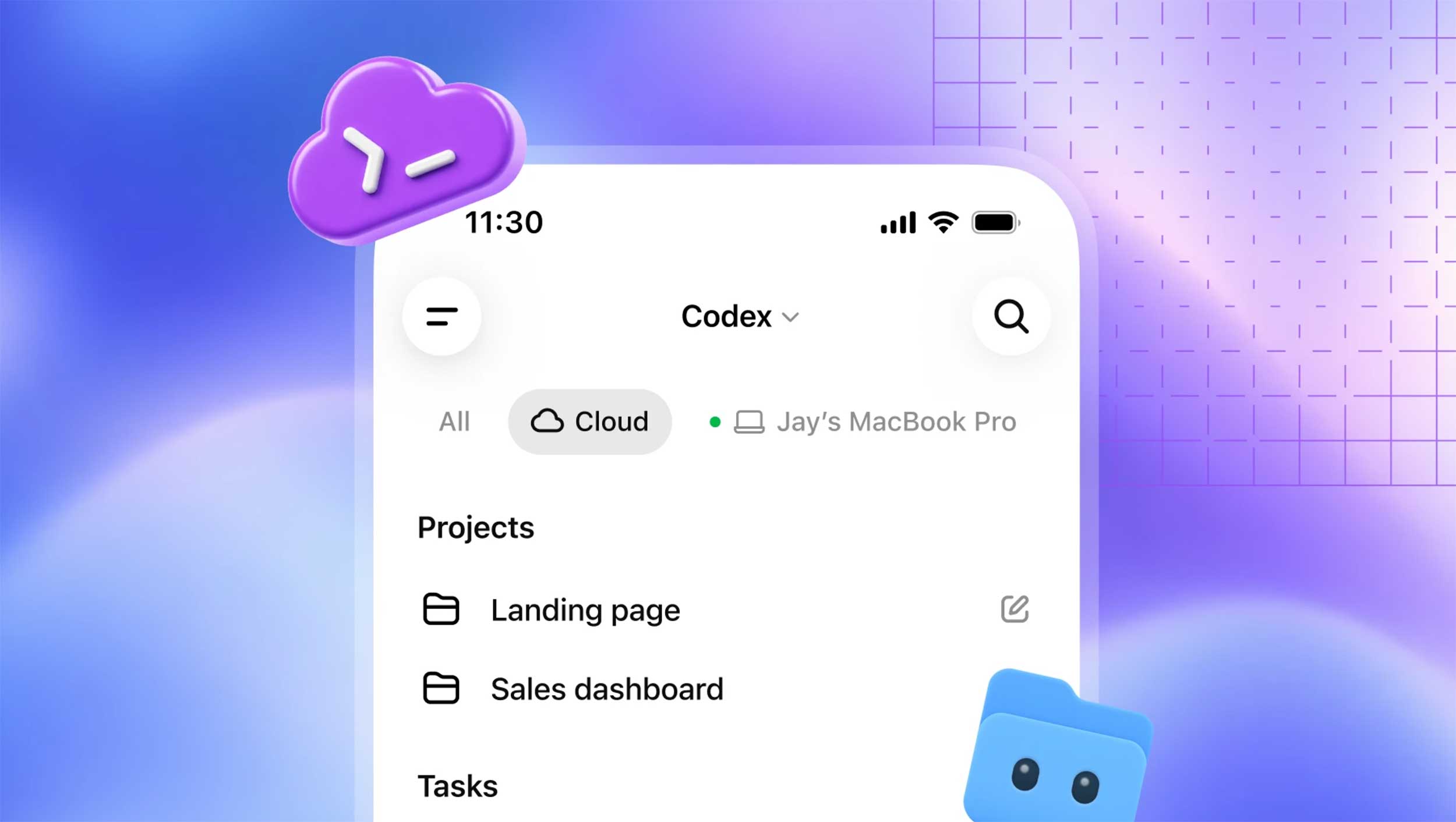
Creating a Skill takes under two minutes using Codex's Record and Replay feature. Record the task once, name it, and assign the joystick direction in Work Louder Input. Teams building shared workflows can publish Skills that every engineer's joystick can call - a lightweight way to standardize how the whole team interacts with Codex without writing a single configuration file.
The Rotary Dial: Reasoning Level as a Physical Knob
Turn the dial left for lightweight, fast responses - renaming variables, generating boilerplate, writing comments. Turn right when the task calls for deeper thinking: architecture decisions, complex migrations, debugging a race condition. Codex's reasoning level setting controls how much compute the model applies to each task, and a physical dial that adjusts it mid-session - without opening a menu or starting a new prompt - is the kind of interaction no dropdown can replicate. Keeping context intact while upgrading the model's effort is the whole point.
A practical rule: start every new session with the dial at mid-range. Crank it up when an agent comes back with a result that clearly missed something, rather than re-prompting from scratch. That habit alone saves a surprising number of wasted agent runs.
The Touch Sensor: Context-Sensitive and Still Evolving
OpenAI has not published a complete breakdown of default touch sensor actions. Based on hardware specs and the product page, the touch sensor handles context-sensitive secondary inputs - scrolling through agent output, dismissing notifications, or triggering application-level gestures. Work Louder Input lets you remap it like any other input. Assign it to something you need frequently but not frequently enough to dedicate a full mechanical switch.
Three Starting Profiles
Rather than mapping all 13 keys on day one, start with one profile and adjust after a week of real sessions. Unlike Copilot or Cursor, which run entirely through keyboard shortcuts inside an editor, the Codex Micro adds a separate physical control layer - which means your first week should teach you what you actually reach for, not what you assumed you would.
| Profile | Agent Key focus | Joystick Skills | Dial default |
|---|---|---|---|
| Solo builder | 3-4 parallel worktrees | PR review, debug, refactor, explain | Mid-range |
| Code review session | Review queue monitoring | Security scan, test gen, doc generation | High |
| Team or pair session | Partner agent monitoring | Shared team Skills | Low to mid |
After the first week, check which Command Keys you hit most and which sat unused. Swap out the idle ones. Codex Micro setup rewards iteration - the device is genuinely more useful on week three than week one, once your muscle memory locks in.
Frequently Asked Questions
Does Codex Micro work with VS Code or Cursor?
Does Codex Micro work on Windows?
Can I remap keys away from Codex actions entirely?
What does the touch sensor do by default?
Both switch variants cost $230?