How Codex Cloud Reusable Environments Work Across Your Devices
Prepare a cloud development setup once, then reuse it for Codex tasks from desktop, web, and mobile.

If you want Codex Cloud to work from the same project setup across devices, reusable environments are the key part of the workflow. Instead of preparing the repository and development tools again for every cloud task, you can prepare an environment once and reuse it for new tasks.
OpenAI says a Codex Cloud environment brings together the repositories, tools, dependencies, and access settings Codex needs for a project. Once the environment is published, you can select it when starting a new cloud task. Tasks run on OpenAI-managed computers, so the work does not depend on keeping your own computer awake.
What You Need Before Using Codex Cloud
Before setting up Codex Cloud, make sure the feature is available for your account or workspace. OpenAI currently lists Codex Cloud for eligible Plus, Pro, Business, Enterprise, Healthcare, and Education accounts, subject to rollout and workspace settings. Free and Go accounts do not currently include Codex Cloud.
- A project repository that Codex can access.
- The tools and dependencies required to build or test the project.
- Any credentials or network access the project needs, configured through the supported Codex Cloud setup.
- Access to Codex Cloud on desktop or web.
OpenAI says Codex Cloud features are rolling out gradually. Workspace administrators can also control cloud access, so the exact options may differ by account or organization.
How Codex Cloud Reusable Environments Work
The important distinction is between the reusable environment and an individual task. The environment is the prepared setup. The task is the specific piece of work Codex performs inside an isolated workspace.
1. Prepare the project environment
Start on the Codex desktop or web experience and prepare an environment for the project. Connect the repository and configure the tools, dependencies, credentials, and network access that Codex needs. OpenAI's setup documentation specifically covers repository connections, environment preparation and testing, credentials, network access, and private services.
The goal at this stage is to make the environment capable of performing the project's normal development work. If the project needs a particular package, test command, private service, or repository permission, those requirements should be handled before you rely on the environment for repeated tasks.
2. Test the environment
Run the checks needed to confirm that the project works in the prepared environment. This is where you catch missing dependencies, repository access problems, incorrect configuration, or other setup issues before they affect later tasks.
A reusable environment is useful only when its baseline setup is reliable. Testing it first reduces the need to diagnose the same setup problem every time a new Codex task starts.
3. Publish the environment
Once the setup is ready, publish the environment. OpenAI describes a published environment as a reusable setup for new tasks. Changes to the published setup apply to new tasks, while existing tasks keep their own state.
4. Start a Codex Cloud task
Choose the published environment when starting a cloud task and describe the coding work you want Codex to perform. For example, the task could investigate a bug, make a code change, or run the project's tests.
Each task starts from the prepared environment in its own isolated workspace. That means the reusable environment provides the common setup without turning every task into one shared working directory.
5. Review the results
When Codex finishes or reaches a point that needs your input, review the changes and test results. If more work is needed, continue the same task rather than assuming that a new task will recover uncommitted changes.
OpenAI notes that starting a new task creates a separate workspace and does not recover another task's uncommitted changes. Important work should therefore be committed to source control.
How to Continue a Codex Cloud Task From Another Device
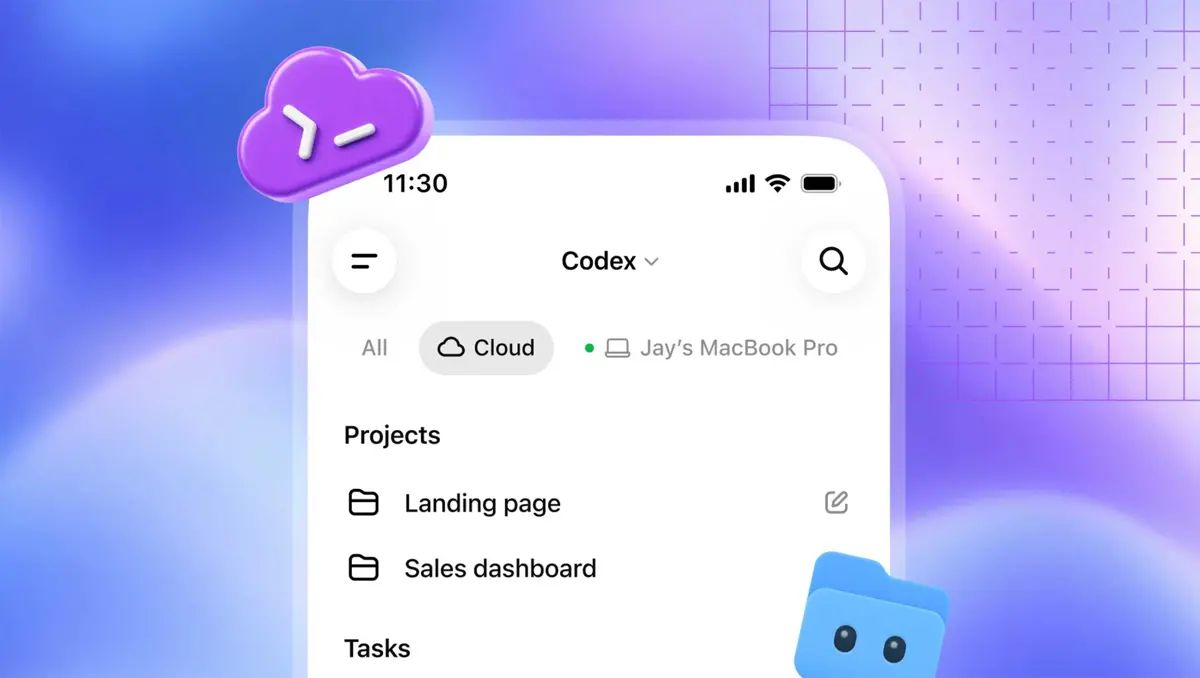
This is where the reusable environment becomes particularly useful. After creating and publishing the environment on desktop or web, OpenAI says you can select it for a cloud task and continue that task across supported devices, including mobile.
- Prepare and publish the project environment from desktop or web.
- Start a cloud task using that published environment.
- Let Codex work in the cloud while the task is running.
- Open the same task from a supported device and review its current state.
- Continue the task if Codex needs another instruction or if additional changes are required.
- Review the resulting changes and tests before using or merging the work.
Cloud execution is separate from running Codex locally on your own computer. A cloud task can continue while your computer is asleep. This makes the workflow different from simply remotely controlling a development machine that must remain available.
For comparison, other AI coding products are also moving toward mobile and cross-device agent workflows. Cursor, for example, has brought AI-agent work to iPhone, while Claude Cowork has expanded its workflow across web and mobile. See Saganote's coverage of Cursor's iOS agent app and Claude Cowork on web and mobile.
Reusable Environment vs. Individual Task
| Part | What it does |
|---|---|
| Environment | Stores the prepared project setup, including repositories, tools, dependencies, and access settings. |
| Published environment | Provides a reusable baseline for starting new Codex Cloud tasks. |
| Task | Runs a specific coding request in its own isolated workspace. |
| Task state | Contains the work and changes made during that individual task. |
Thinking about these as separate layers makes the system easier to understand: the environment is the repeatable setup, while the task is the individual job performed with that setup.
What Happens When You Change the Environment?
If a project needs a different dependency, tool, credential, or network configuration, update the environment and publish the new setup according to the Codex Cloud workflow. OpenAI says changes to the published setup apply to new tasks. Existing tasks retain their own state rather than being silently rebuilt around the new configuration.
That distinction matters when a team changes its development stack. Updating the environment does not rewrite an already-running task. New tasks can use the updated baseline, while older tasks remain tied to the state in which they were started.
Troubleshooting Common Codex Cloud Problems
The cloud controls are missing
Check that the account or workspace is eligible for Codex Cloud and that cloud access is enabled. OpenAI says availability depends on plan and workspace settings, and managed workspaces can have administrator-controlled access.
Codex cannot access the repository
Check the repository connection and the permissions of the account connected to the repository. OpenAI notes that access to a Codex environment does not replace repository permissions. The environment and the connected account both need the required access.
A new task does not contain previous uncommitted changes
Open the original task instead of creating a new one. OpenAI says a new task starts in a separate workspace and does not recover another task's uncommitted changes. Commit important work to source control before starting a separate task.
A teammate can see the environment but not the same task
For Enterprise workspaces, sharing an environment makes its prepared setup available to authorized members, but it does not automatically give them access to another person's task or permission to edit the environment. Review the environment's files, credentials, connections, and workspace permissions before sharing it.
Tips for Using Reusable Environments
- Treat the published environment as a project baseline rather than as the place where all work permanently lives.
- Test the environment before depending on it for repeated tasks.
- Keep important code changes in source control rather than relying on task state.
- Review repository, credential, and network permissions before sharing an environment.
- Remember that changing the published environment affects new tasks; existing tasks keep their own state.
- Use the original task when you need to continue unfinished work.
Frequently Asked Questions
Can I create a Codex Cloud environment from my phone?
Does each Codex Cloud task share the same workspace?
Can a Codex Cloud task keep running if my computer is asleep?
Does changing an environment change an existing task?
Is Codex Cloud the same as remotely controlling my own computer?
Related Codex and Cross-Device Workflows
Codex Cloud fits into a wider shift toward AI agents that can continue work beyond a single desktop session. Saganote's ChatGPT Work vs. Claude Cowork comparison covers the broader category of cloud-based agent workflows, while the Codex Micro setup guide covers a different part of the Codex product line: controlling developer workflows from dedicated hardware.
The main distinction remains simple: a reusable Codex Cloud environment gives repeated tasks a common prepared setup, while each task keeps its own isolated working state.
Conclusion
Codex Cloud reusable environments are designed to separate project setup from individual coding tasks. Prepare the environment once, publish it, and reuse that baseline for new cloud tasks that can be started or continued across supported devices. The safest workflow is to keep important changes in source control, review permissions carefully, and continue an existing task when you need its current working state.
For the latest availability and setup details, check OpenAI's Codex Cloud documentation because feature access and rollout status can vary by account and workspace.