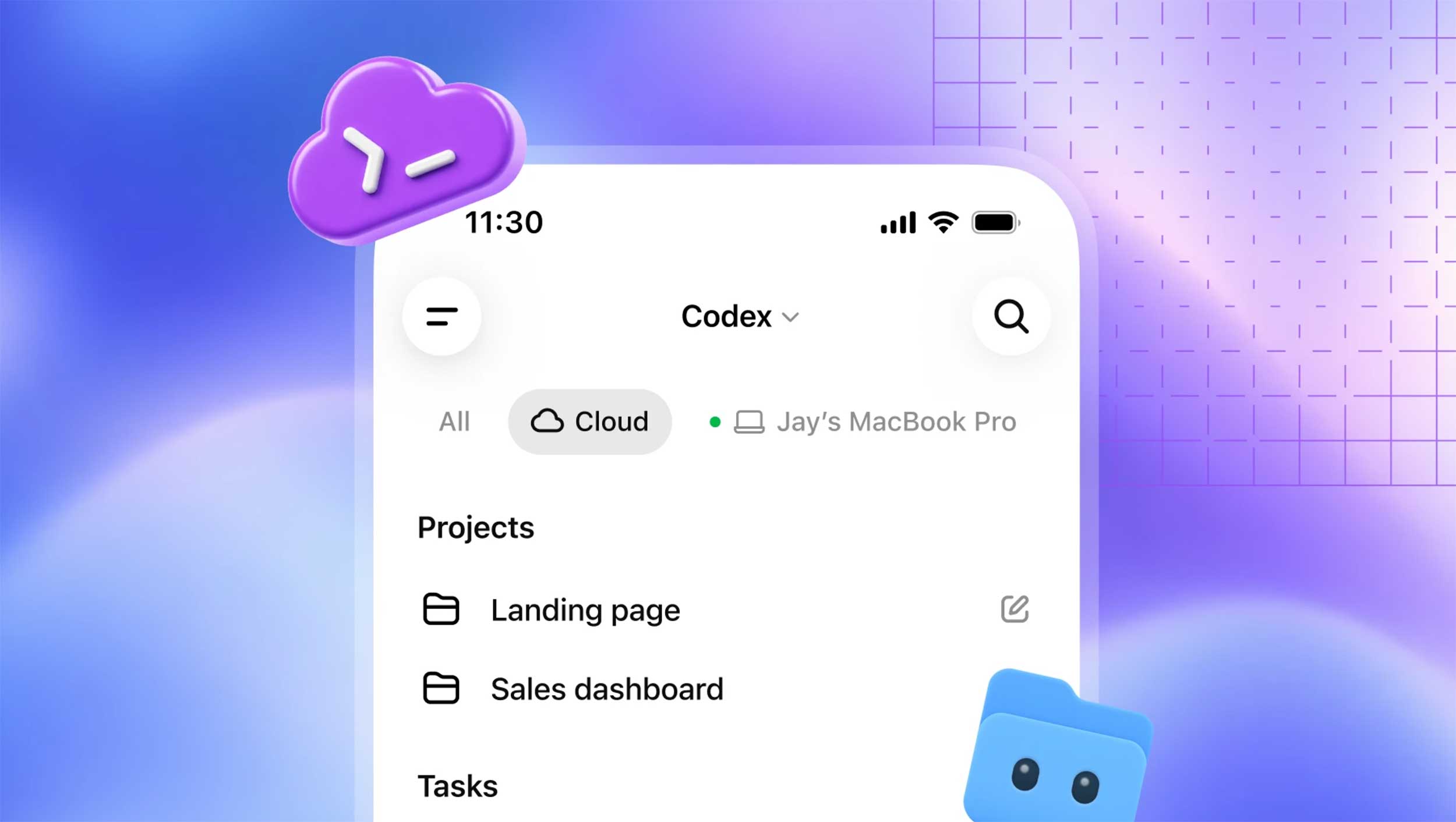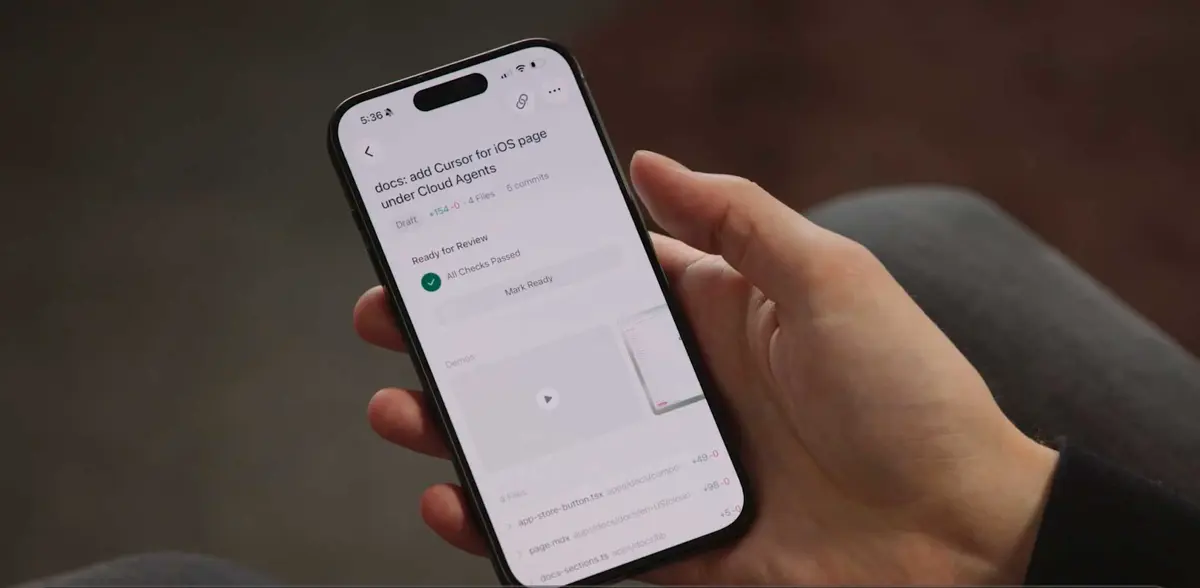
Cursor for iOS launched in public beta yesterday for all paid plan subscribers. From the app, developers can start AI agents against any repo, steer agents already running on their desktop, and merge pull requests without sitting down at a laptop. Downloads are free from the App Store.
Cursor for iOS supports voice input, any frontier model, and slash commands - the same options as the desktop app. Composer 2.5 model runs cost 75% less in the mobile app through July 5, 2026.
Voice Input and Push Notifications Handle the Full Agent Loop
Pick a repo and describe the task - by typing or out loud - and an agent starts. Voice input lets a developer kick off a bug fix during a commute or a lunch break without typing a single character, then receive a lock screen Live Activity notification when the agent finishes, needs input, or opens a PR. No polling required.
Cloud agents also produce demos, screenshots, and test logs inside the app. Review the diff. Leave a follow-up instruction. Or approve the merge directly from your phone.
Remote Control Keeps a Desktop Working While You Step Away
Remote Control is not just a viewer. Developers can steer agents already running on a local machine from their phone, while a keep-awake setting holds the desktop online so long-running sessions don't pause mid-task.
Three workflows from Cursor's early testers show the pattern: investigating on-call incidents from lunch so a PR is waiting at the desk on return, reproducing customer-reported bugs from the road before sitting back down, and annotating user feedback screenshots from X to send as visual context for UI changes. Start first, sit down later.
Cloud Agents Run in Isolated VMs and Iterate to Merge-Ready PRs
Cloud agents don't need your laptop. Running in isolated virtual machines with full dev environments, they build, test, and produce demos and screenshots without touching the developer's local setup - and can run longer than a local session allows.
Developers can shift a local plan to a cloud agent to keep it running, or pull a cloud session back to their laptop for local testing before the final merge. No thread is lost. Moving between environments without losing context is probably the feature that matters most for teams with jobs that shouldn't block a local machine.
Repo-Less Chat and MCP Support Are Coming Next
Repo-less chats come next. Cursor plans to add agent sessions that don't need a codebase to start, which would let teams use the mobile app with MCP integrations to query Datadog logs, summarize Slack channels, or run any connected tool from their phone - turning the app into a general-purpose agentic interface, not just a coding remote.
Neither GitHub Copilot nor Claude Code offers a dedicated mobile app with live agent tracking and lock screen notifications yet. Cursor has a window. On a week when GitHub Copilot's metered billing landed first-month charges of $750 on $39 plans, the 75% Composer 2.5 discount through July 5 is well-timed for teams reconsidering their tools.
Cursor has not announced Android support.