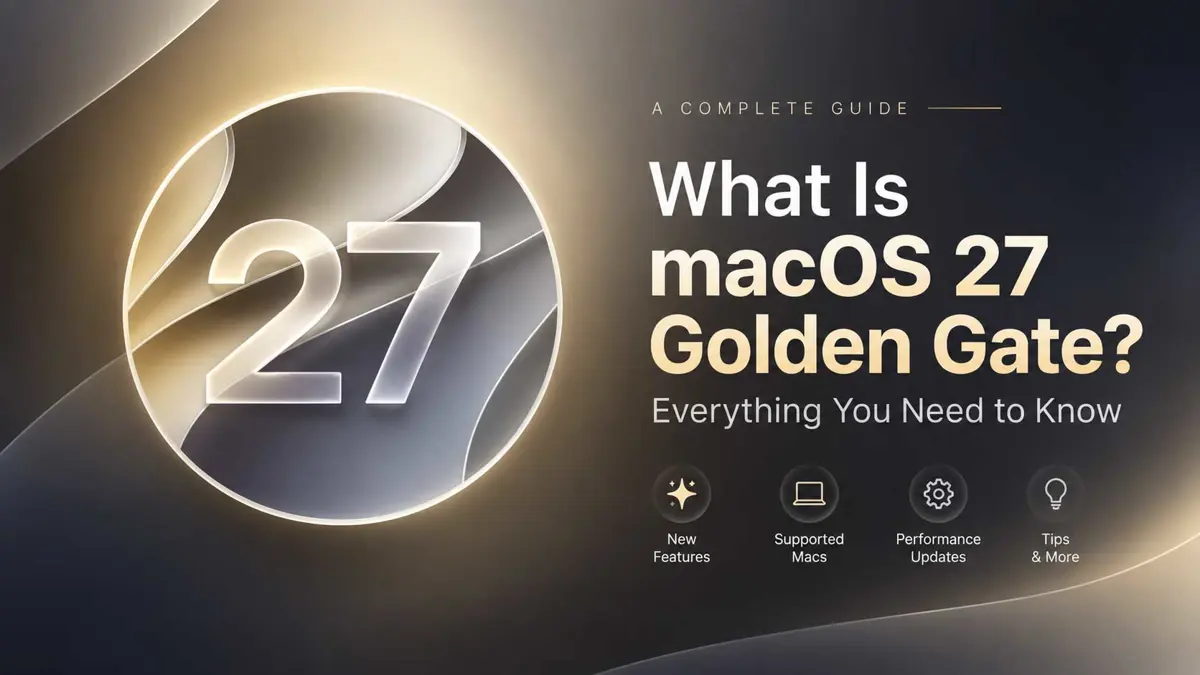
If the name sounds unfamiliar, macOS 27 Golden Gate is simply the newest major version of the software that powers Apple's Mac computers. Apple released it on September 14, 2026, following its introduction at WWDC 2026. The update continues Apple's shift toward Apple silicon and puts AI more deeply into the Mac experience.
The biggest change is Siri AI. Instead of acting mainly as a voice assistant for short commands, Siri can now handle more conversational requests, work with information on the Mac, and use broader online knowledge. macOS 27 also adds Visual Intelligence, which lets a Mac analyze content shown on the screen.
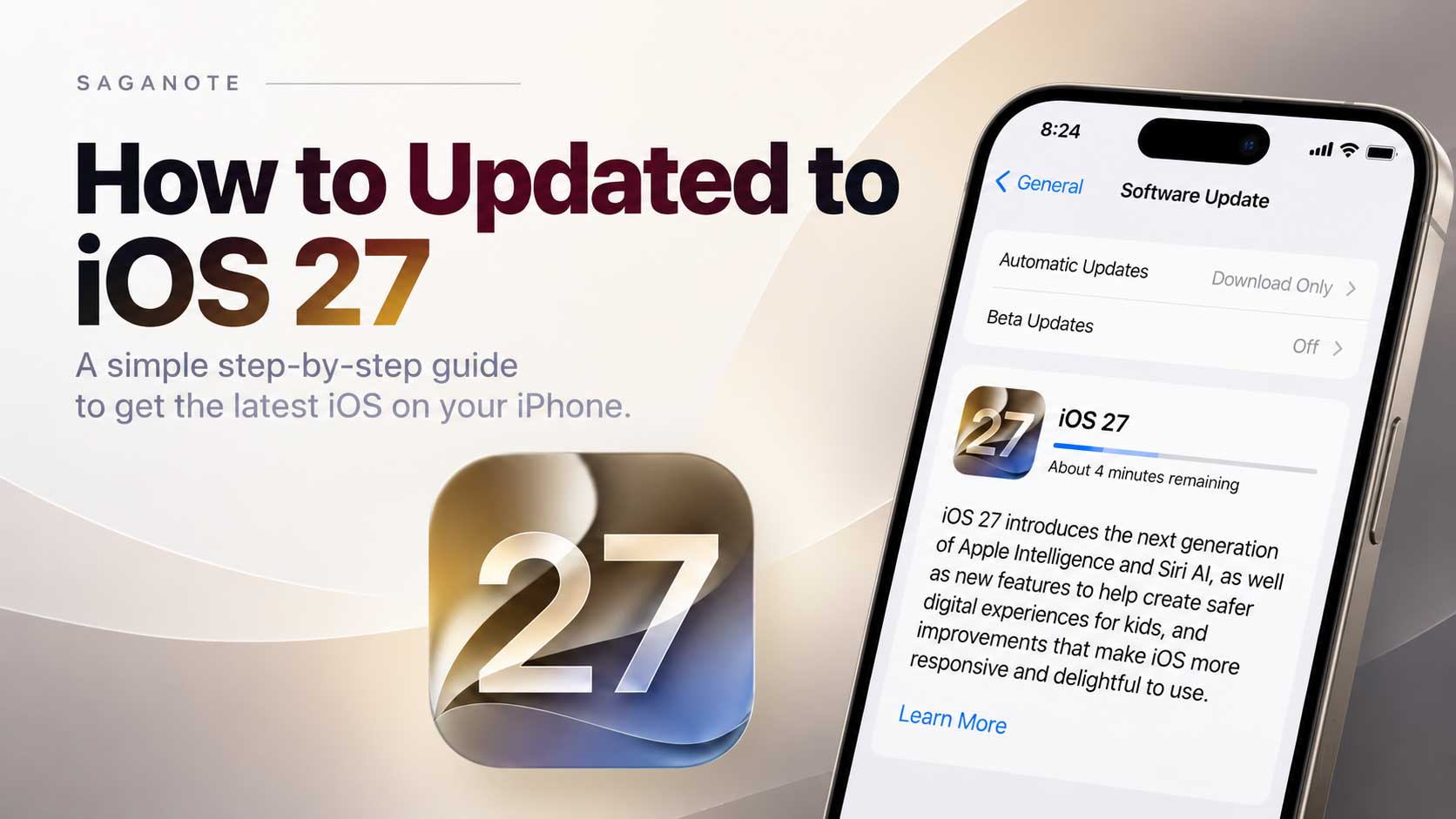
For readers coming from Apple's iPhone software, the easiest comparison is iOS 27. Apple released both operating systems as part of the same generation, but the Mac version is designed around a desktop interface, keyboard and mouse or trackpad input, windows, and Mac-specific apps. Saganote's iOS 27 coverage explains the parallel changes on iPhone.
What does macOS 27 Golden Gate mean?
macOS 27 Golden Gate is Apple's 2026 major Mac software release. "macOS 27" identifies the version, while "Golden Gate" is the release name. Apple continues its California-themed naming approach for recent macOS versions, following names such as Tahoe.
The important point is that Golden Gate is not a separate Mac product. It is an operating system update, similar to how iOS 27 is an operating system update for the iPhone. It changes the interface, adds new system capabilities, updates built-in apps, and improves how the Mac handles everyday tasks.
What are the biggest new features in macOS 27?
Siri AI becomes a much broader Mac assistant
Siri AI is the headline feature in macOS 27 Golden Gate. Apple says the updated assistant can support natural back-and-forth conversations, answer open-ended questions, help with writing, and provide information from the web. A dedicated Siri app also gives Mac users a place to start new conversations and review previous ones.
Siri AI also connects more closely with the rest of macOS. Apple says Siri can help with tasks involving information on the Mac, while Spotlight can surface an "Ask Siri" option alongside traditional search. The result is a shift from Siri being mainly a command interface toward a more general assistant.
Apple is rolling out Siri AI in English. Feature availability can vary by language and region, so not every Siri AI capability is guaranteed to work everywhere. Apple's macOS feature availability page lists the current regional and language support.
Visual Intelligence comes to the Mac
Visual Intelligence brings an iPhone-style way to understand what is visible on the screen. A user can select an area of the display or capture the screen and ask questions about what appears there.
The feature can identify objects, search for related information, summarize or translate content, and help turn information from the screen into an action. Apple shows examples such as asking about food in an image or using onscreen information with apps such as Calendar and Reminders.
The practical difference is that the Mac can work with what is already on the display instead of requiring the user to describe everything manually.
Apple Intelligence expands across Mac apps
macOS 27 also expands Apple Intelligence beyond Siri. Apple highlights new or improved AI features in apps including Photos, Messages, Safari, Image Playground, Shortcuts, Calendar, and Mail.
Photos gains tools such as Spatial Reframing, Extend, and an enhanced Clean Up feature. Safari can group related tabs automatically, while Shortcuts can build automations from natural-language descriptions. Calendar can create or edit an event from a description instead of requiring every field to be entered manually.
Apple also adds contextual suggestions in Messages and Mail. These features are part of a broader effort to make Apple Intelligence useful inside the apps people already use rather than keeping AI in a separate chatbot window.
Liquid Glass is more adjustable
The visual design introduced with the previous macOS generation gets another round of changes. macOS 27 Golden Gate keeps Liquid Glass but gives users more control over how transparent it appears.
A new Liquid Glass slider can move the interface from a clearer, more translucent appearance toward a more tinted look. Apple also says it improved contrast and refraction, made toolbars more consistent, and changed sidebars so they extend to the edge of app windows.
These changes matter because interface transparency can look attractive while making controls harder to read. The new controls give users a direct way to favor appearance or readability instead of relying on one fixed visual treatment.
Does macOS 27 make a Mac faster?
Apple describes macOS 27 as a release with improvements across the system rather than a feature-only update. The company highlights quicker AirDrop transfers, faster network file browsing, and faster loading of Safari start-page content.
Search also gets attention. Apple says Mail uses a new ranking system to put more relevant results near the top, while broader system improvements are intended to make the Mac feel more responsive.
The update also improves several smaller parts of the Mac experience. Ultrawide displays can reach higher resolutions such as 5K at 120Hz, display arrangements are preserved when reconnecting supported displays, and accessibility features include richer image descriptions and automatically generated captions.
Which Macs support macOS 27 Golden Gate?
macOS 27 Golden Gate requires an Apple silicon Mac. That means Intel-based Macs are not supported by the new major release. Apple's official compatibility list includes the following models and generations:
- MacBook Neo (2026)
- MacBook Air with Apple silicon (2020 and later)
- MacBook Pro with Apple silicon (2020 and later)
- iMac with Apple silicon (2021 and later)
- Mac mini with Apple silicon (2020 and later)
- Mac Studio (2022 and later)
- Mac Pro with Apple silicon (2023 and later)
For Intel Mac owners, this is the main hardware boundary to understand. A Mac can continue running its supported previous version of macOS, but it cannot move to macOS 27. Apple says macOS Tahoe was the final major macOS release to support Intel-based Macs.
Apple's compatibility list is available on the official macOS 27 page, which is the best place to check the supported model range before upgrading.
What does macOS 27 mean for Intel Mac owners?
The end of major-version support for Intel Macs does not mean every Intel Mac stops working. Existing software can continue to run, and Apple has continued providing security updates for older macOS releases. The bigger change is that new macOS features introduced with Golden Gate are no longer available on Intel hardware.
This also marks an important stage in Apple's transition to Apple silicon. The M-series chips provide the hardware foundation Apple uses for many of its current AI features, so macOS 27 is built around that architecture rather than trying to maintain feature parity with older Intel systems.
How is macOS 27 different from iOS 27?
macOS 27 and iOS 27 share Apple's new generation of AI features, including Siri AI, Visual Intelligence, and Apple Intelligence improvements. The difference is how those capabilities fit into each platform.
On a Mac, AI features can work alongside large windows, desktop apps, files, external displays, keyboard shortcuts, and traditional multitasking. On iPhone, the same broader intelligence is built around a smaller touch-first interface and mobile apps.
The two releases are therefore related, but macOS 27 is not simply iOS 27 stretched onto a larger screen. It remains a desktop operating system with its own windowing, file management, input, display, and app workflows.
Saganote's Apple September 2026 event coverage also puts the software releases in the context of Apple's wider September product cycle.
Is macOS 27 Golden Gate worth upgrading to?
For a compatible Apple silicon Mac, the answer depends on which features matter most. Siri AI and Visual Intelligence are the biggest functional changes, while the Liquid Glass controls address some of the readability and transparency issues introduced with the previous design.
The update is also relevant for people who use Safari, Photos, Mail, Calendar, Shortcuts, or Messages heavily because several of those apps gain Apple Intelligence features or workflow improvements.
The main reason to pause is compatibility and readiness. Intel Mac owners cannot install macOS 27, and users who depend on older software or specialized hardware should check compatibility before making a major operating system change.
What should you know before upgrading?
- Check that the Mac is on Apple's macOS 27 compatibility list.
- Make a current backup before installing a major operating system update.
- Confirm that essential apps, extensions, drivers, and accessories support the new macOS version.
- Check Apple's regional and language availability pages if Siri AI or other Apple Intelligence features are a major reason for upgrading.
- Leave enough time for the download, installation, restart, and any post-update app updates.
The upgrade process itself is handled through System Settings and Software Update on supported Macs. A separate Saganote how-to guide can cover the upgrade process step by step, including what to check before starting and what to do if macOS 27 does not appear as an available update.
Frequently Asked Questions
What is macOS 27 Golden Gate?
Is macOS 27 free?
Does macOS 27 support Intel Macs?
When did macOS 27 Golden Gate launch?
Is Siri AI available on every Mac that supports macOS 27?
The bottom line on macOS 27 Golden Gate
macOS 27 Golden Gate is more than a visual refresh. It moves Siri toward a full AI assistant, brings Visual Intelligence to the Mac, expands Apple Intelligence into everyday apps, and gives users more control over Liquid Glass.
The hardware requirement is equally important. Golden Gate is built for Apple silicon Macs, making it another clear step away from Intel-era hardware. For supported Macs, the update combines AI features with smaller interface, search, accessibility, display, and performance improvements rather than relying on one headline change.