Developers choose the best MCP servers by job: repos, data, browsers, and docs. Saganote verified every command below on November 17, 2026. Sources were vendor repositories, Anthropic's Claude Code docs, OpenAI's Codex docs, Cursor's docs, and five roundup articles, and none of that was tested hands-on.
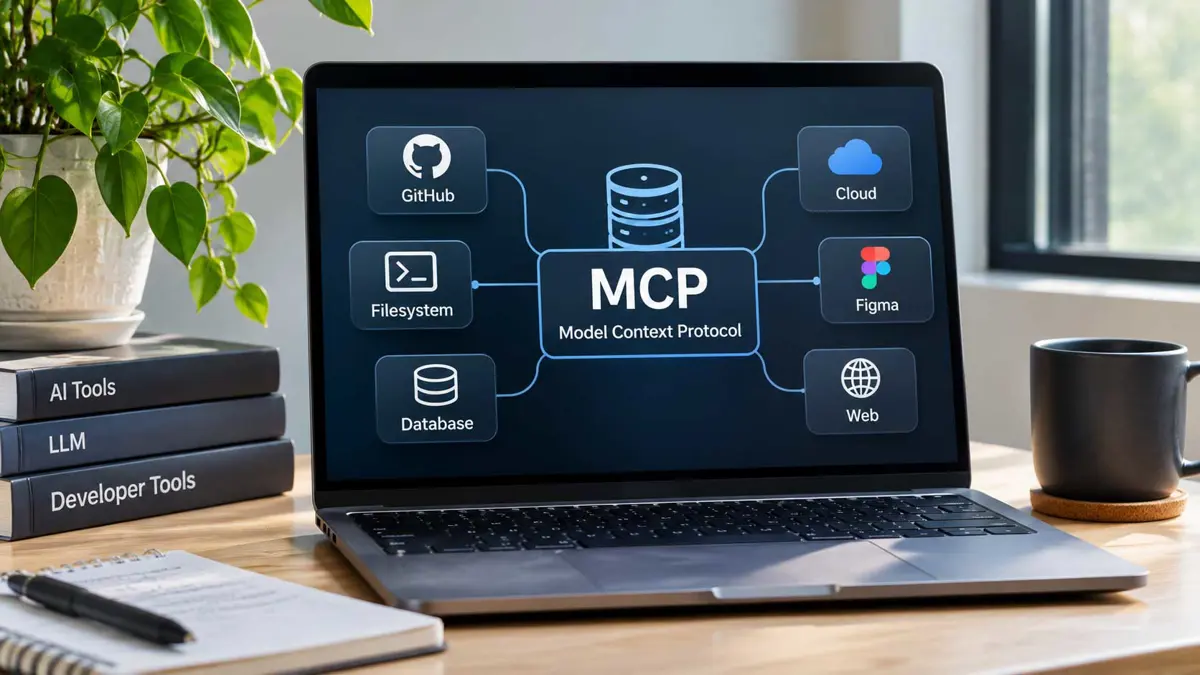
Anthropic published MCP in November 2024, and Saganote's explainer counts more than 10,000 public servers on the official registry, which is why picking a few matters more than collecting many. A server gives a client tools. Each server runs with the permissions of the host process that launches it.
How the Picks Were Made
Picks come from three tiers: reference servers from the MCP project, vendor-maintained servers, and a few community servers where no vendor option exists. Reference servers are demos, not production code, per the project's own repository. Seven remain active: Everything, Fetch, Filesystem, Git, Memory, Sequential Thinking, and Time. Thirteen moved to an archive.
Playwright, Context7, and GitHub MCP appeared on all five roundups read, which makes them the best MCP servers by agreement, not by benchmark. Dupple discloses paid placements. Obot's list is vendor-sponsored. Saganote tested none of these servers hands-on.
The Servers at a Glance
| Server | Maintainer | Job | Sign-in |
|---|---|---|---|
| GitHub MCP | GitHub | Repos, issues, pull requests | OAuth or personal access token |
| Git | MCP project (reference) | Local repository operations | None |
| Sentry | Sentry | Error tracking | OAuth |
| Postgres MCP Pro | Crystal DBA (community) | SQL with a restricted mode | Database URI |
| Supabase | Supabase | Hosted Postgres projects | Read-only and project-scoped modes |
| Playwright MCP | Microsoft | Browser automation | None |
| Chrome DevTools MCP | Google's Chrome team | Traces, network, console | None |
| Context7 | Upstash | Version-specific library docs | Optional API key |
| Fetch | MCP project (reference) | Web pages to markdown | None |
| Filesystem | MCP project (reference) | Allow-listed directory access | None |
| Safari MCP | Apple | Safari debugging on macOS | Safari developer settings |
Servers for Code and Repos
GitHub MCP appears on all five roundups. GitHub's repository lists a hosted endpoint at https://api.githubcopilot.com/mcp/ and a Docker image, ghcr.io/github/github-mcp-server, for local use with a personal access token. On github.com, OAuth login needs no token, but a token takes precedence when one is set.
Toolsets control the blast radius. GitHub's repository summary lists context, repos, issues, pull_requests, and users as defaults, and Travis Media's Docker example adds GITHUB_READ_ONLY=1 to block writes. Travis Media recommends a fine-grained token scoped to the repositories in use.
Git needs no account. Its reference server runs locally with uvx mcp-server-git and handles local repository operations. Sentry's hosted server at mcp.sentry.dev signs in with OAuth and can be limited to one organization or project, though Sentry's Seer analysis is a paid add-on.
Servers for Data and Databases
Postgres MCP Pro from Crystal DBA is the community pick on three of the five lists. Travis Media's config runs it as uvx postgres-mcp --access-mode=restricted with DATABASE_URI pointing at a read-only role. Supabase and Neon ship vendor servers too, with Supabase offering read-only and project-scoped modes and mcpservers.org limiting Neon's server to development use. Read-only roles are the real safeguard.
Sources disagree about the reference PostgreSQL server. Scrimba says the project archived it in 2025 with no security guarantees, while Dupple still recommends it and links the old path under modelcontextprotocol/servers. Official repository listings show PostgreSQL among the archived servers, so skip it.
Servers for Browsing and Docs
Microsoft's Playwright MCP needs Node.js 18 or newer. Claude Code installs it with claude mcp add playwright npx @playwright/mcp@latest, and Travis Media's config adds the --isolated flag to its Playwright entry. Dupple reports one task reaching about 114,000 tokens from accumulated page snapshots, so long sessions get expensive.
Chrome DevTools MCP from Google's Chrome team covers traces, network requests, and console output, and Dupple says some features want a current Chrome with remote debugging enabled. Travis Media warns against using an everyday profile. Dupple's page gives two different tool counts, 59 in the body and 29 in the FAQ.
Context7 serves version-specific docs. Upstash's npx ctx7 setup command runs OAuth, creates an API key, and installs a skill, and the CLI needs Node.js 22.13 or newer. A remote endpoint at https://mcp.context7.com/mcp takes the key as a bearer header.
Apple shipped a Safari MCP server in Safari Technology Preview 247 on July 1, with 17 tools including screenshots, network requests, and console messages. Setup runs through Safari Settings, Advanced, then Show features for web developers, and Developer, Enable remote automation and external agents. Apple has not said when it reaches stable Safari.
Fetch converts pages to markdown and respects robots.txt, while Filesystem reads and writes only inside directories on an allow-list, per Scrimba. Both are reference servers.
How to Add a Server to Claude Code, Cursor, and Codex
Claude Code adds remote servers with claude mcp add --transport http followed by a name and a URL. Local servers add a name and a launch command. Claude Code's docs name three scopes: local, the default and private to one project; project, shared through a .mcp.json file; and user, available across projects.
claude mcp add --transport http github https://api.githubcopilot.com/mcp/ --header "Authorization: Bearer YOUR_GITHUB_PAT"
claude mcp add playwright npx @playwright/mcp@latest
claude mcp add context7 -- npx -y @upstash/context7-mcp
claude mcp list
Claude Code's /mcp command manages servers inside a session, and claude mcp list, get, and remove do the same from a terminal. Shared project servers need interactive approval. Running claude mcp reset-project-choices clears earlier answers.
Cursor reads .cursor/mcp.json in a project or ~/.cursor/mcp.json in the home directory, and both use the same top-level mcpServers key and format. Remote servers swap command for url and headers. Cursor expands environment variables as ${env:NAME}, while Claude Code's .mcp.json uses ${VAR}.
{
  "mcpServers": {
    "playwright": {
      "command": "npx",
      "args": ["@playwright/mcp@latest"]
    },
    "context7": {
      "url": "https://mcp.context7.com/mcp",
      "headers": {
        "Authorization": "Bearer ${env:CONTEXT7_API_KEY}"
      }
    }
  }
}
Codex reads MCP servers from ~/.codex/config.toml, or from .codex/config.toml in trusted projects, with each server in its own [mcp_servers.name] table of that file. A CLI shortcut, codex mcp add playwright npx "@playwright/mcp@latest", covers the same setup. Servers get 10 seconds to start by default.
[mcp_servers.playwright]
command = "npx"
args = ["@playwright/mcp@latest"]

[mcp_servers.context7]
url = "https://mcp.context7.com/mcp"
bearer_token_env_var = "CONTEXT7_API_KEY"
Five steps make a cautious first setup. Each step limits what a compromised server or injected prompt could reach on a developer's machine, repos, or databases from the very first session.
- Create a fine-grained GitHub token limited to the repositories in use.
- Add GitHub MCP with read-only mode and only the toolsets needed.
- Add Playwright and Context7, which need no account to start.
- Point any database server at a read-only role on staging data.
- Run the client's server list command and confirm every entry connects.
Security: Permissions and Tokens
A server started by Claude Code, Cursor, or Codex runs with the permissions of that app. Use read-only modes, narrow tokens, staging data, and permission prompts that stay on.
Prompt injection is the practical risk. Invariant Labs showed a malicious public issue leaking private repository content through GitHub MCP, and Scrimba names the mix of private data, untrusted content, and outbound access a lethal trifecta. Read-only modes, narrow tokens, staging data, and permission prompts left on are the shared advice across the roundups.
Imitators exist, so verify the official repository. Dupple cites a security write-up on risks in how some registries serve packages and advises pinning to the official Upstash source, and mcpservers.org says community servers are closer to installing an unaudited dependency than calling a REST API. Travis Media says Microsoft warns against disabling confirmation on high-risk actions such as Key Vault secrets.
Few developers need more than the best MCP servers for repos, data, a browser, and docs, and Obot advises about six or seven active at once. Claude Code skills need no server at all. Travis Media says the 2026-07-28 spec made remote servers stateless with OAuth 2.1 and is not wire-compatible with older versions, so older servers may need updates.
Frequently Asked Questions
Do MCP servers cost money?
What is the difference between local and remote servers?
Where does Claude Code store server settings?
Is the reference PostgreSQL server safe to use?
How many servers should run at once?