Brave email aliases are now built into the desktop browser, giving users a way to sign up for websites without handing those sites their primary email address. Brave launched the feature with desktop version 1.94 on August 27, describing it as a way to reduce spam and make cross-site email matching harder. Brave's official announcement
The feature creates an alias that forwards messages to the primary inbox. Websites see the alias instead of the real address.
How Brave email aliases work
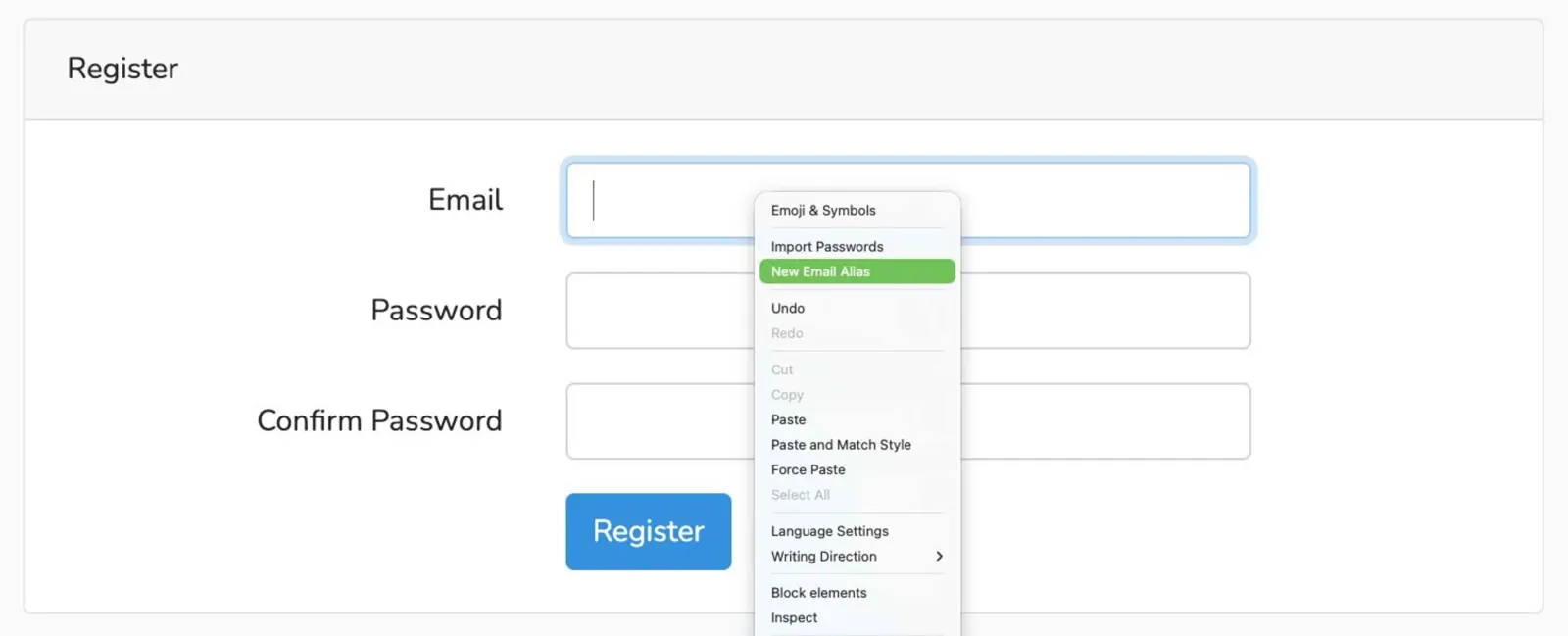
Brave integrates alias creation directly into email fields on websites. After creating a Brave Account, clicking an email field can surface a “New Email Alias” option. If the prompt does not appear, Brave says the same option is available from the field's right-click menu.
The alias is entered into the website's form, and messages sent to it are forwarded to the primary email address associated with the Brave Account.
Brave says this separation makes cross-site email matching harder. A compromised website also does not receive the primary address.
Five aliases are free to start
The initial release includes five free email aliases for everyone. Brave says it is starting small while it gathers feedback. A Premium version is planned for the future.
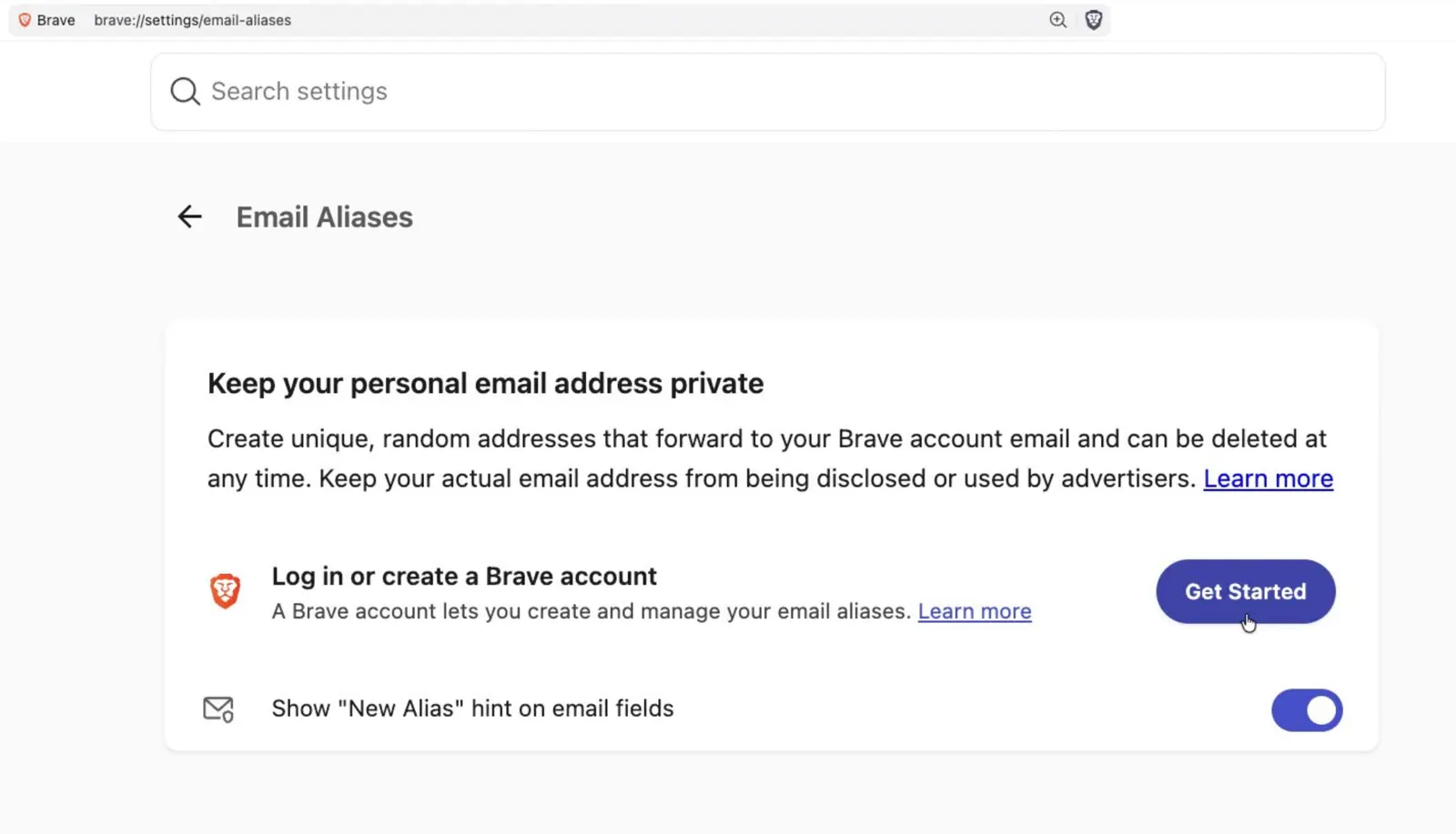
Aliases can also be deactivated and replaced if an address begins attracting unwanted mail. Users can manage them under Settings > Autofill & Passwords > Email Aliases, or through brave://settings/email-aliases.
Brave says it does not read forwarded email
Brave says it stores the primary email connected to the Brave Account and generated aliases, with data encrypted at rest. It says it does not read forwarded email contents, although messages are processed for standard spam and virus filtering.
Brave says delivered email is deleted from its servers within seconds. Notes attached to aliases are stored locally, while Brave Sync encrypts those notes end-to-end when synchronized between devices.
The feature requires a Brave Account, which is separate from the account used to manage Brave Premium subscriptions. Brave says its OPAQUE-based account system keeps the account password from being sent to its servers.
Mobile support is coming
Email Aliases are currently available in Brave's desktop browser starting with version 1.94. Brave says it is working to bring the feature to mobile, but has not announced a release date.
For now, the desktop rollout gives Brave users five aliases at no extra cost and a browser-level way to keep their primary email address out of more website sign-up forms.