What if an open-source Figma alternative did not require an account, a subscription, or a cloud connection to get work done? FigCraft is an interface design and prototyping app built in Rust that aims to make that workflow possible. It includes auto layout, reusable components, variants, vector tools, interactive prototypes, and developer handoff features, while keeping project files on the user's own device.
The pitch is more than a cheaper design canvas. FigCraft combines local-first editing with tools that can be controlled through a command-line interface, a JSON control channel, and a Model Context Protocol (MCP) server. That combination puts it at the intersection of open-source creative software and the growing effort to let AI agents operate applications directly.
A Figma-style editor that keeps files local
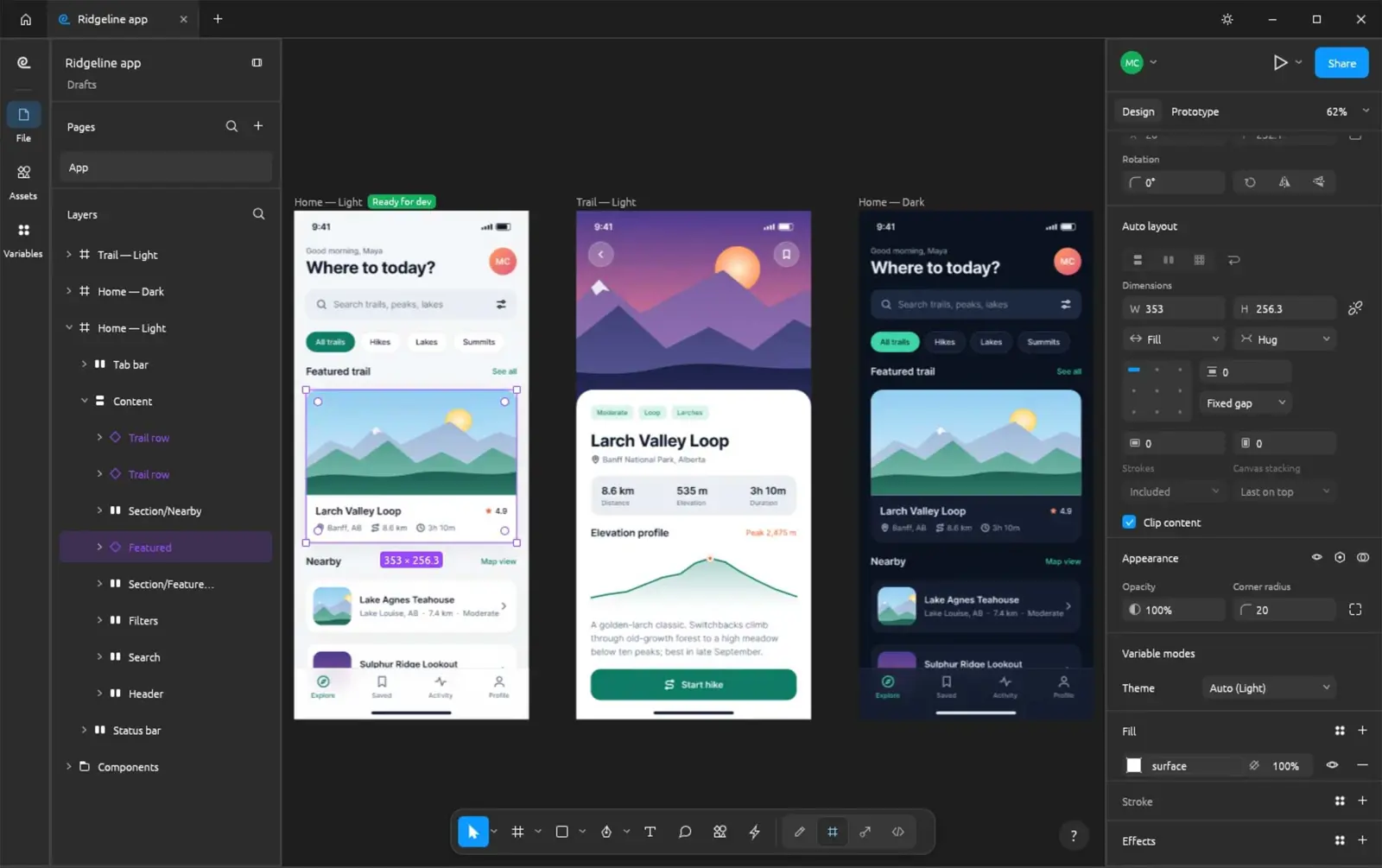
FigCraft supports common interface-design building blocks, including frames, auto layout, components, variants, styles, variables, vector editing, and prototype connections. Its developer handoff view also offers measurements, annotations, and generated code for formats including CSS, HTML, React, SwiftUI, and Compose, according to the project's documentation.
The key distinction is how the app handles work. FigCraft stores designs as .figcraft archives on the user's disk and says it does not require an account or send telemetry. The app can work offline, and the project offers import and export for formats such as SVG, PNG, JPG, WebP, and PDF. Opening Figma .fig files is supported on a best-effort basis, not as a guarantee of perfect compatibility.
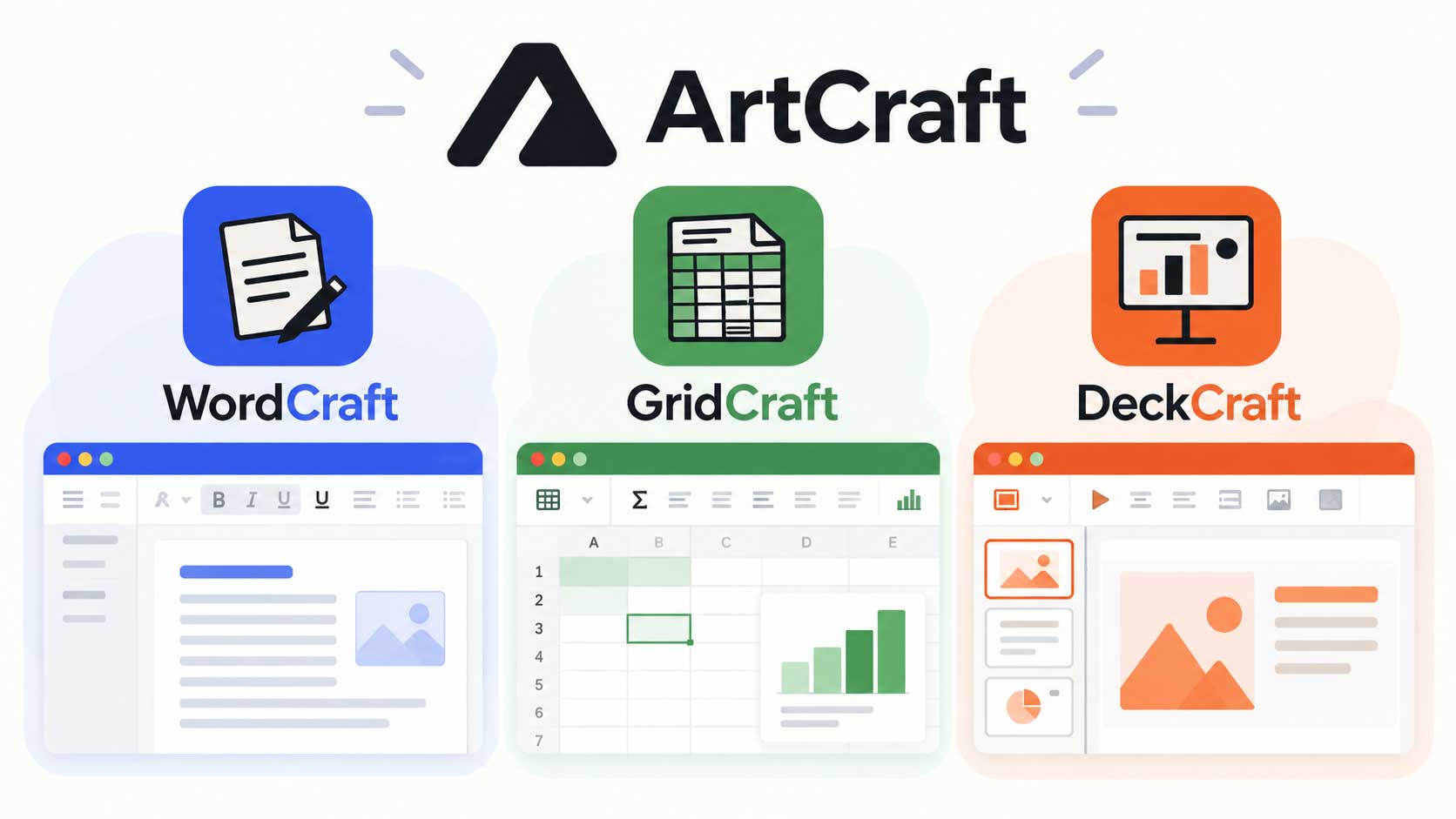
This local-first approach may appeal to independent designers, developers, and teams that want more control over where working files live. It also connects to a wider shift in creative software. Saganote has covered ArtCraft's broader set of open-source Adobe alternatives, a family of tools built around a similar idea: native creative applications developed in Rust rather than subscription-first cloud services.
The more unusual feature is control by AI agents
FigCraft says its tools and menus are exposed through more than 400 commands, which can be used through its CLI, JSON control channel, or MCP server. In practical terms, compatible agents could invoke application actions instead of only describing a design or generating code outside the editor. Readers new to the concept can learn what an AI agent is and how agentic software works.
That does not automatically make FigCraft an autonomous designer. Agent access is an interface for controlling the app; the quality of the result still depends on the agent, the instructions, and the design task. The approach does, however, fit a broader pattern in which AI tools are moving from chat windows into the software where work happens. Saganote has also examined Claude Cowork's move onto web and mobile and Claude Code's built-in browser for testing sites and navigating designs.
Figma itself is also connecting design and implementation more closely. Its Code Layers feature at Config 2026 brings executable code into the design canvas, a different approach to reducing the distance between a mockup and a working interface. FigCraft's agent-facing controls raise a related question: will future design tools be judged as much by how well software agents can operate them as by how comfortable their canvases feel to human designers?
Offline does not mean collaboration is solved
Local files are attractive for privacy and offline work, but they do not remove every collaboration problem. The FigCraft project describes live sessions that can be hosted from the app or on a server controlled by the user. Its current documentation also says it does not yet have Figma-style accounts, teams, or a cloud service. That is a meaningful limitation for organizations that depend on shared libraries, centralized permissions, review workflows, and managed file access.
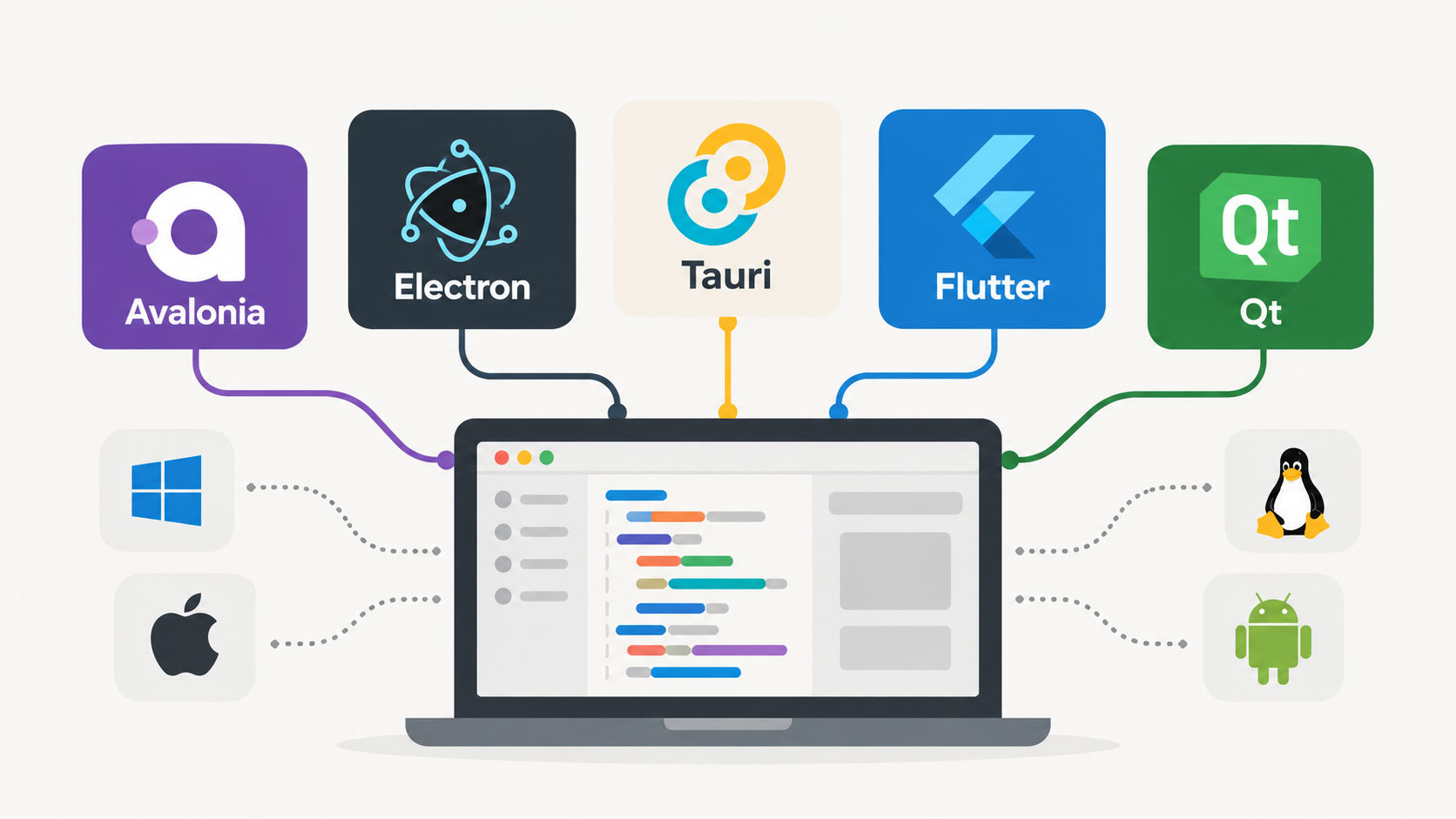
The project's use of Rust is another part of its identity. Rust is a systems programming language often used where developers want direct control over performance and memory safety. FigCraft says it uses a native Rust engine rather than Electron or a web view. For background, Saganote's explainer on WebAssembly and why developers care about it covers another technology that can help software run across different environments, including browsers.
ArtCraft lists desktop builds for macOS, Windows, and Linux, along with a web build. The web version is based on WebAssembly, but availability across platforms should not be confused with feature parity or production readiness.
The project's own roadmap is the reality check
FigCraft labels itself alpha software and estimates that it is about 49% of the way toward replacing Figma for real work. The project says the core editor works end to end, while warning that .fig import is best effort and that its compatibility has not been checked against real Figma documents. That admission matters more than a long list of feature checkboxes: opening a design file is only useful if components, typography, assets, and layout behavior survive the move.
The same caution applies to the wider AI software wave. GPT-6's interactive apps in ChatGPT and the evolving capabilities of assistants such as ChatGPT, Gemini, and Claude show how quickly the boundary between asking software for help and interacting with software is changing. But a new workflow still has to prove that it is reliable enough for real projects.
Other recent stories show why independence from hosted services can be a product choice as much as a technical one. Saganote has reported on Meta's push to sell AI compute through cloud infrastructure and the removal of an Instagram AI photo feature after its opt-out design drew criticism. Those developments are not direct comparisons with FigCraft, but they underline how hosting, control, and defaults shape the way people use software.
A credible alternative, but not a drop-in replacement yet
FigCraft offers a clear proposition: a free, open-source design editor that can work offline, keep files local, and expose its tools to AI agents. That makes it worth watching for designers and developers who value local control or want to experiment with agent-driven workflows.
The harder test is whether the project can close the gap between a promising alpha and the dependable collaboration environment professional teams expect. Until file compatibility, collaboration, and day-to-day stability are proven on real projects, FigCraft is best treated as an early alternative to evaluate, not a guaranteed replacement for Figma.
The project, its current downloads, and its documented limitations are available on the official FigCraft page.