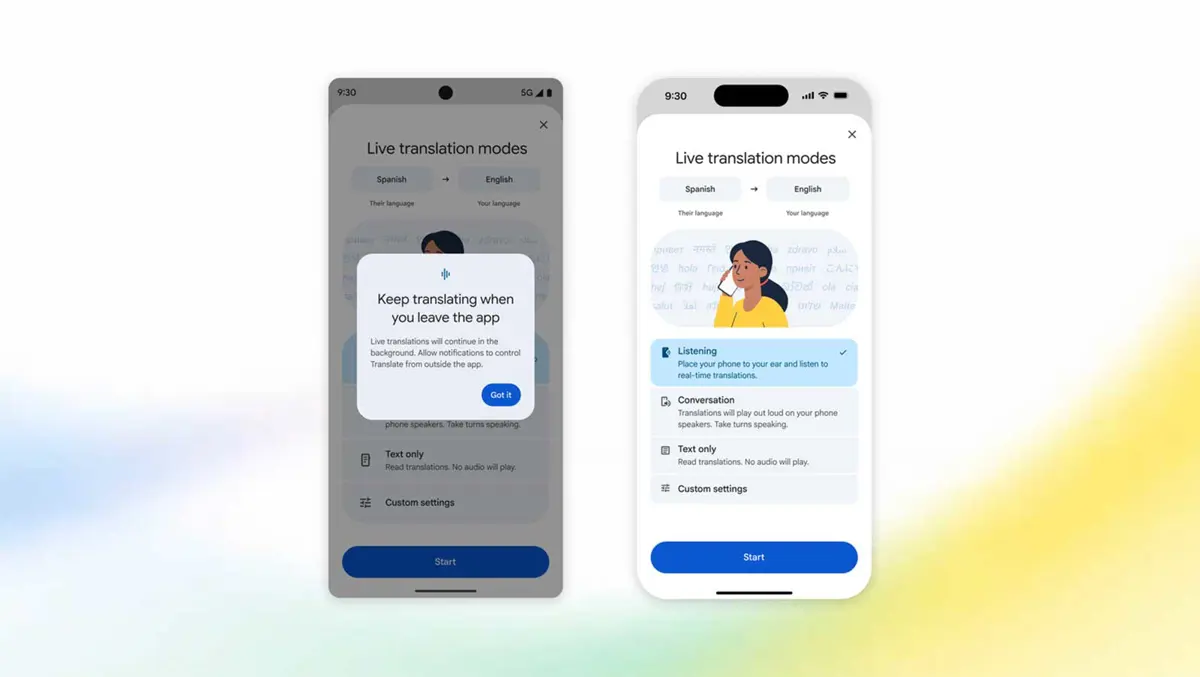
Google Translate updated its live translation feature on both Android and iOS. Android gains background mode - live sessions now keep running while the app is in the background or the screen is locked. iOS picks up earpiece translation, letting the phone deliver audio through the handset speaker without headphones. Both updates are rolling out now.
Takeaways
- Android gets background live translation - sessions continue while multitasking or with the screen locked
- Over a third of live translation sessions already last longer than five minutes - background mode addresses that gap directly
- iOS worldwide gains earpiece mode - hold the phone to the ear to hear translations without headphones or holding the screen up
- Earpiece mode has been available on Android for some time; iOS is catching up with this release
- Live translate covers 70+ languages
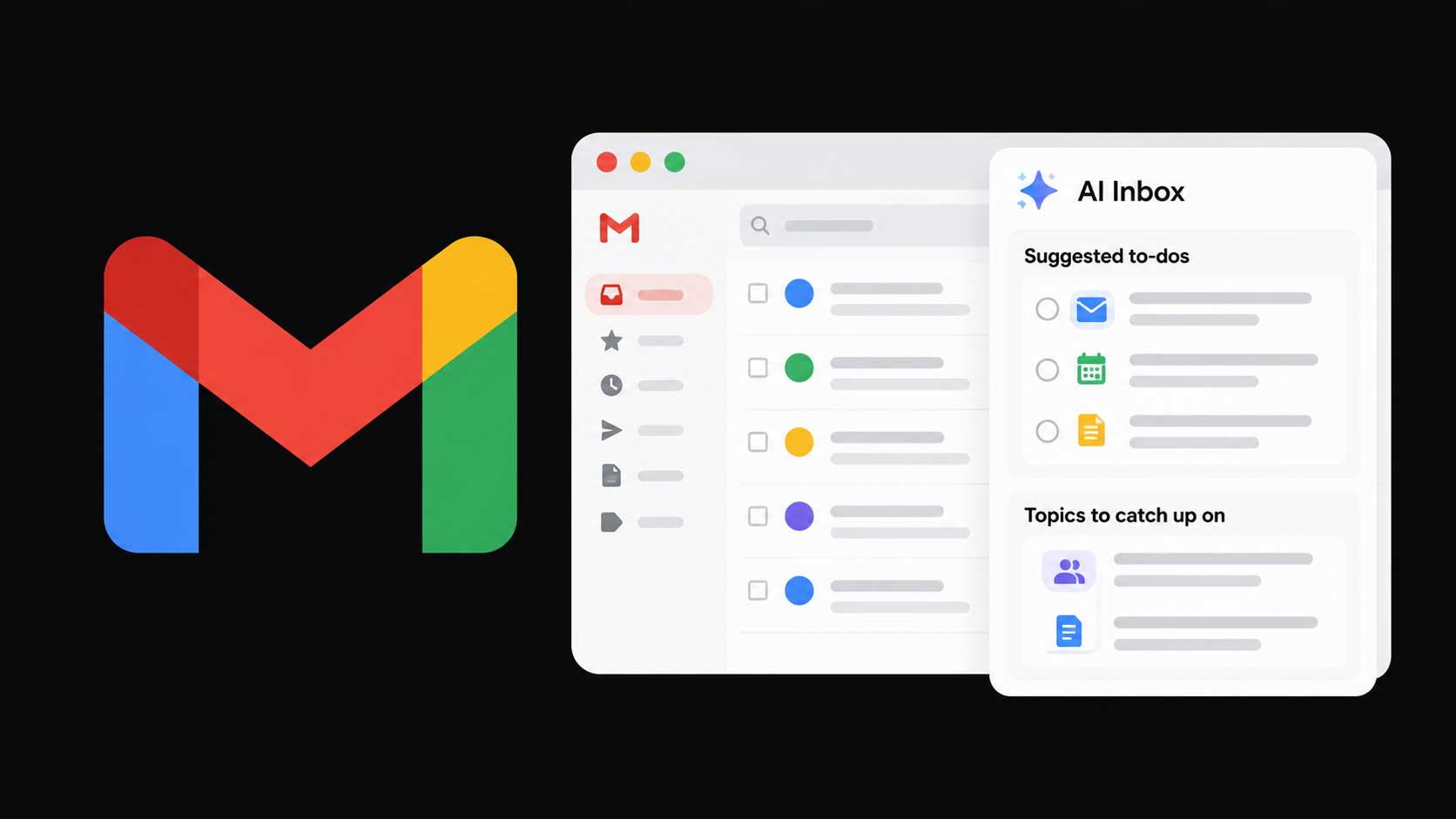
Background mode is the more practical change for Android users. Live sessions that run long - a meal with a foreign colleague, a hotel check-in, a long tour commentary - previously cut out when the phone screen locked or another app came to the front. Over a third of live sessions already run past five minutes, which is long enough for automatic screen lock to kick in on most devices. Background mode keeps translation audible throughout those sessions. Google Workspace Voice launched this week with a similar always-on audio framing in Gmail, Docs, and Keep - Google is clearly pushing live audio features across the board right now.
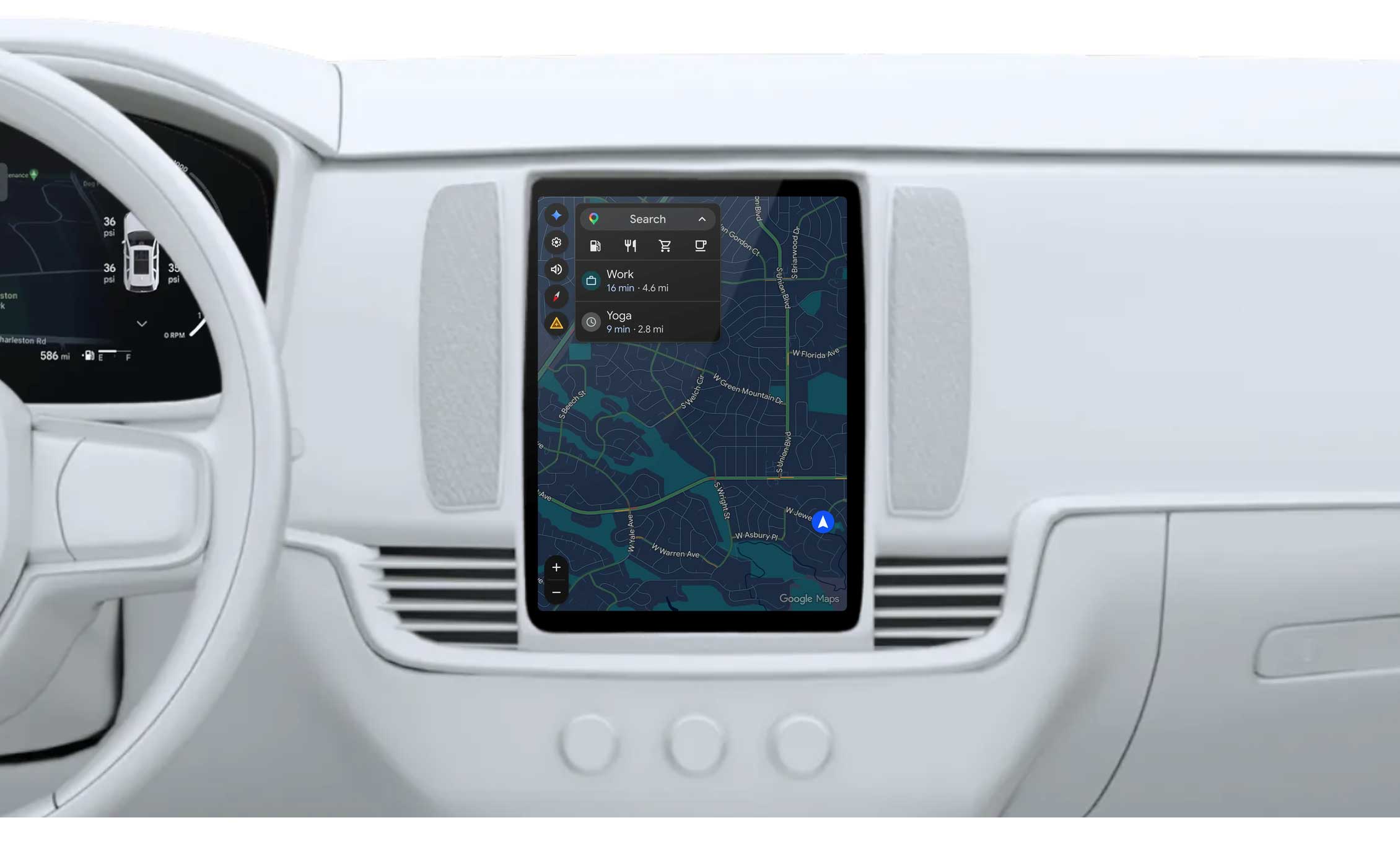
Earpiece mode puts iPhone on par with Android for a feature Android has had for some time. Routing audio through the handset speaker rather than the loudspeaker means quieter output and no need to hold the screen face-up at arm's length in a crowd. Google calls out airports and busy tours as the main use cases - both places where pulling out earbuds or fumbling with headphones is impractical. Google Maps Ask Maps already lets travelers order food and book hotels in 150 countries, and earpiece translate slots into the same travel-first push Google has been making across its apps.