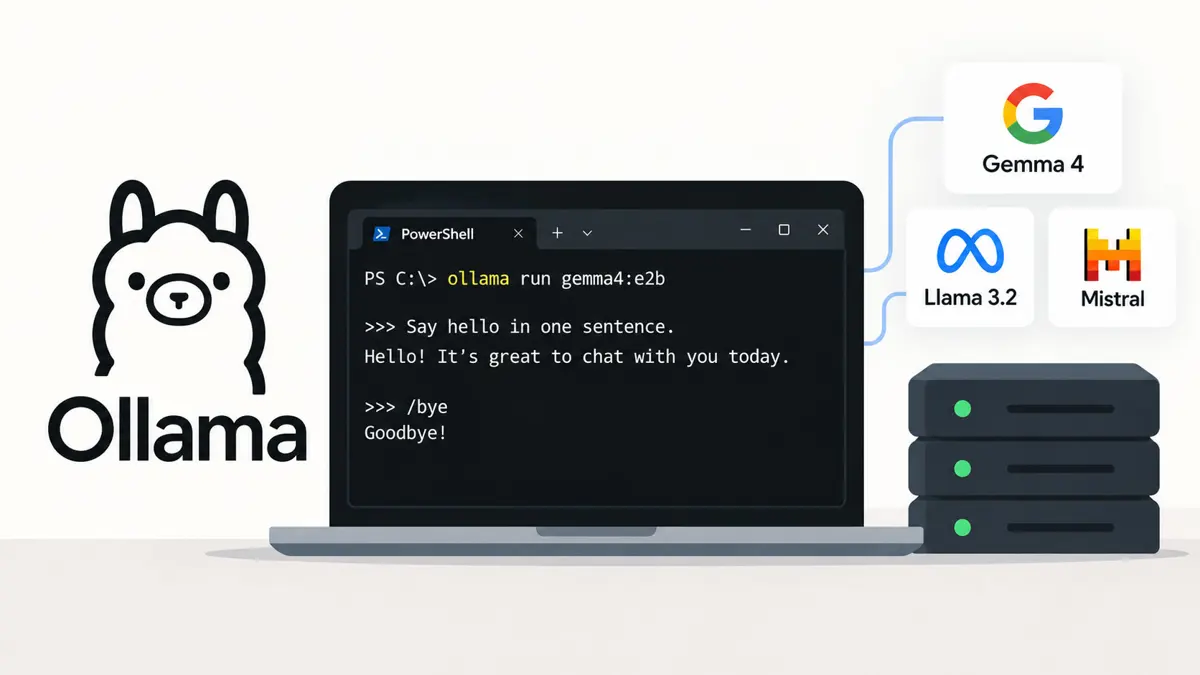
Anyone who wants to run LLM locally needs one free app, a few gigabytes of spare memory, and a single terminal command. Ollama handles the rest on Windows, macOS, and Linux by downloading the model, running it, and exposing a local API. Setup takes minutes. Its quickstart mentions an API key only for Ollama's cloud models.
Ollama Packages Open Models Into One Install and One Command
Ollama raised $65M in a Series B and now counts 8.9 million developers, so the tool has an established user base. Large language models usually run in a data center. Ollama moves that work onto a personal computer, and privacy is a common reason, because prompts and files stay on the machine.
Other products follow the same logic. JetBrains Junie Local runs Qwen3.6 directly on M5 Macs, and Perplexity's hybrid compute shifts some private work onto the Mac. A local LLM is no longer a hobbyist curiosity, though the hardware limits are real, and the next section shows where those limits sit.
Memory Decides Which Model Sizes Fit
Memory comes first. Anyone planning to run LLM locally should check it before anything else. Ollama's quickstart says its example model, gemma4:e2b, is about a 7.2 GB download and recommends 8 GB of available VRAM, or unified memory on a Mac, with system RAM as a slower fallback.
Model size sets the requirement. Two third-party guides, DEV Community and ToolHalla, supply the figures below for the Q4_K_M quantization that Ollama models commonly use by default. Because the guides differ by about a gigabyte in places, treat the ranges as estimates, not guarantees.
| Model size | Approx. memory (Q4_K_M) | Example Ollama models | Practical minimum |
|---|---|---|---|
| About 3B | 2 to 3 GB | llama3.2:3b | Most laptops; CPU-only is workable |
| 7B to 9B | 5 to 6 GB | llama3.1:8b, qwen3:8b, deepseek-r1:8b | 8 GB GPU |
| 13B to 14B | 8 to 9 GB | qwen3:14b, gemma4:12b | 12 GB GPU |
| 32B to 34B | 19 to 20 GB | qwen3:32b, deepseek-r1:32b | 24 GB GPU |
| 70B | 40 to 43 GB | llama3.3:70b | 48 GB or more, often two GPUs |
Headroom matters. DEV Community advises leaving 2 to 4 GB beyond the model's base size, and ToolHalla estimates that an 8K context window adds about 1.5 GB to a 7B model. Long chats and large documents cost memory too.
CPU-only machines can still work. ToolHalla reports roughly 8 to 12 tokens per second for an 8B model on a Ryzen 9 7950X with no GPU, and calls CPU inference too slow for models of 13B and up. That single-source speed figure varies by chip, so treat it as a rough guide.
Ollama Installs as an App on Windows and macOS, and as a Script on Linux
Windows
Ollama's Windows docs list Windows 10 22H2 or newer, in Home or Pro. NVIDIA cards need driver version 551.61 or newer, and AMD Radeon cards need either an AMD ROCm v7 stack or a Vulkan-capable Radeon driver. Installation needs no Administrator rights.
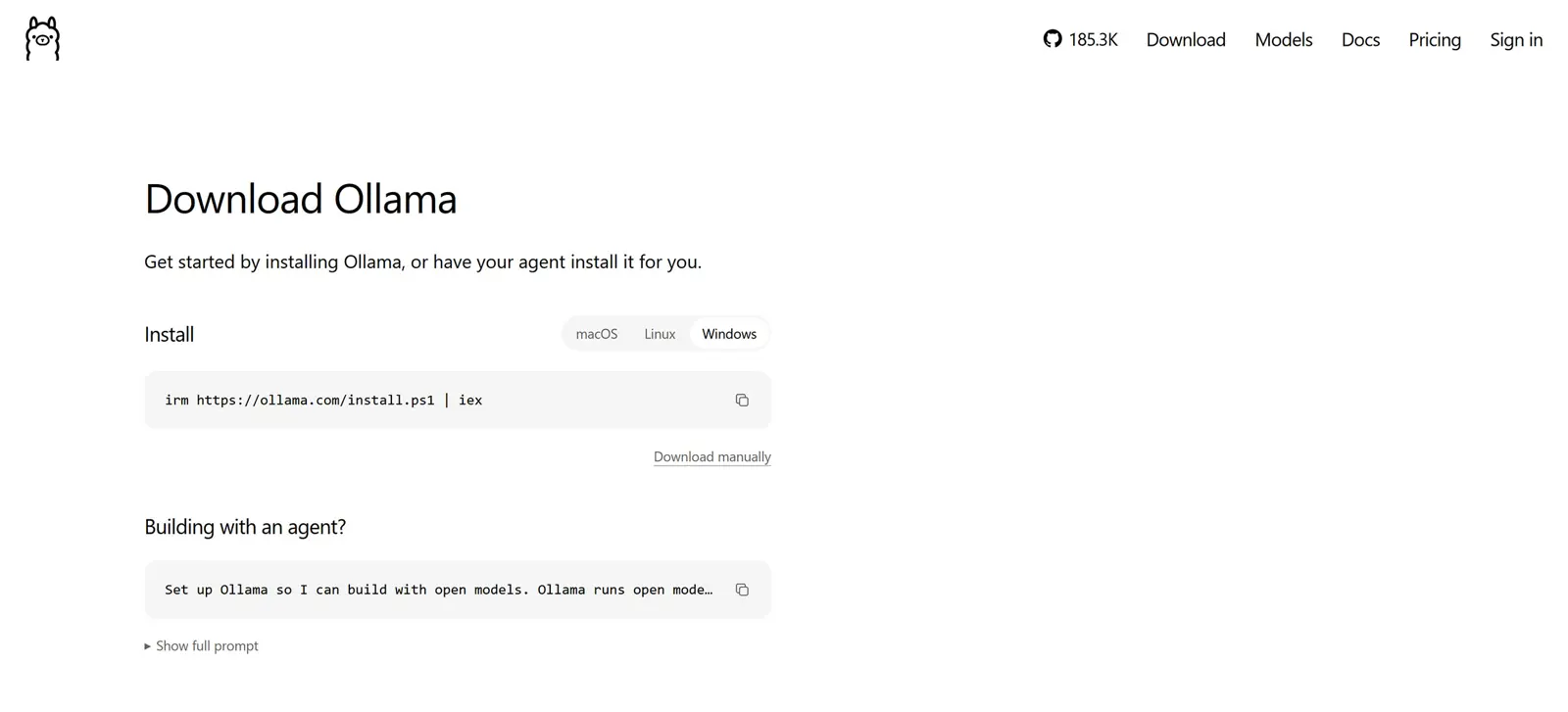
- Download OllamaSetup.exe from ollama.com/download.
- Run the installer; it installs in the user account and needs at least 4 GB of free space for the binary.
- Open PowerShell and run
ollama -vto confirm the install.
macOS
macOS needs Sonoma (version 14) or newer. Apple Silicon Macs get CPU and GPU support, while Intel Macs run on CPU only. Mount the downloaded ollama.dmg, drag the app to the Applications folder, and approve the prompt that offers to link the command-line tool into /usr/local/bin.
Linux
Linux needs one command. Ollama's site hosts the script, and a manual tarball plus a systemd service are also documented for servers that need tighter control.
curl -fsSL https://ollama.com/install.sh | sh
ollama -v
Drivers matter. NVIDIA users can confirm the driver is installed correctly with nvidia-smi, and if the Ollama service is not already running in the background, ollama serve starts it.
The Linux one-liner downloads a script and runs it immediately. Opening ollama.com/install.sh first, or using the manual tarball steps in Ollama's Linux docs, shows exactly what will run.
A First Model Takes Two Commands to Download and Chat With
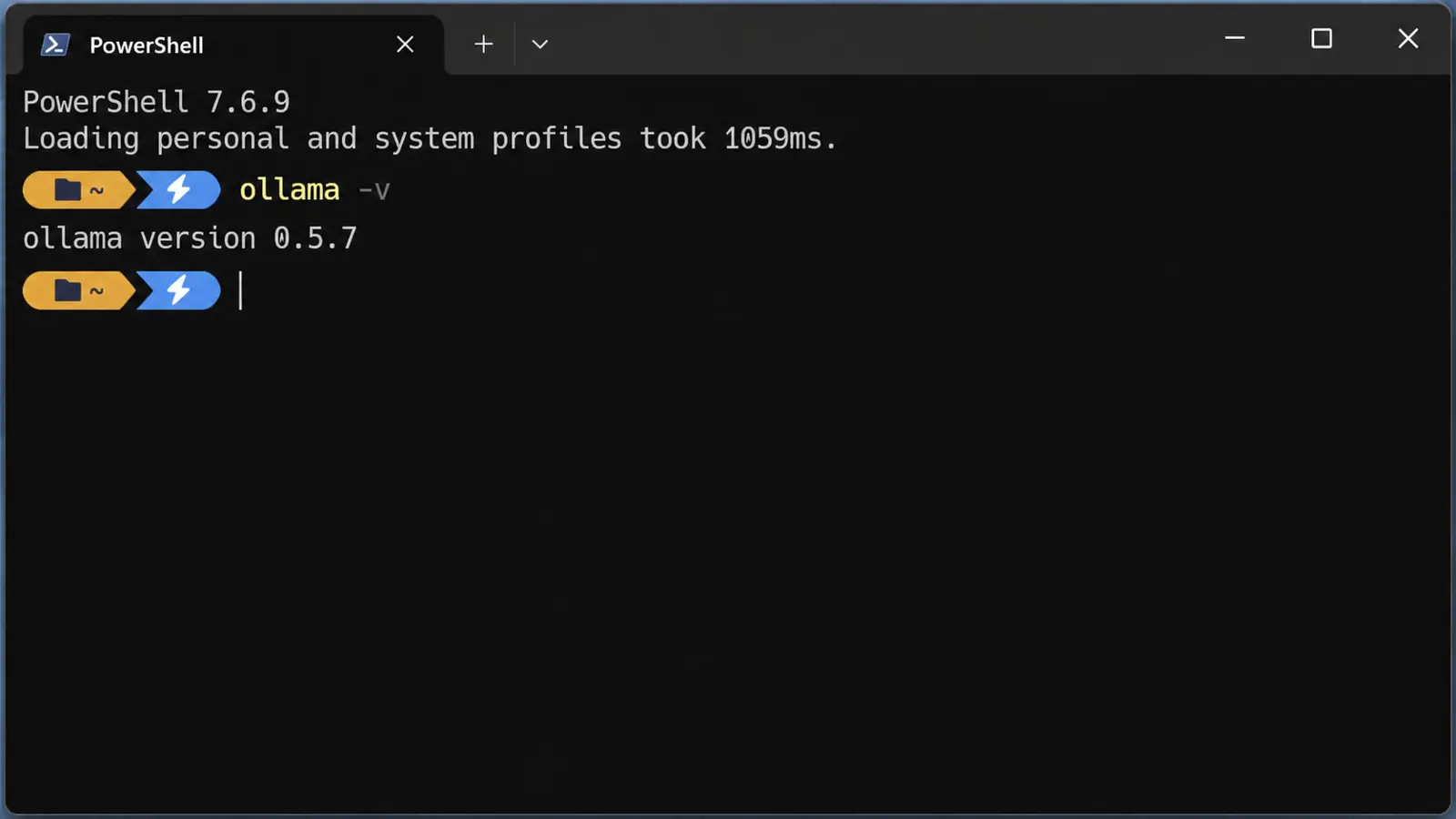
Ollama's quickstart uses gemma4:e2b. Pull downloads it, and run opens an interactive chat in the same terminal window where the command was first typed in. Typing /bye ends the session.
ollama pull gemma4:e2b
ollama run gemma4:e2b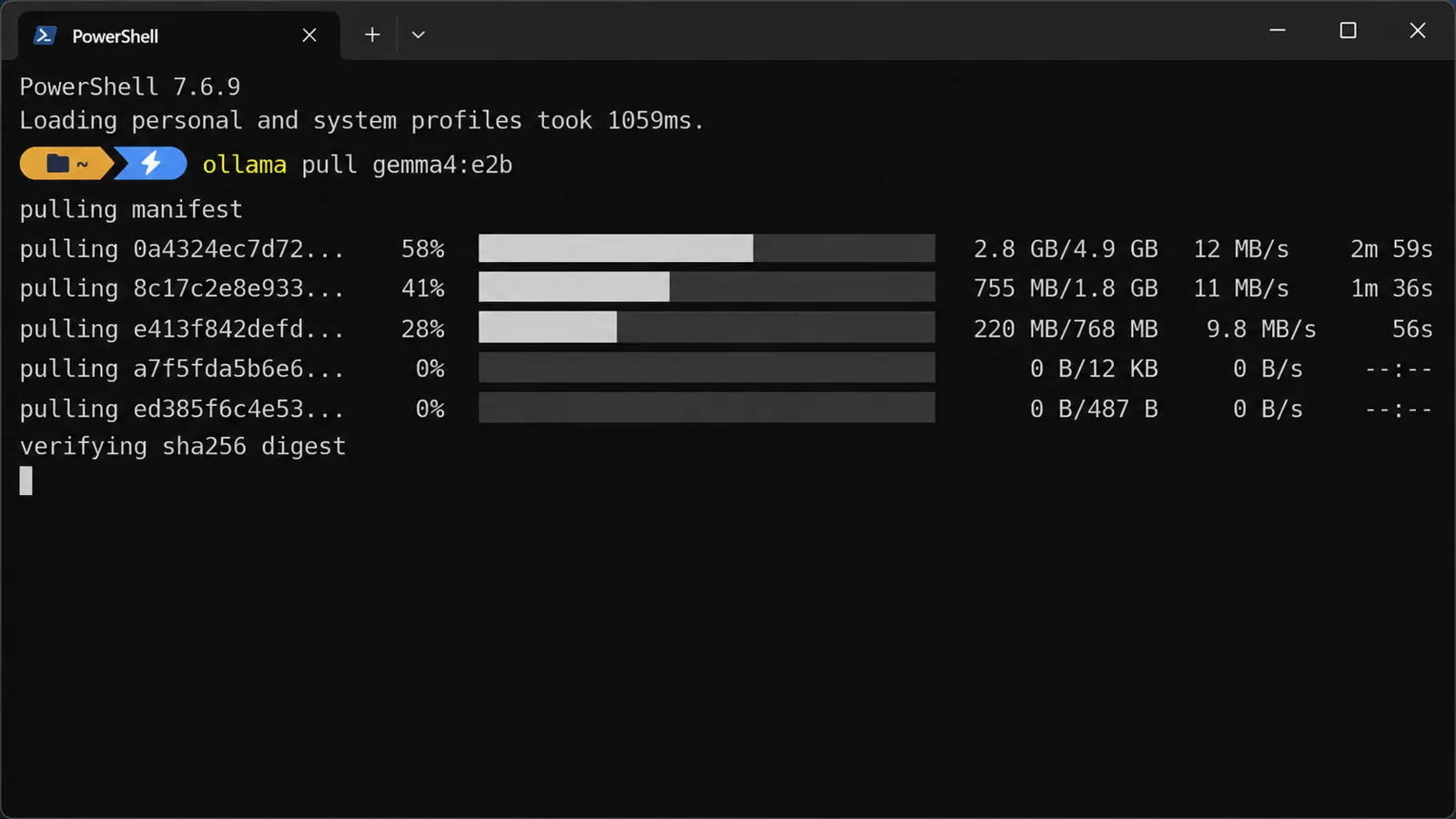
Expect a short pause on the first response. Ollama loads the model into memory first, then replies stream as they generate, and later prompts skip the wait until the five-minute keep-alive timer runs out.
Smaller or larger models follow the same pattern. Ollama's library lists gemma4 in e2b, e4b, 12b, 26b, and 31b sizes, qwen3.5 from 0.8b to 122b, and gpt-oss in 20b and 120b. Pick the tag that matches the memory in the table above, then run the same two commands. ollama list shows what is downloaded.
The Local API Listens on Port 11434
Ollama serves a local API at http://localhost:11434, and by default it binds only to 127.0.0.1. Apps can call the native endpoint or an OpenAI-compatible one at /v1, which lets existing OpenAI client code point at a local model. Python and JavaScript libraries are also available.
curl http://localhost:11434/api/chat -H "Content-Type: application/json" -d '{"model": "gemma4:e2b", "messages": [{"role": "user", "content": "Say hello in one sentence."}], "stream": false}'Reply text sits in message.content. On Windows PowerShell, curl is an alias for another command, so use curl.exe or Command Prompt to run the line above.
Larger projects start here. A model answering from private documents needs retrieval-augmented generation, and developers wrapping the API in a desktop front end can weigh Avalonia, Electron, Tauri, Flutter, and Qt by project type.
The OLLAMA_HOST variable changes the bind address. Setting it to 0.0.0.0:11434 lets other devices on the network reach the API.
Storage, Memory, and Context Settings Worth Knowing
Defaults suit most machines. A few settings come up fast, because models take disk space, memory stays reserved while a model is loaded, and the default context window is short.
- Model storage:
~/.ollama/modelson macOS,/usr/share/ollama/.ollama/modelson Linux, andC:\Users\%username%\.ollama\modelson Windows; theOLLAMA_MODELSvariable moves it - Keep-alive: models stay in memory for 5 minutes by default;
OLLAMA_KEEP_ALIVEchanges that, andollama stopunloads one immediately - Context length: the default window is 4096 tokens;
OLLAMA_CONTEXT_LENGTH=8192 ollama serveraises it - Parallel requests:
OLLAMA_NUM_PARALLELdefaults to 1, and required RAM scales with it times the context length - Updates: macOS and Windows update automatically, and Linux re-runs the install script
Windows users who want models on another drive set OLLAMA_MODELS as a user environment variable, then quit and relaunch Ollama so the change takes effect. Installer builds accept a custom folder through OllamaSetup.exe /DIR="d:\some\location".
Local Models Still Trade Size and Speed for Privacy
Teams that run LLM locally give up the largest models. A 70B model needs roughly 40 GB or more of memory, and CPU-only machines slow down quickly beyond the smallest sizes. Cloud models keep the edge on raw capability.
Open-weight releases keep closing part of that gap. Saganote's coverage of GLM-5.2 tracked an open model under an MIT license, and Ollama's library shows gemma4, qwen3.5, and gpt-oss each updated within the past two weeks. Pull tags change as that list moves, so the model names in this guide may need swapping for newer ones.
Frequently Asked Questions
Does Ollama need an internet connection?
How much memory does a first model need?
Can Ollama run without a GPU?
Where does Ollama store downloaded models?
~/.ollama/models on macOS, /usr/share/ollama/.ollama/models on Linux, and C:\Users\%username%\.ollama\models on Windows.What is the default context window?