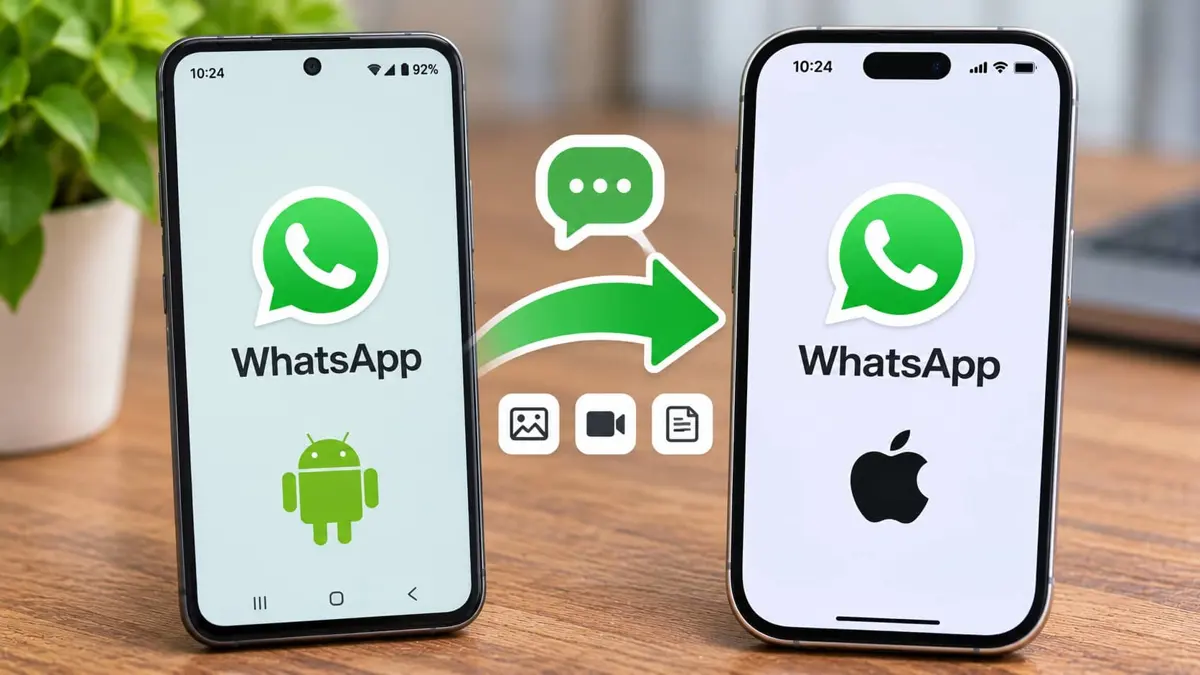
To transfer WhatsApp from Android to iPhone for free, the official route is Apple's Move to iOS app, which hands the chats to the new iPhone during setup. WhatsApp's help page carries no date, so Saganote checked it against Apple's Move from Android page, dated October 28, 2026, and a Business Standard report from March 27, 2026. Older guides date from 2022 to 2024.
The Free, Official Way to Move WhatsApp
No paid tool is needed. WhatsApp's help page does not support other data migration apps, and its troubleshooting page warns that they may cause chats to disappear.
WhatsApp lists the requirements: Android 5 or later, iOS 15.5 or later, the Move to iOS app on the Android phone, the latest WhatsApp on both phones, the same phone number, and power on both devices. A factory-new or factory-reset iPhone is required. Both phones must share a Wi-Fi network, or the Android phone can join the iPhone's hotspot. WhatsApp Business is excluded.
Android to iPhone With Move to iOS
Apple's Move from Android page describes setup: on the new iPhone, tap Set Up Without Another Apple Device on the Quick Start screen, then tap From Android and Transfer with App. Saganote's Android-to-iPhone guide covers that part, plus Apple's no-app route for Android 17 or later. WhatsApp's page names only the app route.
Order matters here. WhatsApp's help page lists the steps below, and anyone ready to transfer WhatsApp from Android to iPhone should keep both phones plugged in until the last one.
- Open Move to iOS on the Android phone, follow the prompts, and enter the code the iPhone shows.
- Tap Continue, then select WhatsApp on the Transfer Data screen.
- Tap Start on the Android phone and wait for WhatsApp to prepare the data. The Android phone signs out of WhatsApp once preparation finishes.
- Tap Next to return to Move to iOS, then tap Continue to transfer and wait for the confirmation.
- Install the latest WhatsApp from the App Store on the iPhone.
- Open WhatsApp and log in with the same phone number.
- Tap Start when prompted, let the process finish, and complete activation of the iPhone.
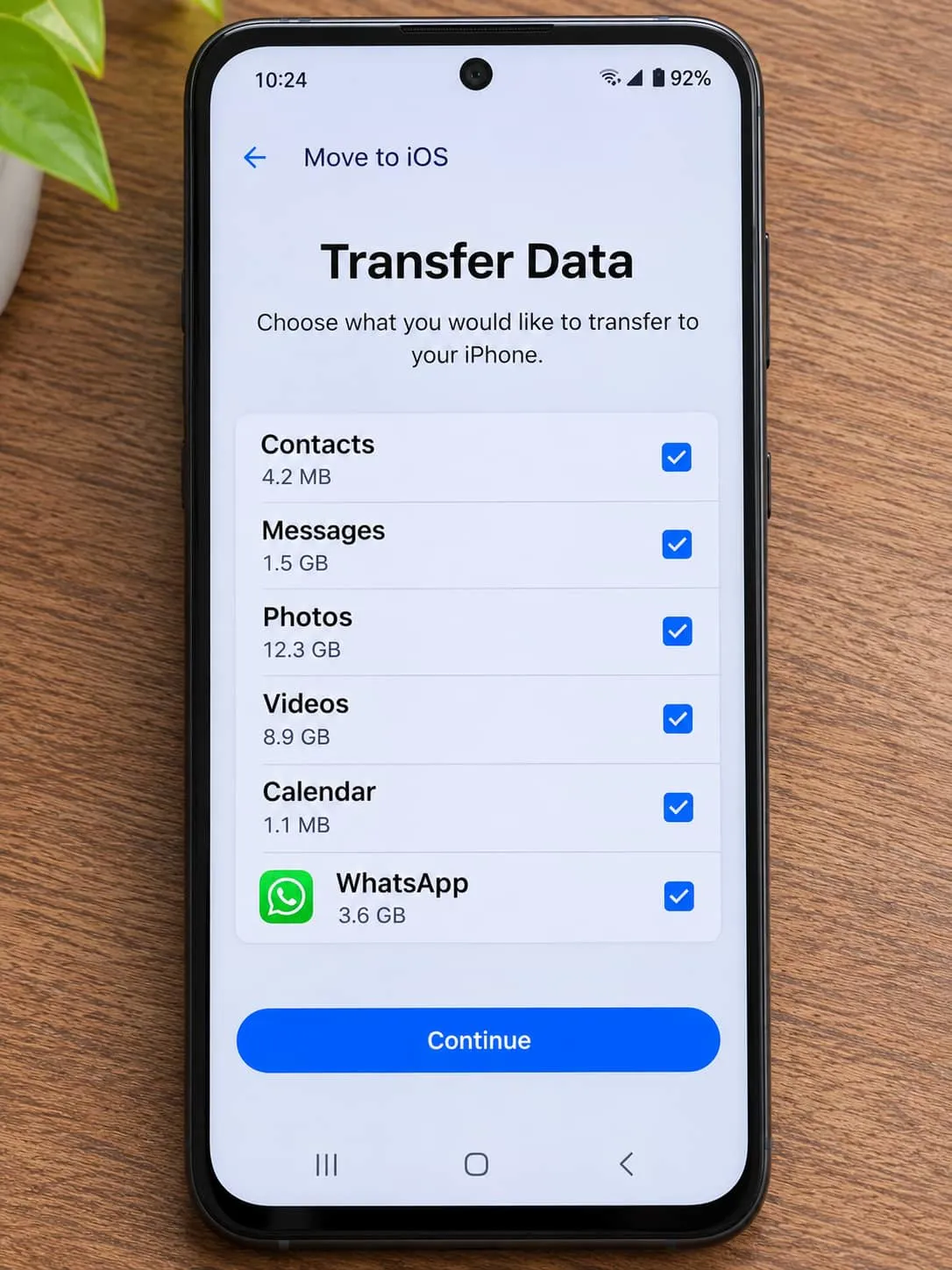
WhatsApp says the Android phone keeps its data unless someone deletes the app or wipes the phone. Transferred data reaches cloud storage only after the owner creates an iCloud backup, and WhatsApp says it cannot see the transferred data. Wipe only after the chats appear on the iPhone.
Backups after the move are a separate choice. WhatsApp is building its own iPhone cloud backup with encryption that iCloud does not force on users, per Saganote's earlier report, and the transfer itself does not create one.
What Transfers and What Does Not
| Item | Moves to the iPhone? | Source |
|---|---|---|
| Account information, profile photo, settings | Yes | WhatsApp help page |
| Individual chats, group chats, communities | Yes | WhatsApp help page |
| Chat history and media | Yes | WhatsApp help page |
| Channel updates | Yes | WhatsApp help page |
| Media received over Channels | No | WhatsApp help page |
| Call history | No | WhatsApp help page |
| Display name | No | WhatsApp help page |
| Peer-to-peer payment messages | No | WhatsApp help page |
| WhatsApp Business chats | Not supported | WhatsApp help page |
Business Standard's March 27, 2026 report lists call history as transferable, which conflicts with WhatsApp's help page, and the help page governs. Trust the help page. Business Standard also says status updates do not transfer, a point no other source Saganote read mentions.
iPhone to iPhone and Android to Android
iPhone to iPhone is the gap. Saganote could not read a current WhatsApp page for that route, and a 2024 TechRadar guide describes an iCloud backup plus a Restore Chat History prompt on the new iPhone, with the same phone number, so check any steps against WhatsApp's own help page before relying on them.
Google's page for Android to Android, which shows no date, says to open WhatsApp on the old phone, tap More, Settings, Chats, Chat backup, then Back up, install WhatsApp on the new phone, and sign in with the same number. At the restore prompt, Transfer from old phone uses Wi-Fi and Restore from backup uses the cloud, and Google recommends the cloud route when the backup is current. Google says both phones need the same Google Account. Google does not support other migration apps.
Business Standard's March 27, 2026 report describes an in-app route for iPhone to Android: Transfer chat history, then Transfer to Android, with a QR code scanned by the iPhone. Business Standard lists Android 10 or above, while WhatsApp's 2022 blog post said Android 12 or above and a USB-C to Lightning cable. Saganote could not confirm the current requirement.
Fixes When the Transfer Fails
WhatsApp's troubleshooting page says history can only move before WhatsApp is activated on the iPhone. To recover old history, reset the iPhone, reinstall WhatsApp on Android, and start a new transfer, because new chats cannot merge with old ones. A different phone number needs a number change on the Android phone first. Numbers must match.
For the error Something went wrong, WhatsApp says the chat history may be corrupted, and the options are Retry or Skip Import. An unknown error calls for restarting both phones and trying again. If the import stops partway, WhatsApp points to a connection error. Plug both phones in.
Force quitting Move to iOS means contacting Apple Support. Repeated verification-code attempts bring waiting periods that nobody can speed up, per WhatsApp, and a code may arrive by email, according to the same page. If the transfer finishes but some chats are missing, WhatsApp says it cannot retrieve them.
After the move, review account settings. Saganote's WhatsApp account security guide lists seven settings, including linked devices, and notes that re-registering the number logs other devices out.
Anyone who needs to transfer WhatsApp from Android to iPhone before Christmas has one fixed rule from WhatsApp's help page: do it during iPhone setup, because an iPhone with WhatsApp already active cannot take the history. Apple's Move from Android page carries an October 28, 2026 date. WhatsApp's help page carries none.
Frequently Asked Questions
Does WhatsApp transfer call history?
Can an iPhone that already uses WhatsApp receive Android chats?
Does the same phone number matter?
Can WhatsApp Business chats move?
Does the Android phone lose its chats?