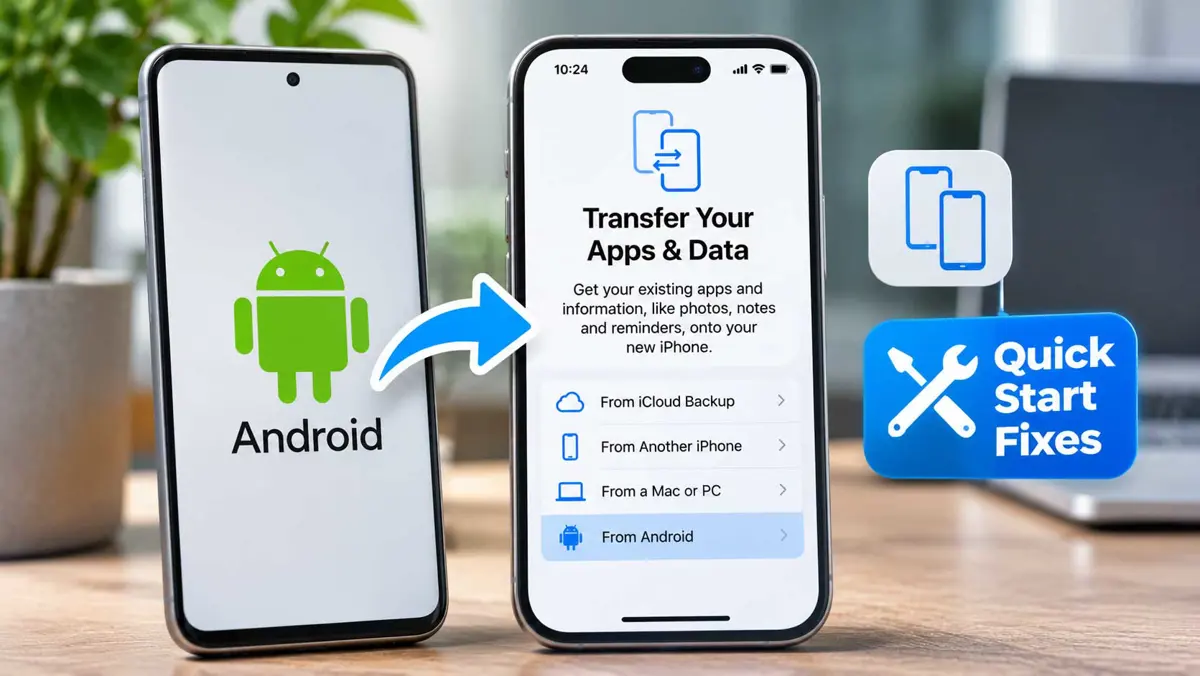
To transfer data from Android to iPhone, Apple's setup screens offer two paths: the Move to iOS app, or a no-app route that needs a compatible version of Android 17 or later. Saganote checked Apple's pages on November 22, 2026. Apple dates its Move from Android page October 28, 2026, and its Quick Start page November 17, 2026.
Pick the Right Transfer Method
Setup decides how to transfer data from Android to iPhone. Timing matters. Apple's Move from Android page says that a finished setup means erasing the new iPhone and starting over, or moving content manually.
| Method | Direction | What it needs | Source date |
|---|---|---|---|
| Move to iOS app | Android to iPhone | Wi-Fi on for Android, both phones plugged in, a ten-digit or six-digit code | Apple, October 28, 2026 |
| Transfer without App | Android to iPhone | A compatible version of Android 17 or later, a QR code scan | Apple, October 28, 2026 |
| Quick Start, direct | iPhone to iPhone | Old iPhone on iOS 11 or later, Wi-Fi and Bluetooth on | Apple, November 17, 2026 |
| Quick Start, iCloud | iPhone to iPhone | A recent backup, new iPhone usable right away | Apple, November 17, 2026 |
| Wired transfer | iPhone to iPhone | A cable that matches both models | Apple, November 6, 2025 |
Android to iPhone With the Move to iOS App
Before starting, Apple says to turn on Wi-Fi on the Android phone, plug both devices into power, and check that the content, including any microSD card, fits on the new iPhone. A USB-C cable is optional but faster. Apple's page gives no Android or iOS minimum for the app.
- On the new iPhone, follow setup until the Quick Start screen, then tap Set Up Without Another Apple Device.
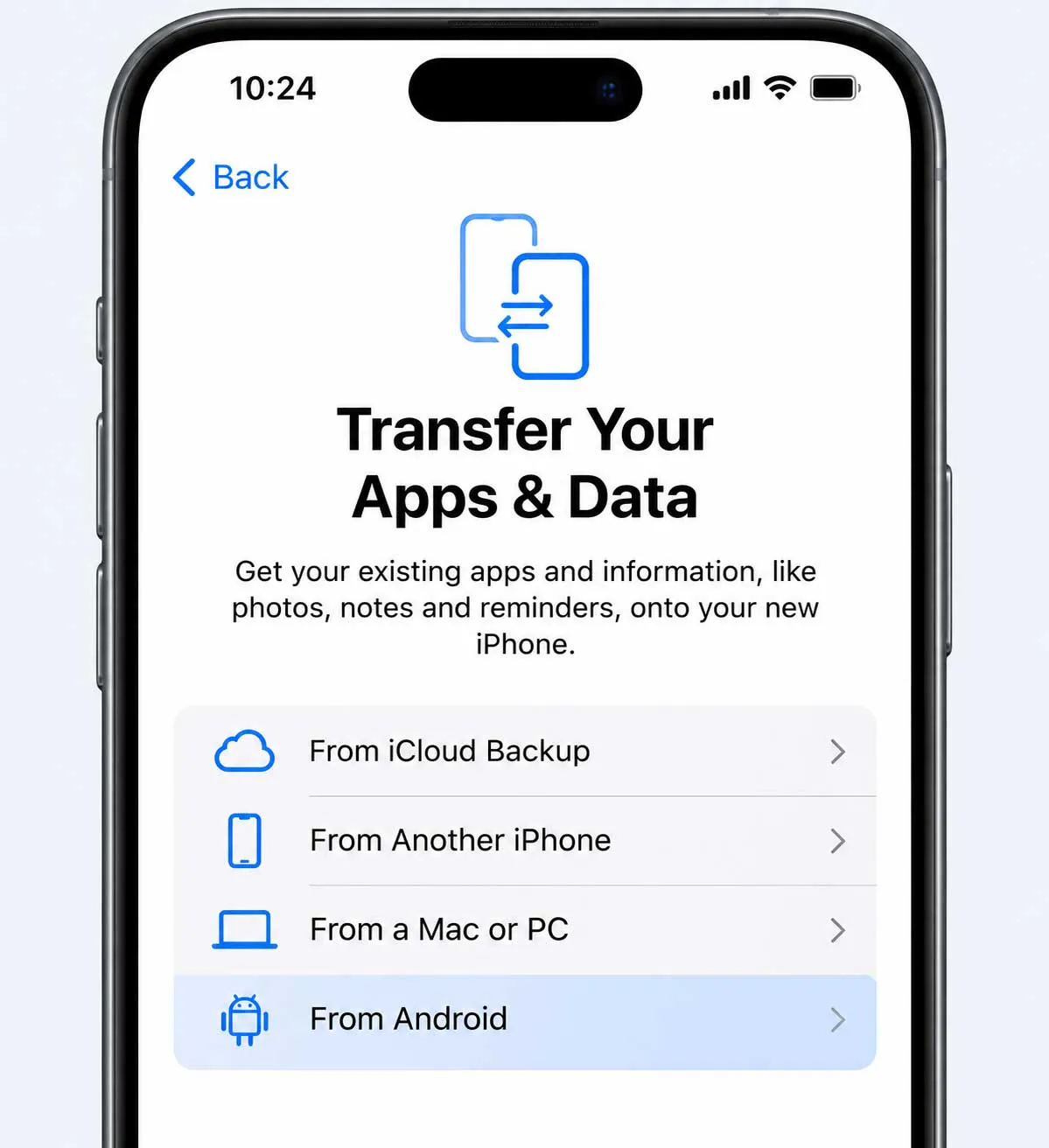
- On the Transfer Your Apps & Data screen, tap From Android, then Transfer with App.
- On the Android phone, open Move to iOS. If the app is missing, scan the QR code on the iPhone to reach Google Play.
- Tap Continue and Agree, choose Automatically Send or Don't Send, and allow Location and Notification permissions if asked.
- On the iPhone, tap Continue on the Move from Android screen and wait for a ten-digit or six-digit code.
- Enter the code on Android, then join the temporary Wi-Fi network the iPhone creates.
- Pick the content, such as contacts, messages, and call history, then tap Continue.
- Leave both phones alone until the loading bar on the iPhone finishes, then tap Done on Android and Continue on the iPhone.
Apple's list of transferable items includes contacts, message history, camera photos and videos, albums, files, bookmarks, mail accounts, WhatsApp messages and media, calendars, and call history. Some free apps move too when they exist on both Google Play and the App Store. Matching apps download from the App Store afterward.
WhatsApp is building its own iPhone cloud backup with encryption that iCloud does not force on users, per an earlier Saganote report. That plan is a separate matter.
Apple gives no time estimate. Its pages say only that transfer times vary with network conditions and the amount of data being moved, which makes a large photo library a likely reason to wait. Staring at a loading bar with two phones plugged in is a slow way to spend a holiday evening.
Android to iPhone Without the App
Apple's no-app option needs a compatible version of Android 17 or later, and Apple says to check with the device maker for eSIM and no-app support. On the iPhone, tap From Android, then Transfer without App, and scan the QR code with the Android camera. Eight steps cover it.
On Android, choose the data: photos, contacts, calendars, call history, and messages, then wait for the transfer to complete before tapping Continue on the iPhone. To move an eSIM, pick the number on Android and tap Transfer. Finish setup after that.
If the QR code will not scan, Apple's page says to tap Other Options on the iPhone. On Android, open Settings, Google Services, All Services, then Pair with iPhone or iPad and Copy Data, and enter the session ID and pairing code shown on the iPhone. Device makers vary. Apple tells Android owners who cannot find that screen to ask the maker.
Going the other way is a different job. Android 17 can move passwords and eSIM from an iPhone without an app, per Saganote's earlier report, and Apple keeps a separate page for the reverse direction.
iPhone to iPhone With Quick Start
Update both phones first. Saganote's iOS 27 upgrade guide covers the steps, and Apple says both devices should run the latest iOS before Quick Start begins.
Quick Start needs the old iPhone on iOS 11 or later with Wi-Fi and Bluetooth on, and the new iPhone on Wi-Fi or cellular. Place the new iPhone near the old one, unlock the old one on the Home Screen, and follow the onscreen prompts. If the prompt vanishes, restart both.
Apple offers two ways to move data. An iCloud download lets the new iPhone start working right away while apps and data arrive in the background, and apps appear dimmed until they finish downloading. A direct transfer makes both phones wait until it finishes.
A cable is the third route. Apple says iPhone 15 or later to iPhone 15 or later needs a USB-C Charge Cable between the charging ports, while an iPhone 14 or earlier paired with an iPhone 15 or later uses a USB-C to Lightning Cable. Two older iPhones need a Lightning to USB 3 Camera Adapter, a Lightning to USB Cable, and a 12W or higher power adapter.
Move the SIM before data. Apple's eSIM page, dated November 18, 2026, says eSIM Quick Transfer needs both iPhones on iOS 18.4 or later, signed in to the same Apple Account, with the old iPhone unlocked and Bluetooth on. On iOS 26 or later, more than one phone number can move. Activating the new plan deactivates the previous SIM.
Keep the old phone for now. Once everything has arrived, Saganote's factory reset checklist covers sign-out, eSIM, and erase steps for iPhone, Samsung Galaxy, and Pixel phones.
What Does Not Transfer Automatically
Manual jobs remain. Apple's Android page says music, books, and PDFs need a manual move, and apps without a match between Google Play and the App Store need a fresh download. Apple's manual page describes a computer route, with photos and videos synced through Finder or the Apple Devices app and cloud documents reached through apps such as Dropbox, Google Drive, and OneDrive.
For iPhone to iPhone moves, none of the Apple pages Saganote read lists which items fail to carry over, beyond saying transfers preserve apps, photos, messages, and settings. Face ID or Touch ID gets set up fresh during setup. Those pages do not cover Apple Pay or Health.
Storage matters on arrival. Saganote's iPhone storage guide says Apple Intelligence needs up to 14GB after iOS 27, and Apple tells Android movers to confirm that their content fits on the new iPhone before starting.
Fixes When a Transfer Gets Stuck
Leave both phones alone. Apple says the Move to iOS app must stay onscreen on the Android phone, and using another app or taking a call before the transfer finishes means content will not move. On Android, turn off settings that can affect Wi-Fi, such as Sprint Connections Optimizer or Smart Network Switch, then forget each known Wi-Fi network and try again.
Restarting helps too. Apple lists restarting both phones and turning off cellular data on Android as the next steps, and a weak-internet alert on the Android phone needs no action while the iPhone waits to show the code.
Quick Start trouble has a short list of fixes. Apple says to restart both devices if the prompt disappears, confirm Wi-Fi and Bluetooth are on, and keep the phones close together and plugged in. If a transfer stops, finish setup on the new iPhone, then open Settings, General, Transfer or Reset iPhone, tap Erase All Content and Settings, and start over.
A new iPhone enrolled in Apple School Manager or Apple Business cannot use Quick Start to transfer from the current device. Apple says to check that the serial number does not appear in either program. Apple's pages say nothing about camera scanning failures.
Anyone planning to transfer data from Android to iPhone as a holiday gift has one rule to follow: pick the method before setup starts, because a finished setup means erasing and starting over. Apple says support depends on the Android maker.
Frequently Asked Questions
Can Android data move after the iPhone is already set up?
Does Move to iOS work on any Android phone?
Can an iPhone be used during Quick Start?
What if the code never appears?
Does the old SIM stop working?