Google Adds Local Documents Backup to Android With Google Drive
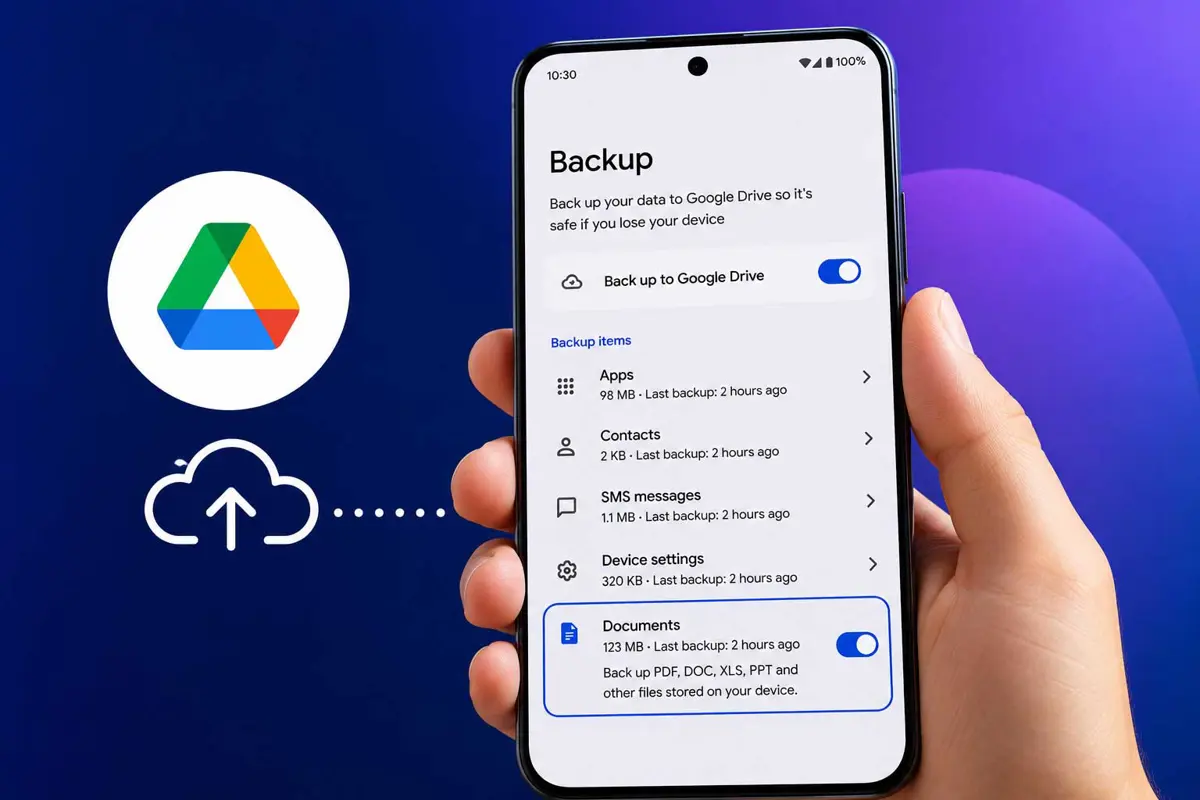
Google is rolling out automatic backup for local Android documents, giving users another way to protect important files through Google Drive.

Google is expanding Android's backup capabilities with support for local documents stored on a device. Instead of protecting only apps, settings, and photos, Android can now back up supported documents to Google Drive, reducing the risk of losing important files during a device reset or upgrade.
The feature is rolling out through Google Play services, so users won't need to wait for a full Android OS update to receive it. Once available, eligible documents can be backed up automatically and restored alongside other device data when signing in to a new Android phone.
gWhat Is Android Local Documents Backup?
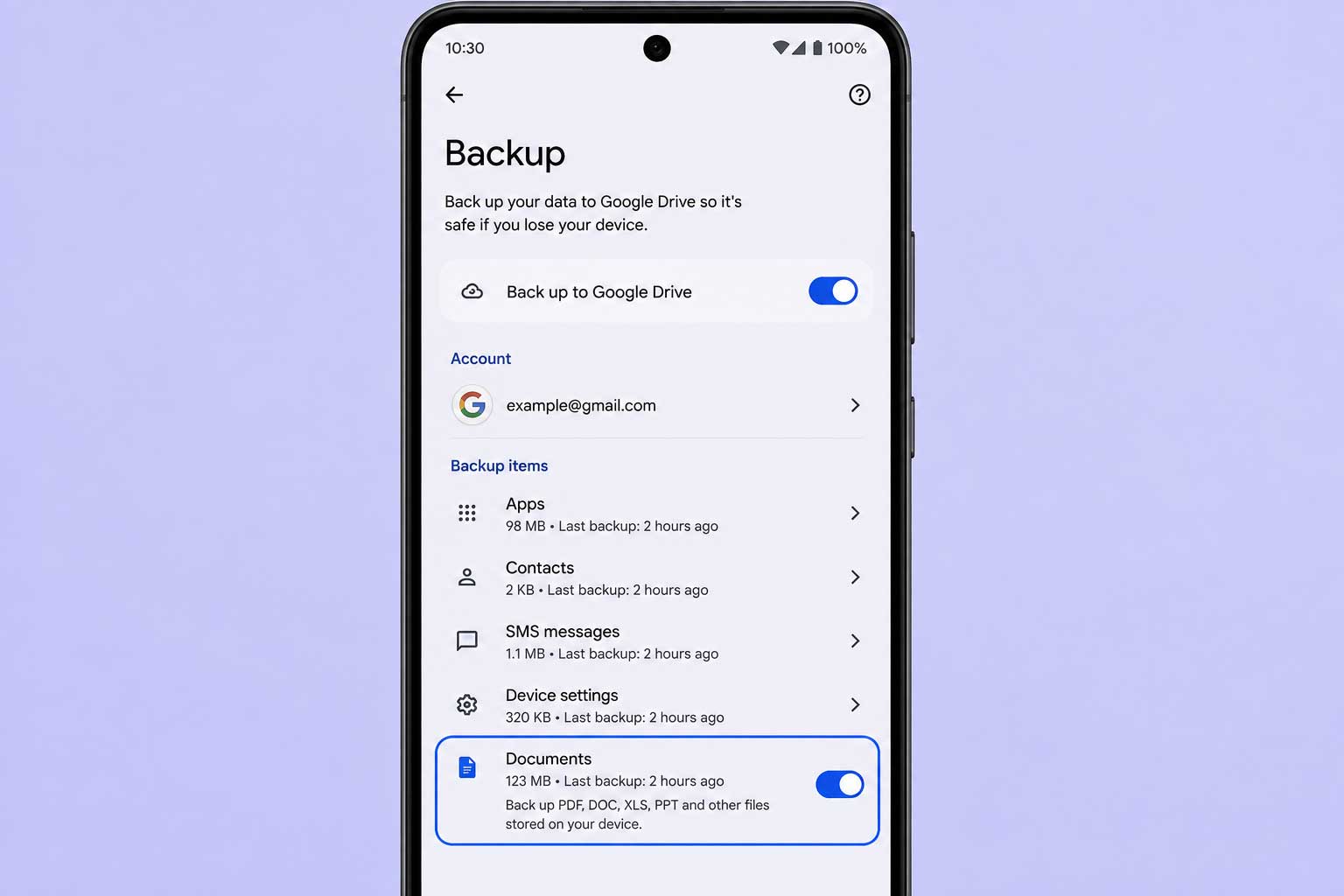
Android has long been able to back up apps, call history, contacts, device settings, and other data to Google Drive. With this update, Google is extending that protection to supported local documents, making it easier to recover important files after resetting a phone or moving to a new Android device.
The feature works through Android's existing backup system, so users don't need to install another app or manually upload documents. Once enabled, supported files are included in device backups and can be restored during the setup process on a compatible Android phone.
How Android Local Documents Backup Works
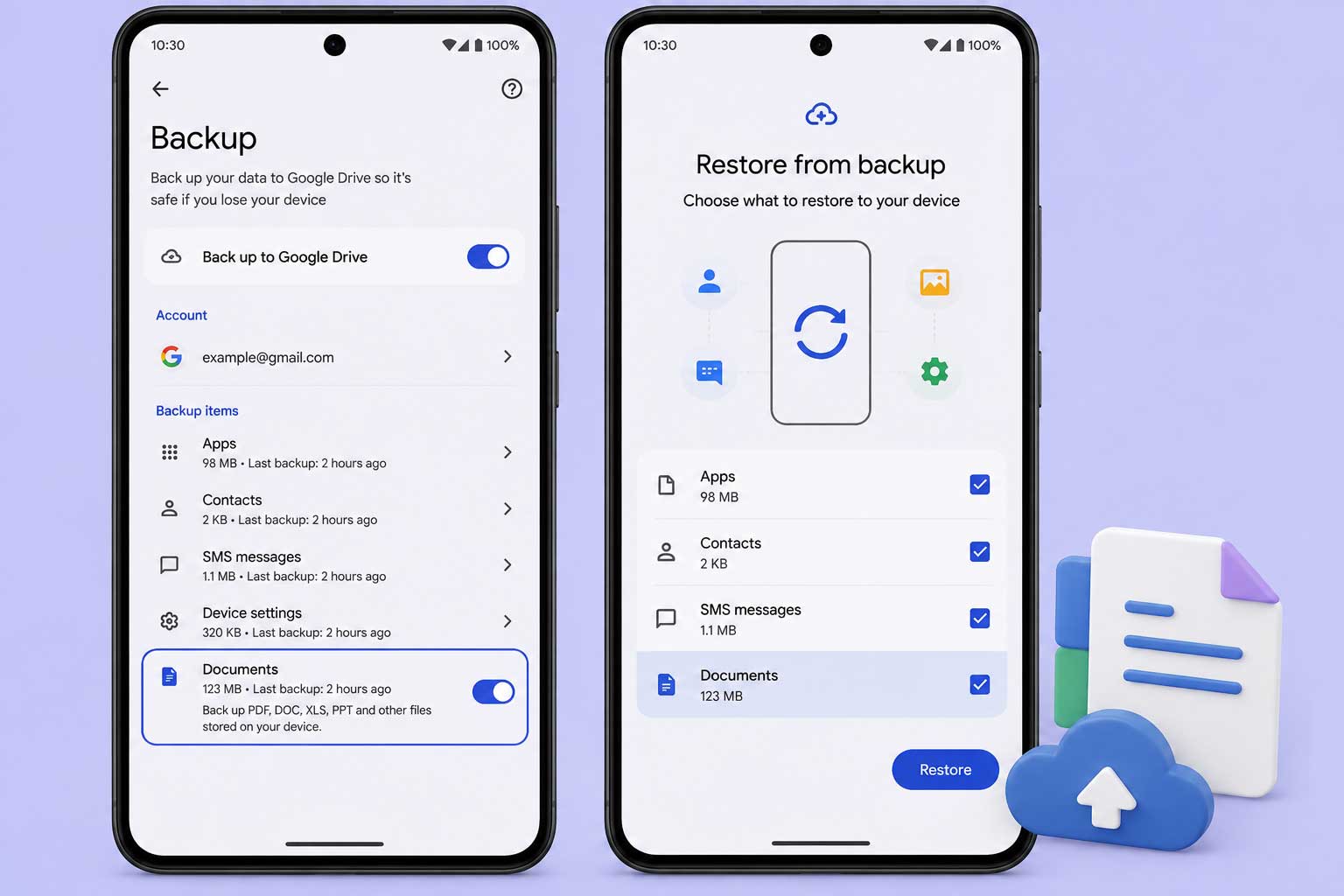
Once the feature is available on your device, Android can automatically include supported local documents in your regular Google Drive backups. Files are backed up alongside other device data, making it easier to restore them when setting up a new Android phone or recovering from data loss.
Because the feature is delivered through Google Play services, many Android devices can receive it without waiting for a major operating system update. Availability may vary depending on your device, region, and Play services version.
What Files Can Be Backed Up?
Google says the feature is designed for supported local documents stored on your device. While it expands Android's existing backup capabilities, it doesn't replace cloud storage or file synchronization services. Instead, it provides another layer of protection for important documents that are saved locally.
Why This Feature Matters
Many Android users keep important PDFs, work files, invoices, and downloaded documents in local storage without realizing they aren't always included in traditional device backups. By extending backup support to local documents, Google reduces the chance of losing those files after a factory reset, device failure, or phone upgrade.
The update also reflects Google's broader effort to make Android backups more complete and reliable. Alongside recent improvements across Google's ecosystem, the company continues to add practical features that simplify everyday device management instead of requiring users to rely on third-party backup apps.
Availability
Google is rolling out Android local documents backup through Google Play services, so availability may vary by device and region. Users can check their Backup settings to see whether the new Documents option has appeared, with wider availability expected as the rollout continues.
Final Thoughts
Android local documents backup is a small update, but it solves a problem many users don't realize they have until it's too late. By including supported local documents in Google Drive backups, Google makes switching devices and recovering from unexpected data loss a little easier.
As the rollout expands, this feature should become a valuable addition for anyone who stores important files directly on their Android device. It also shows Google's continued focus on improving everyday Android experiences through incremental but practical updates.
FAQ
What is Android local documents backup?
How do I enable Android local documents backup?
Does this feature sync files like Google Drive?
Who can use Android local documents backup?