Google Messages Rolls Out a New Long-Press Menu With Precise Text Copying
The redesigned menu moves message actions closer to the selected message while making partial text copying possible.

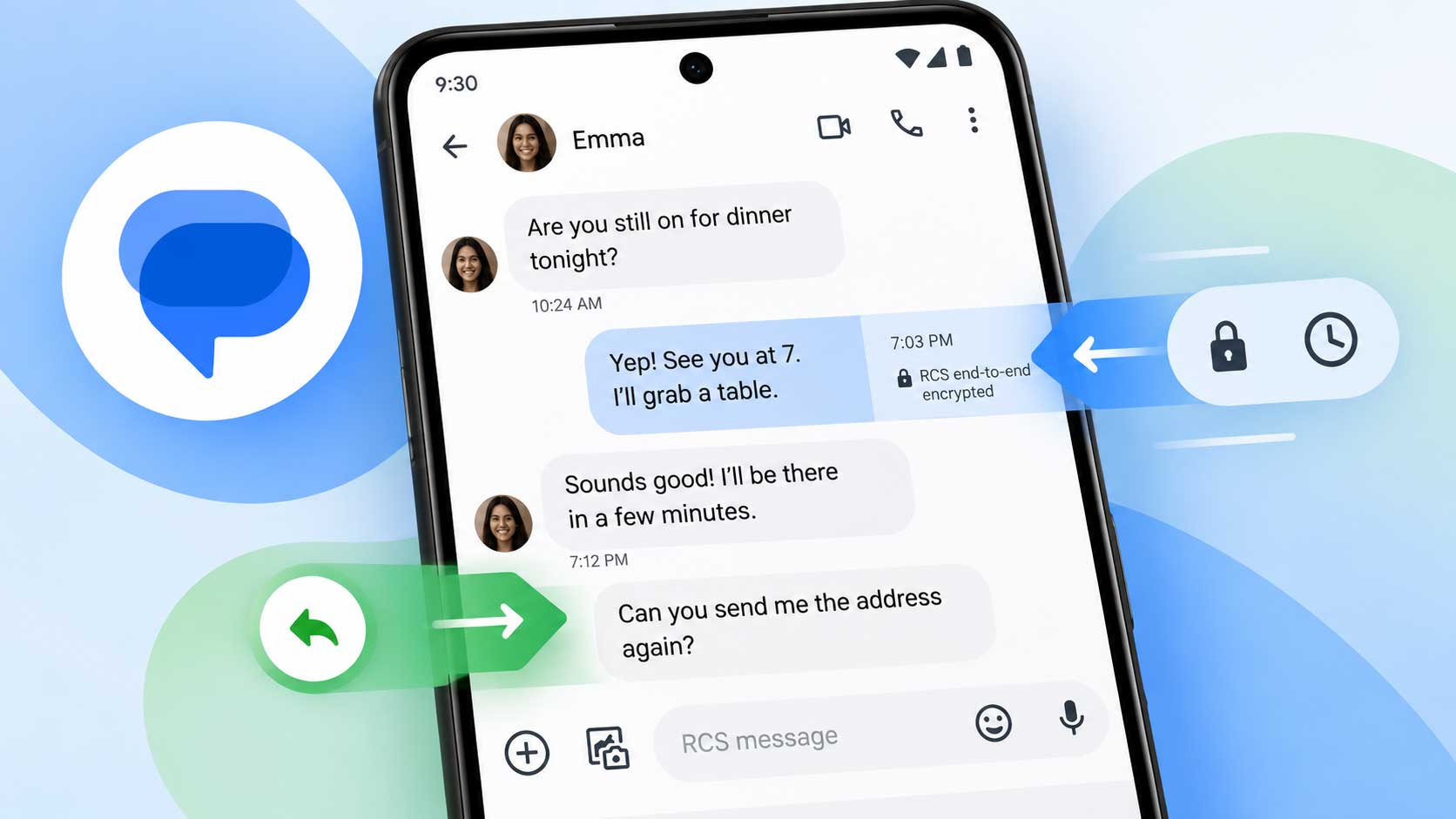
Google Messages is widely rolling out a redesigned long-press menu that replaces the old top toolbar with a floating menu and adds a more precise way to copy text.
Google Messages Gets a Floating Long-Press Menu
Long-pressing a message or image now opens a floating menu near the selected item instead of moving the available actions to a toolbar at the top of the screen. The menu includes actions such as Reply, Forward, Copy, Star, Delete, Select more, and Info. Photos can also show options such as Remix and Save.
Each action has its own icon, making the available controls easier to scan without moving attention away from the selected message. The redesign also keeps the existing emoji and Photomoji row.
Google Messages Adds Partial Text Copying
The more useful change is the new text-selection behavior. After selecting a text message, pressing down and dragging across the message can highlight only the portion that needs to be copied. Previously, copying from the message menu copied the entire message.
That makes smaller pieces of information easier to reuse, such as a phone number, address, verification code, or another short section of a longer message. Google already supports easier handling of verification codes in Gmail, which shows why copying a specific piece of text can be useful: Gmail Makes 2FA Codes Easier to Copy Without Opening Emails.
The New Menu Is Rolling Out Gradually
The redesigned menu has been reported on the stable Google Messages release 20260910_03_RC02, but its availability also depends on a server-side component. That means installing the latest app version does not necessarily make the new menu appear immediately.
The rollout is part of a broader set of recent Android changes covered in Google’s September Android Drop Adds 5 Useful Features.
With the redesign, long-press actions stay closer to the message being handled, while partial text copying removes the need to copy an entire message when only a small section is needed.