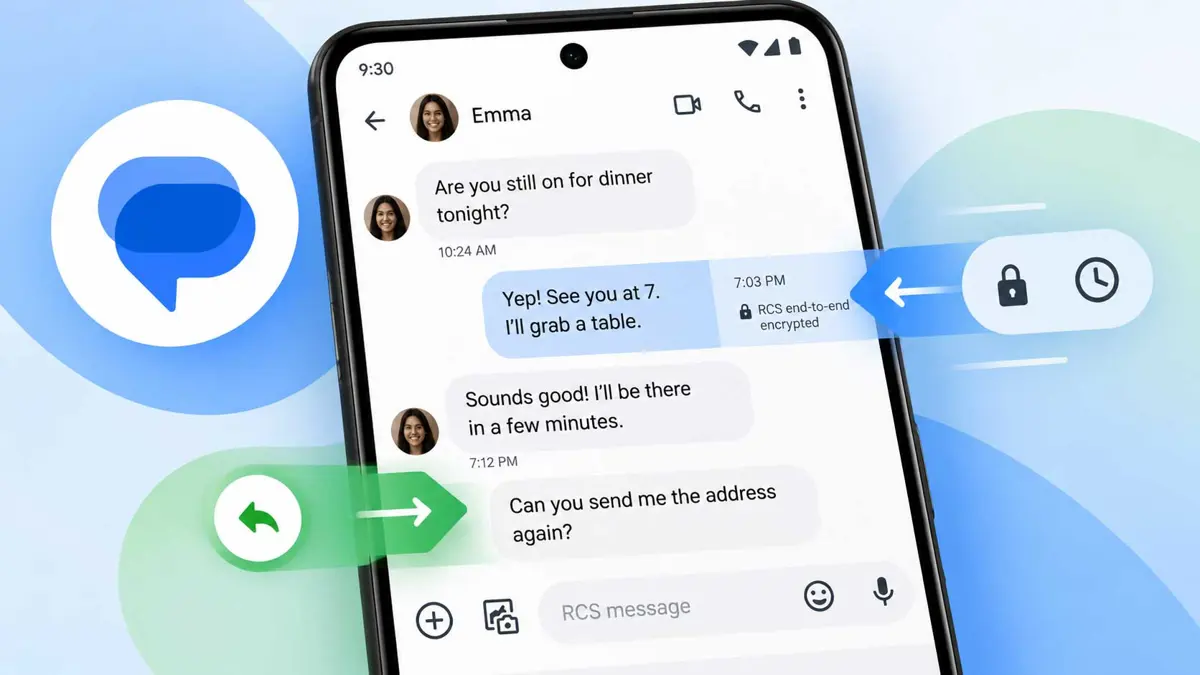
Google Messages Adds Swipe Gestures for Timestamps and Quick Replies
A left swipe reveals message timing and RCS details, while a right swipe opens a direct reply.

Google Messages swipe gestures are rolling out more broadly, changing how users view message timestamps and start direct replies. A left swipe can reveal timestamps and RCS encryption details, while a right swipe can open a direct reply to a message.
Google Messages Swipe Gestures Change Two Common Actions
The updated interface separates two actions that were previously easier to find through the message controls. Swiping left across a conversation reveals the time associated with messages along with the RCS encryption indicator. Swiping right on a message starts a direct reply.
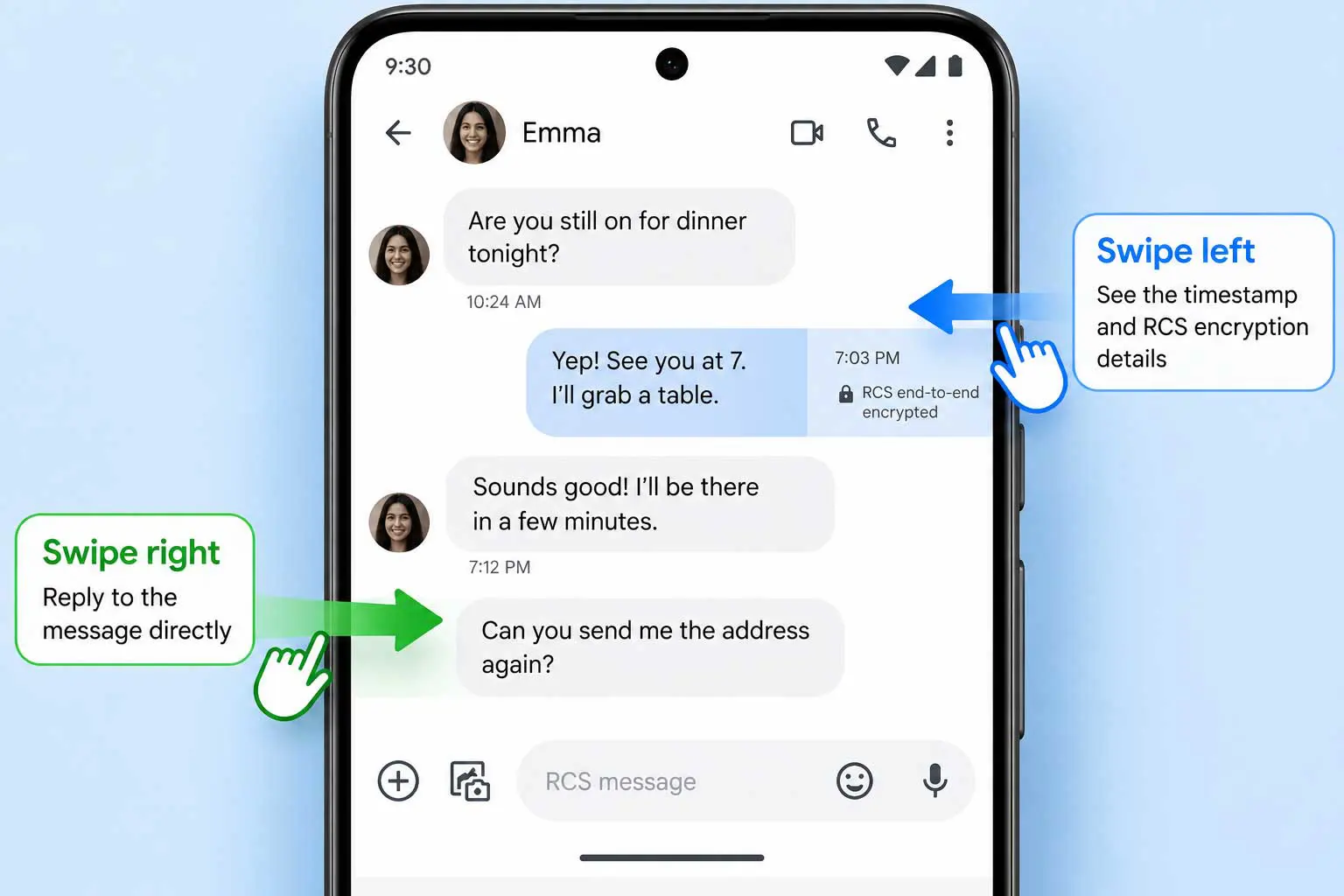
The timestamp view is useful when the exact timing of several messages matters. The reply gesture, meanwhile, keeps the original message attached to the response so the conversation makes clear which message is being answered.
How the New Gestures Work
- Swipe left across a conversation to reveal message timestamps and the RCS encryption indicator.
- Swipe right on a message to start a direct reply.
- If the gestures are not available yet, the change may not have reached that Google Messages installation.
Google Messages has been testing this interface for a long time. Earlier versions of the redesign moved timestamps and encryption information behind a left swipe, while direct replies were assigned to a right swipe. The latest rollout brings that interaction to more users.
Another Recent Google Messages Interface Change
The gesture update follows another recent redesign that changed how actions appear after pressing and holding a message. The Google Messages long-press menu redesign with precise text copying moves message actions into a floating menu and lets users select only part of a message when copying text.
RCS Details Are Still Part of the Conversation View
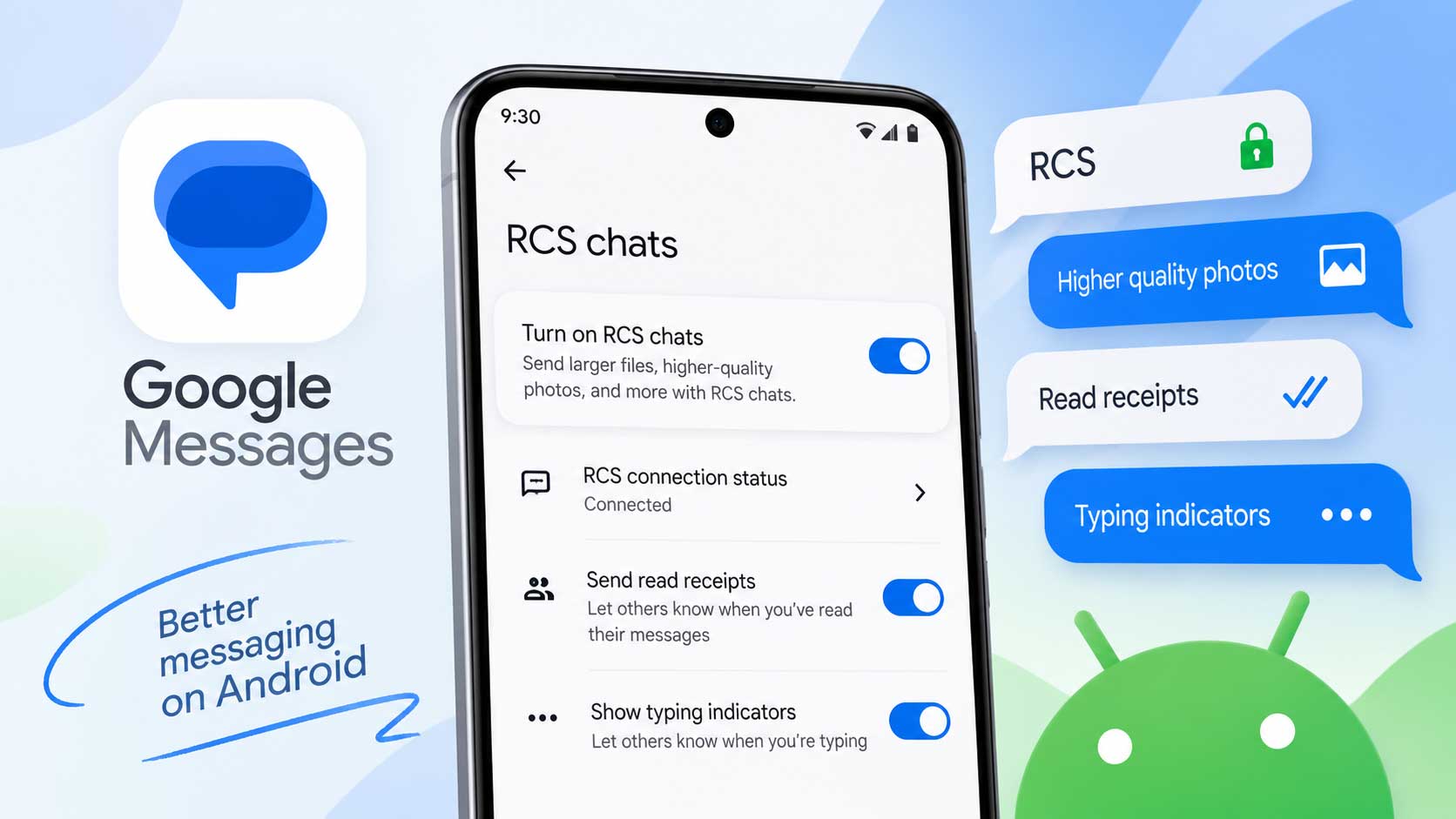
The swipe-left view is also tied to RCS information shown for messages. For readers who need to check whether RCS is enabled, Saganote's guide explains how to turn on RCS chats in Google Messages.
Google Messages swipe gestures are rolling out gradually, so the exact interface can still vary between devices and app versions. The change makes timestamps and direct replies accessible through separate gestures instead of relying on the same message controls.