Searches for "how much RAM do I need" reach about 4,400 a month in the US, and the short answer for most buyers is 16GB. Steam's October survey backs that up. Of the gaming PCs it counted, 41.42% have 16GB and 37.06% have 32GB, while 8GB holds 7.52% and 64GB holds 3.94%.
RAM Holds Active Work, and Running Out Slows Everything Down
RAM is the short-term workspace a computer uses for open apps, browser tabs and files in active use. Storage holds everything else. Once RAM fills, the operating system moves idle data to the startup drive, and every switch back to that data costs time.
Apple's Activity Monitor calls that overflow "swap used", the amount of startup disk space a Mac borrows to hold data pushed out of RAM. Windows does the same job with a paging file. Both run far slower than memory, which explains why a machine can feel fine for hours and then stall.
Microsoft lists 4GB as the minimum for Windows 11. That number gets the system installed and booting, nothing more. A browser, a chat app and a video call running together typically want far more memory than a 4GB floor leaves for them.
Steam's Survey Shows 16GB and 32GB Covering 78% of Gaming PCs
Steam's October survey splits system memory into size bands, and the five sizes buyers actually choose appear below with each band's month-over-month change in percentage points. Participation is opt-in, so the data skews toward gamers.
| System RAM | Share of Steam PCs | Change from September |
|---|---|---|
| 8GB | 7.52% | +1.05 |
| 16GB | 41.42% | +3.60 |
| 24GB | 2.31% | -0.25 |
| 32GB | 37.06% | -5.16 |
| 64GB | 3.94% | +0.23 |
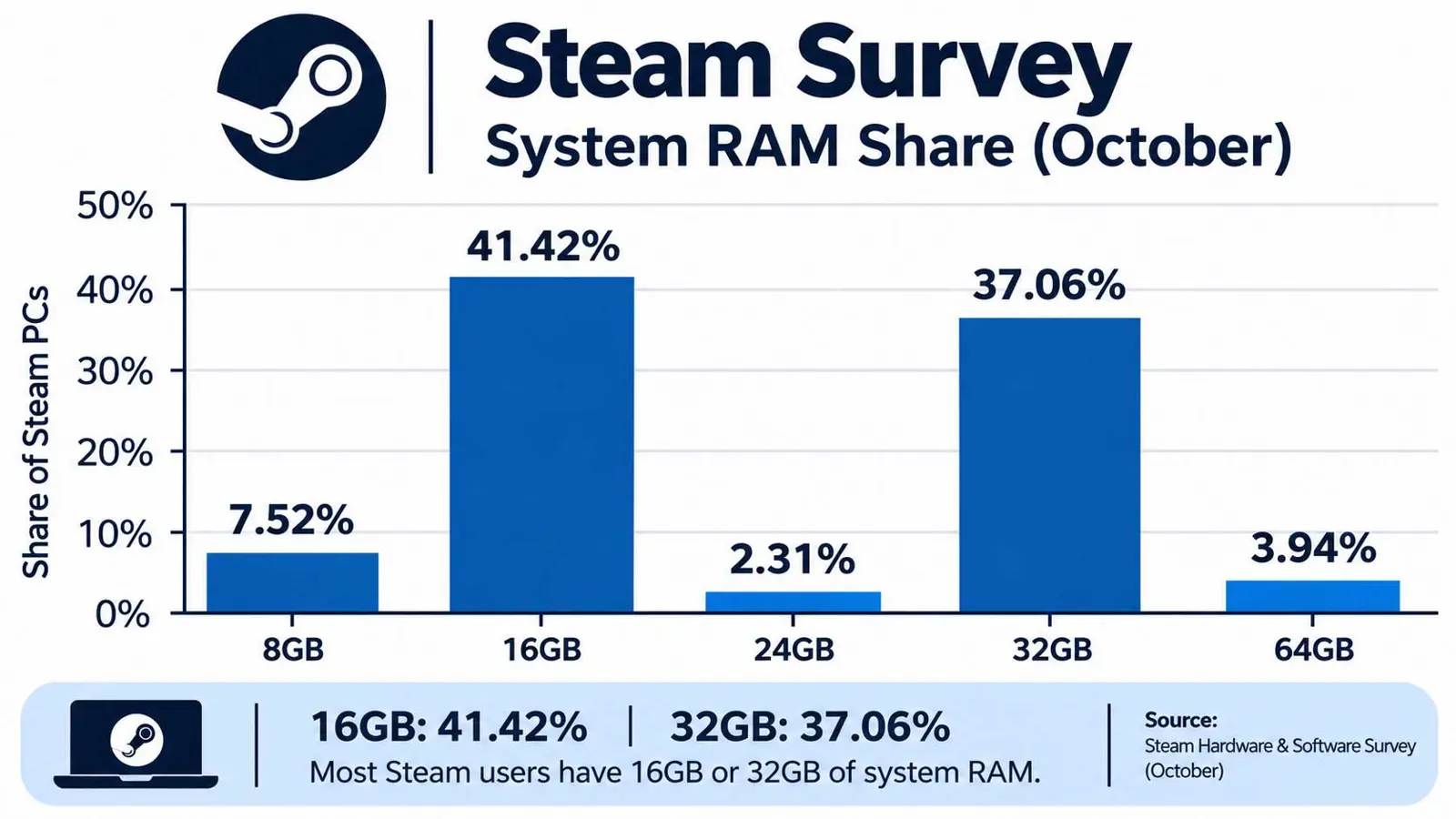
16GB gained 3.60 points in a month while 32GB lost 5.16, the biggest swing among the common sizes. One month of data proves no trend. Memory prices have climbed as AI demand absorbs production, and a drift toward smaller configurations would fit that pressure, though Steam's data offers no proof of cause.
Light Use Fits 8GB, Everyday Multitasking Needs 16GB, and Heavy Work Starts at 32GB
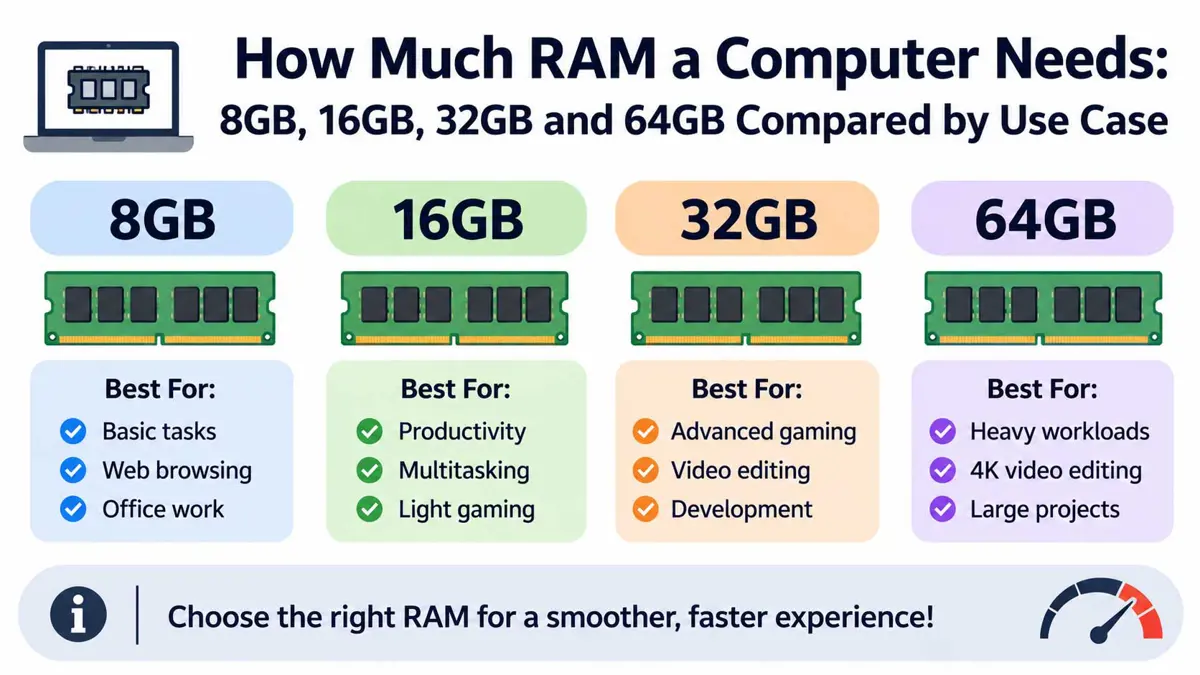
| Use case | Workable | Comfortable | 64GB pays off when |
|---|---|---|---|
| Web, email, office, streaming | 8GB | 16GB | Rarely |
| Everyday multitasking and video calls | 16GB | 16GB | Rarely |
| Gaming | 16GB | 16-32GB | Heavy mods, or streaming while playing |
| Photo editing | 16GB | 32GB | Very large files with many layers |
| 4K video editing | 32GB | 32GB | Multicam projects and heavy effects |
| Software development | 16GB | 32GB | Several virtual machines at once |
| Local AI models | 16GB | 32GB | Larger models, see the VRAM chart below |
Ranges in the table are rules of thumb. Individual apps publish their own requirements, and heavy ones such as video editors often ask for more than a general rule suggests, so a specific app's spec page overrides any shortcut.
16GB vs 32GB Comes Down to Peak Memory Use, Not Average
Average use rarely settles the choice. Peak use does, because a machine that idles at half its memory all day still stalls when a render or a build pushes it past the limit. Asking "how much RAM do I need" gets better answers from measurement than from spec sheets.
Measuring takes one normal workday. Leave every usual app open, then check the peak with the tool built into the operating system, since a figure taken at an idle moment misleads.
- Work normally for a full day with the usual apps and tabs open.
- On Windows, open Task Manager, select Performance, then Memory, and note the in-use figure when work is busiest.
- On a Mac, open Activity Monitor, select the Memory tab, and watch the Memory Pressure graph and Swap Used.
- Compare the peak with installed RAM. A figure that sits near the ceiling, or swap that keeps growing, points to the next size up.
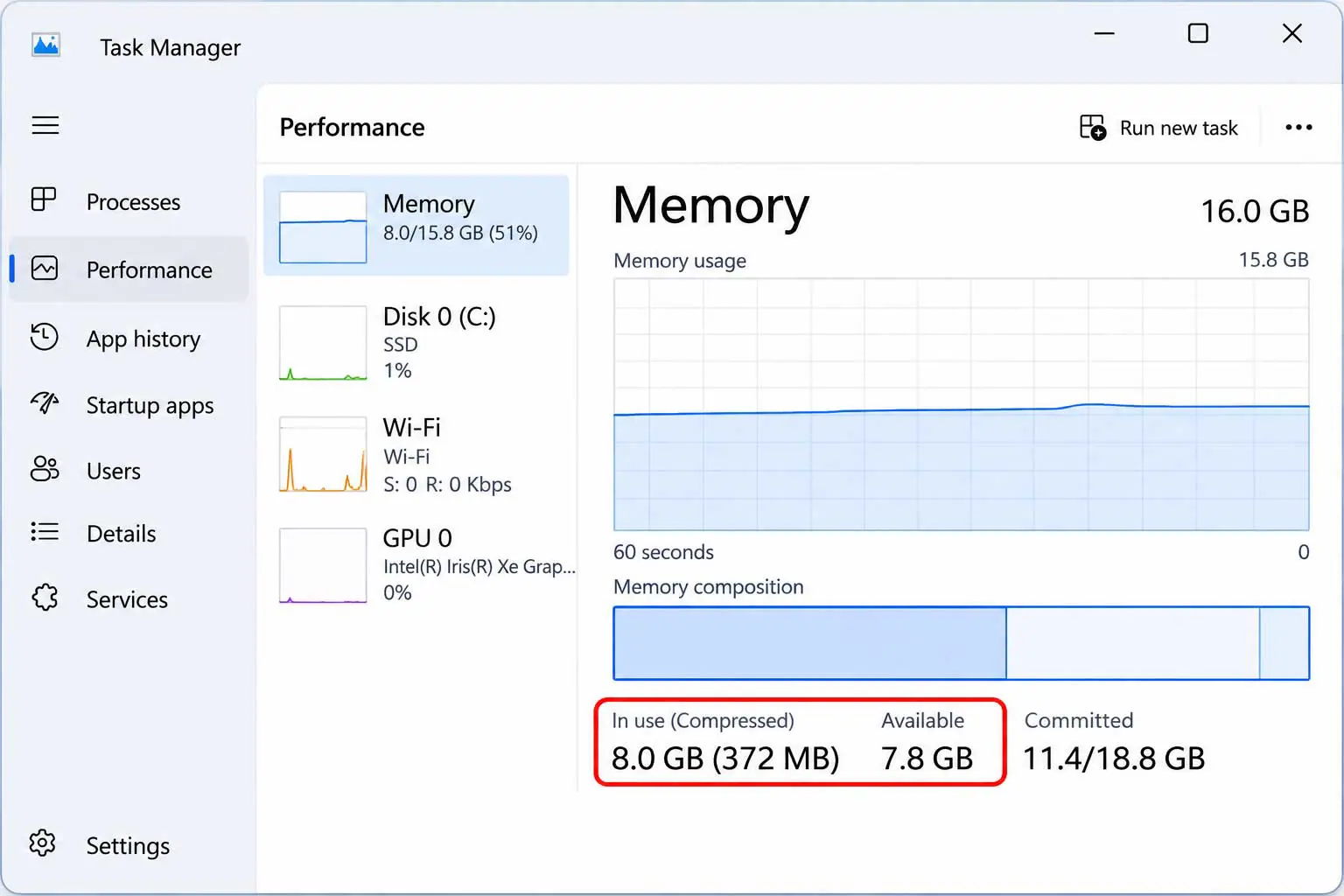
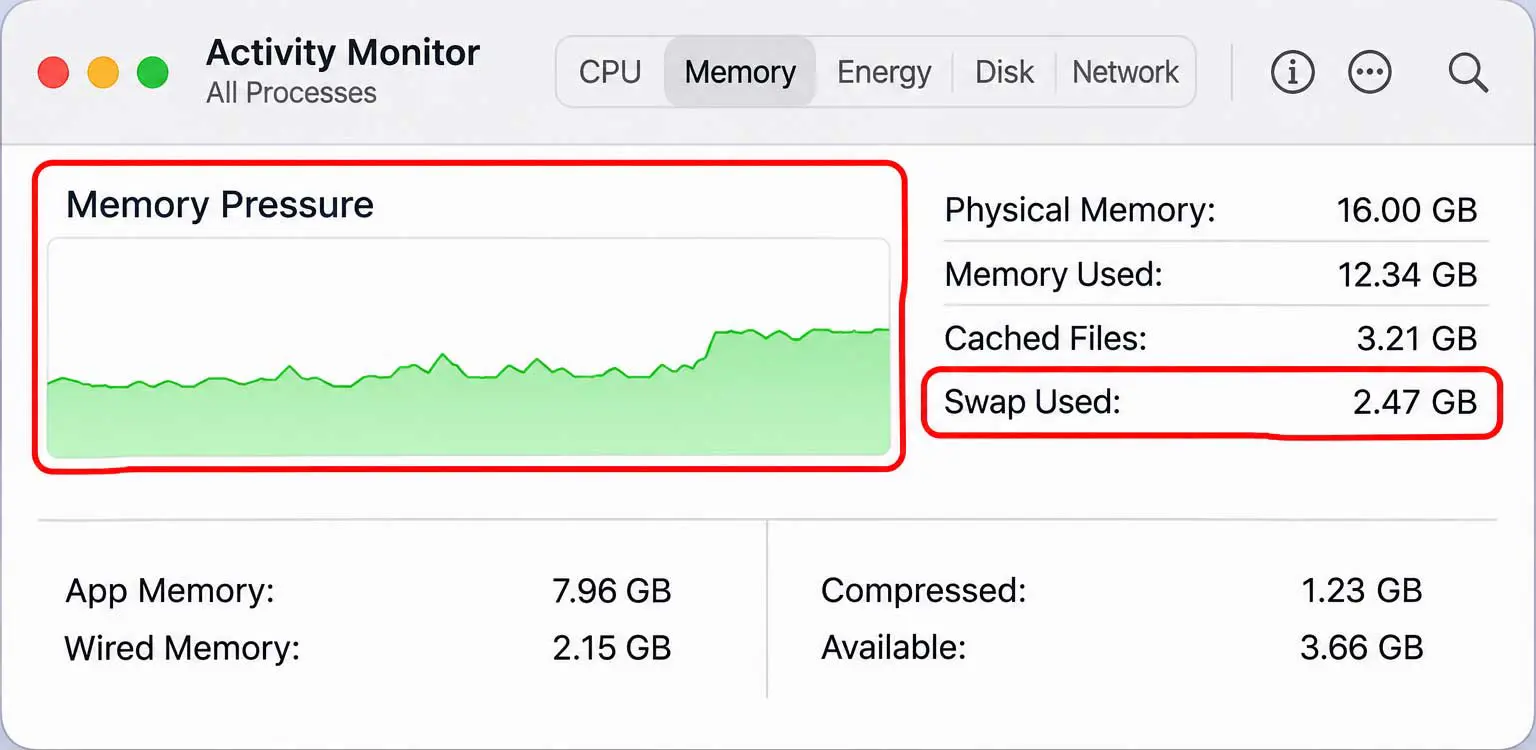
Apple says the Memory Pressure graph reflects free memory, swap rate, wired memory and cached files, so a swap figure alone does not settle the question. A graph stuck high matters more.
Built-In Memory Makes the Purchase-Day Choice Final on Many Laptops
MacBook Air buyers pick memory once: the 13-inch model with the M5 chip starts at 16GB of unified memory, with 24GB and 32GB as upgrade options. Apple builds that memory into the chip package, so no later upgrade exists. Buyers get one chance.
Many thin Windows laptops also solder memory. Desktops are the main exception, since an owner can add sticks later, while a laptop buyer has to size for the machine's whole working life.
Docker and Local AI Models Need More Memory Than General Rules Suggest
Docker Desktop on Windows lists 8GB as its minimum for the WSL 2 backend. That figure covers Docker alone. An editor, a browser and a database add their own demands on top, and a project with several containers multiplies all of them.
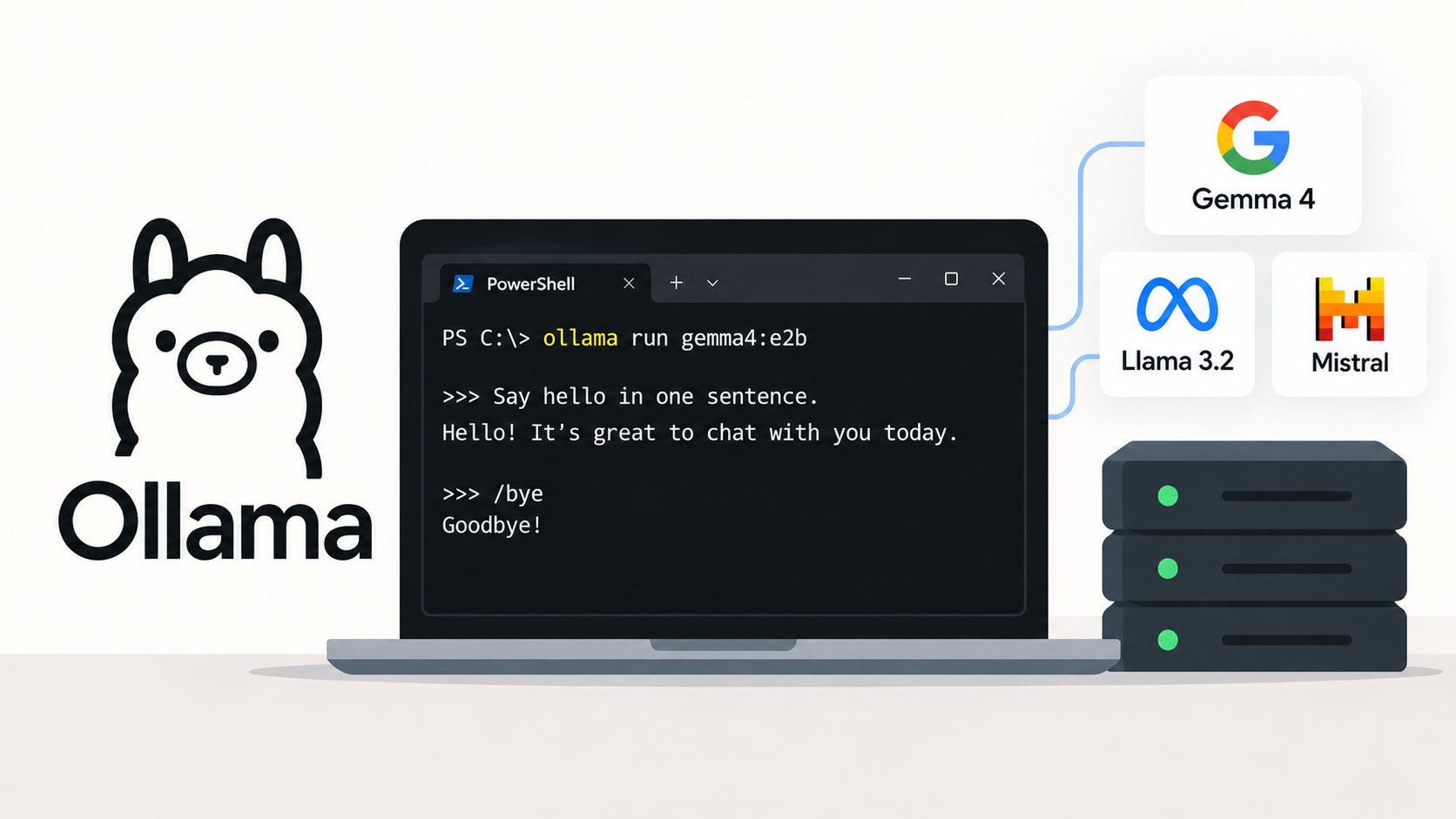
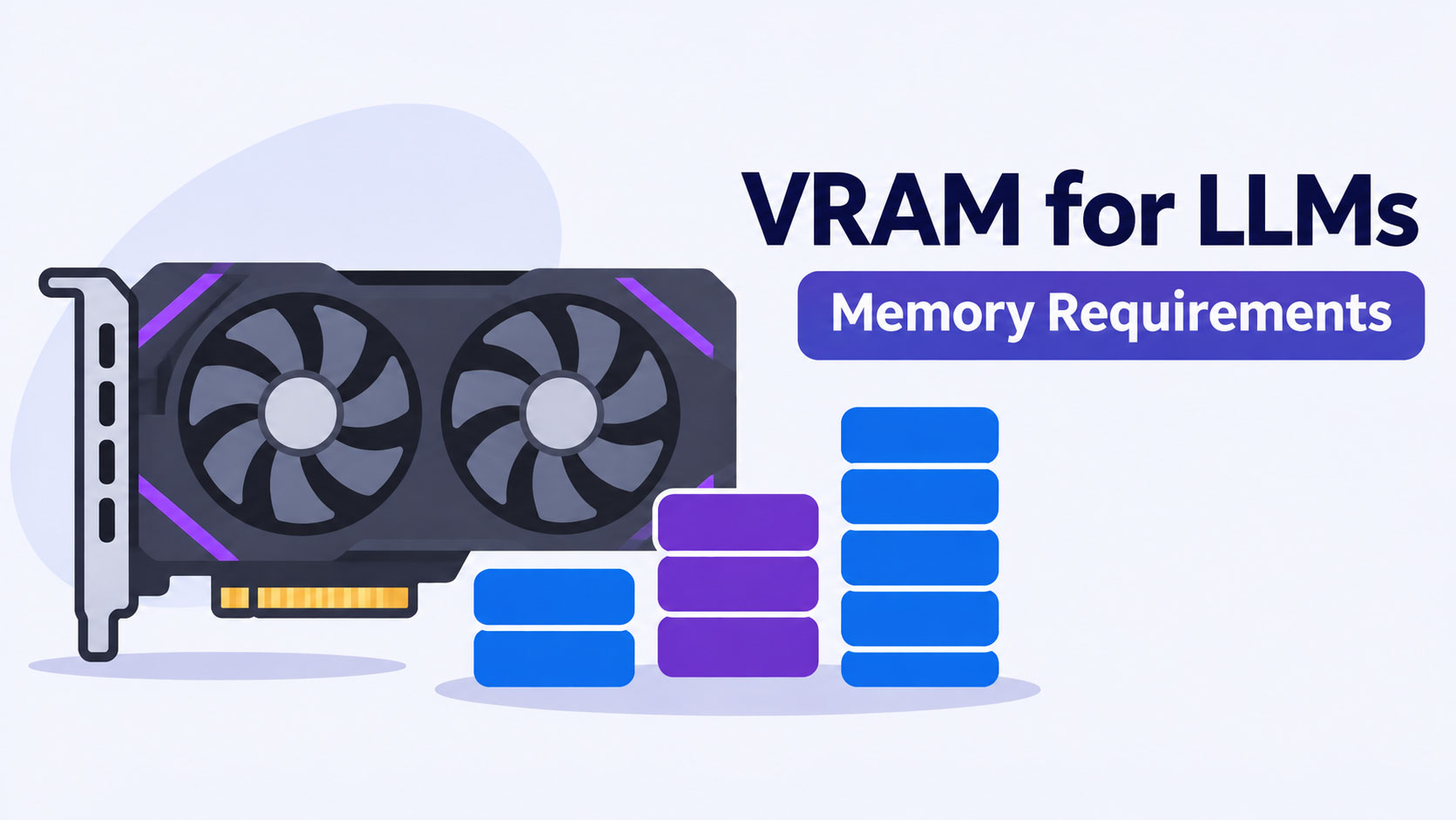
Local language models raise the bar further. A model's weights must fit in memory before it runs at usable speed, and Saganote's VRAM chart maps model sizes and quantization levels to memory needs.
Higher Memory Prices Raise the Cost of Buying Too Little or Too Much
Google confirmed a price increase across every Pixel model as RAM costs quadrupled, a move Saganote reported in August. Each step up in memory adds more to a sticker price when memory itself costs more, which makes a 64GB configuration a harder sell for workloads that never use it. Overbuying costs real money.
Steam updates the survey monthly. Next month's results will show whether 32GB keeps losing share to 16GB while memory prices stay high, or whether October's swing was a blip.
Frequently Asked Questions
Is 8GB RAM enough for everyday use?
Does more RAM make a computer faster?
Is 16GB or 32GB better for gaming?
How much RAM do I need if a laptop has to last five years?
Can RAM be added later?