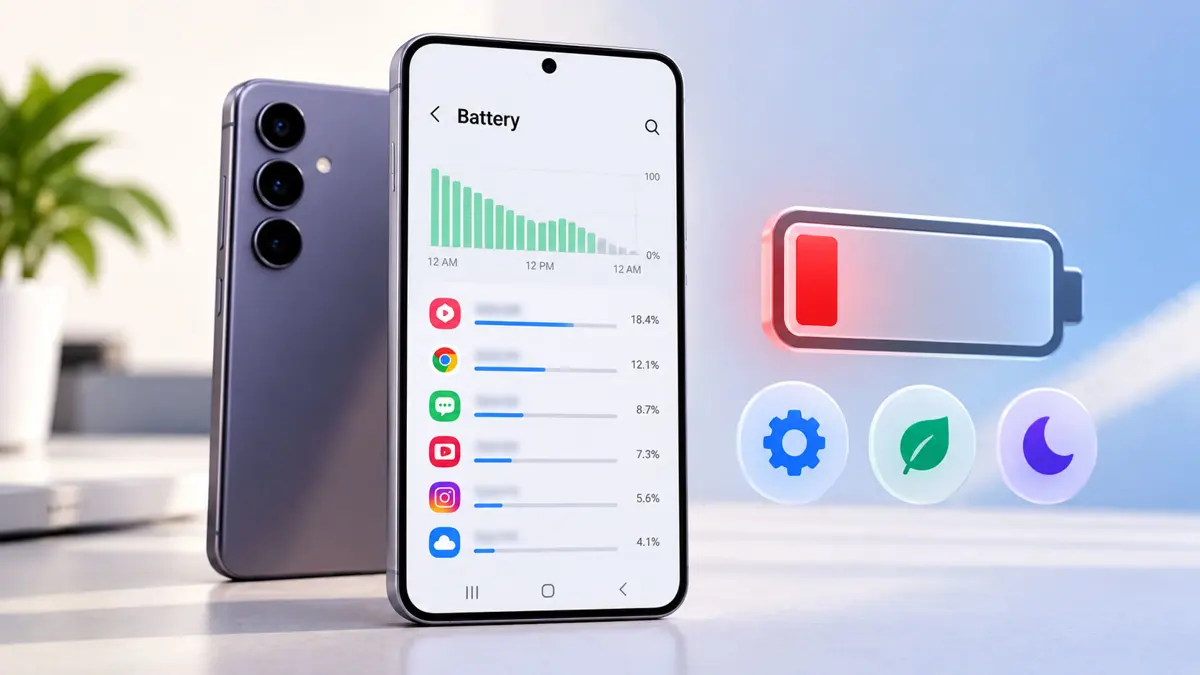
One UI 9 battery drain is the main complaint from a small group of Galaxy S24 and S25 owners since the update reached their phones in mid-October. 9to5Google reported on October 22 that the cases are not widespread and called the problem "an oddity and not the norm, so far at least." Still, the reports are specific enough to act on.
Owners Describe Idle Drain and Shorter Screen Time
Reports share a pattern. Owners describe faster loss overnight, battery use while the phone sits untouched, and far fewer hours of screen time than before the update. One Reddit user quoted by Cybernews said a routine that once gave six to seven hours of screen time fell to about half.
Individual cases vary widely. An S25 owner cited by 9to5Google says the phone now needs a charge three to four times a day. An S24 Ultra owner lost 95% of the battery in about five hours and 20 minutes, with three hours and 15 minutes of screen-on time, according to Gadget Hacks, citing Android Authority. Heavy social media use over continuous mobile data was part of that load, which makes the case hard to read as proof of a software fault.
Timing adds a wrinkle. A Samsung Community poster wrote that the S24 Ultra battery seemed normal after updating on October 14 and got worse about a week later. Battery complaints spread fast after any update, because every owner notices the charger.
Samsung Has Not Confirmed a Defect or a Fix Date
Samsung has not confirmed a defect. Gadget Hacks reports no public acknowledgment of a widespread problem and no dedicated fix announced by the company. Cybernews and iDevice both say Samsung contacted the S24 Ultra owner to book a service appointment, which is the only company response on record.
Samsung's general battery guidance says initial app and service optimization after an update can temporarily raise power use, as Gadget Hacks notes. Samsung names no recovery period for One UI 9. Sammy Fans suggested about two weeks, according to Cybernews, though that figure is secondhand and unconfirmed.
More phones are next. Samsung is also moving One UI 9 to Galaxy S26 phones in the US and to Galaxy A phones, so more owners will soon be able to confirm or rule out the pattern.
Normal Post-Update Drain vs a Real Fault
A fresh major update usually costs some battery for the first days. Apps reoptimize and background indexing runs. A real fault looks different: heavy drain that continues for weeks, or a phone that loses charge fast while sitting idle with the screen off.
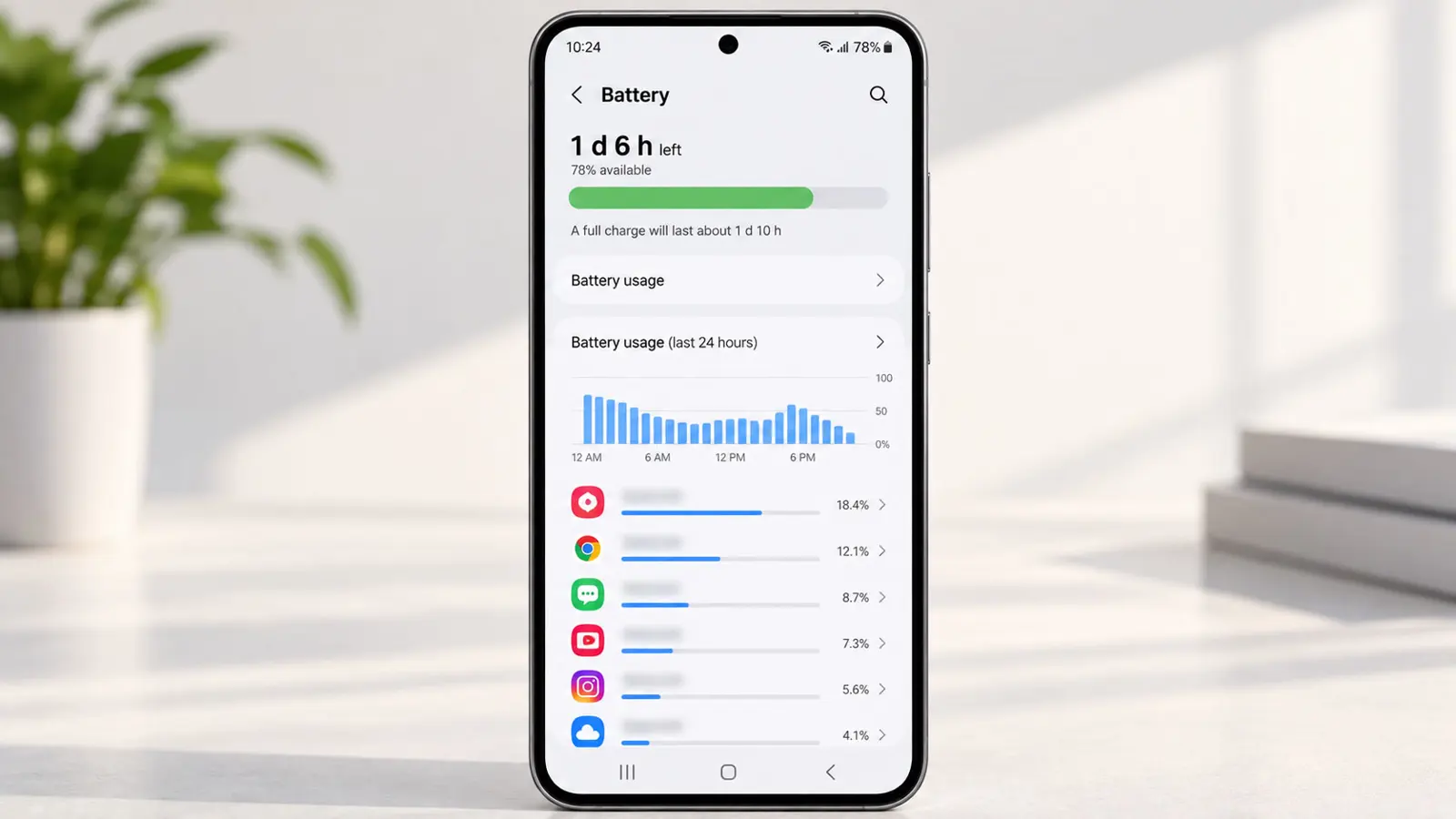
A simple overnight test tells the two apart. Charge the phone fully, leave it idle on a table, and check the usage figures in Settings > Battery in the morning. A loss of a few percent is ordinary, and a loss of 20% or more points to an app or a fault. Tracking One UI 9 battery drain this way gives Samsung support something concrete to work from.
| Symptom | First step | Where to look |
|---|---|---|
| Drain only in the first few days after updating | Restart once and keep charging normally | Power menu |
| Drain started right after the update | Install any pending patch | Settings > Software update > Download and install |
| One app dominates battery use | Review per-app use and restrict that app | Settings > Battery |
| Drain while moving between places | Pause location-based automations | Settings > Modes and Routines |
| Doubt about battery health | Run built-in diagnostics | Samsung Members > Support > Phone diagnostics > Battery status |
| Heavy drain after two weeks | File an error report and book service | Samsung Members, error reports |
Settings That Cut Background Load on Galaxy S24 and S25
Samsung lists no official fix. These steps are general troubleshooting, not a cure. Menu names below come from Gadget Hacks' One UI 9 coverage and, for the last two, an older Guiding Tech guide, so labels may differ slightly between phones. Phones still waiting on the update can follow how to upgrade a Galaxy phone to One UI 9 first.
- Settings > Software update > Download and install: a quiet patch could ship at any point
- Settings > Battery: lists which apps drain the most
- Settings > Modes and Routines: location-triggered routines are among the unconfirmed contributors Gadget Hacks names
- Settings > Device care > Optimize now: runs a cleanup, though Gadget Hacks says it is not a confirmed One UI 9 fix
- Settings > Battery > Background usage limits: puts unused apps to sleep, per the Guiding Tech guide
- Always On Display: switching it off lowers idle use, per the same guide
Restarting remains the first move. Both 9to5Google and iDevice list a reboot before anything else, and 9to5Google adds force-stopping rogue apps well before a factory reset enters the picture.
A factory reset erases the phone. 9to5Google and iDevice treat it as the last step, after a restart, a software check, and app review. A backup first protects photos, messages, and app data.
When a Reset or Service Visit Makes Sense
Patience has limits. A phone that still loses charge fast after about two weeks, with no single app to blame, belongs with Samsung support rather than another round of tweaks. Samsung Members lets owners send an error report by pressing and holding the app icon and choosing Error reports.
Google's Android 17 betas show the pattern. Pixel fixes arrive in small steps, with QPR2 beta 3 covering call forwarding security, beta 4 listing 16 fixes, beta 7 adding more, and beta 7.1 targeting severe UI freezes. Samsung could follow the same pattern if the reports grow.
Replacement is not justified by these reports. Owners planning an upgrade anyway can compare the Galaxy S26 FE at $699, the Galaxy Z Fold 8 Ultra against the Z Fold 7, or the iPhone Duo against the Galaxy Z Fold8. A weaker battery is a poor reason to switch platforms in either direction.
Reports Will Show Whether the Drain Fades
Sammy Fans' two-week estimate closes the settling window about now for phones updated on October 14. If One UI 9 battery drain continues after that, the complaint threads on X, Reddit, and Samsung's community forum are where a wider pattern would show first. Samsung has not announced a fix date.
Frequently Asked Questions
Has Samsung confirmed a battery problem with One UI 9?
Which Galaxy phones are affected?
How long can One UI 9 battery life stay worse after a big update?
Does Optimize now in Device care fix the drain?
Should a factory reset come first?
