MacBook Charging Explained: MagSafe vs. USB-C, Wattage, and Fast Charging
The charging connector matters, but the Mac model, power adapter, cable, and wattage matter just as much.

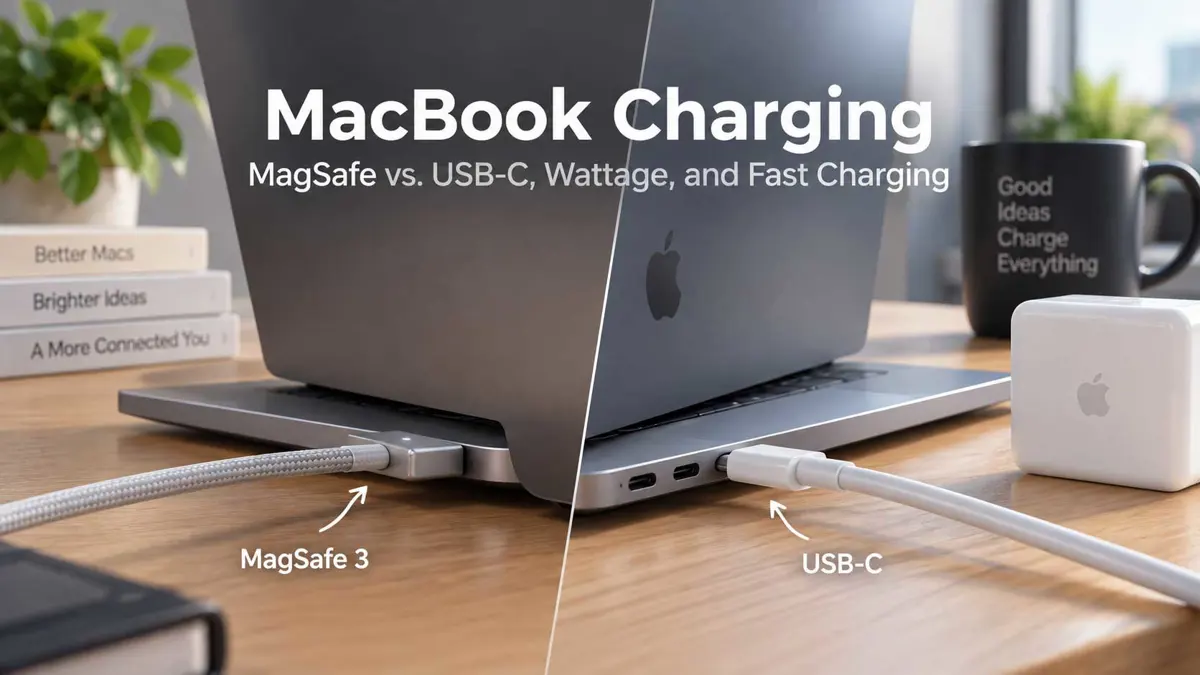
MagSafe and USB-C Both Charge a MacBook
Modern MacBook models can use different charging methods depending on the model. Apple says MacBook Air and MacBook Pro models with MagSafe 3 can also charge through USB-C, while some Macs rely on USB-C for charging.
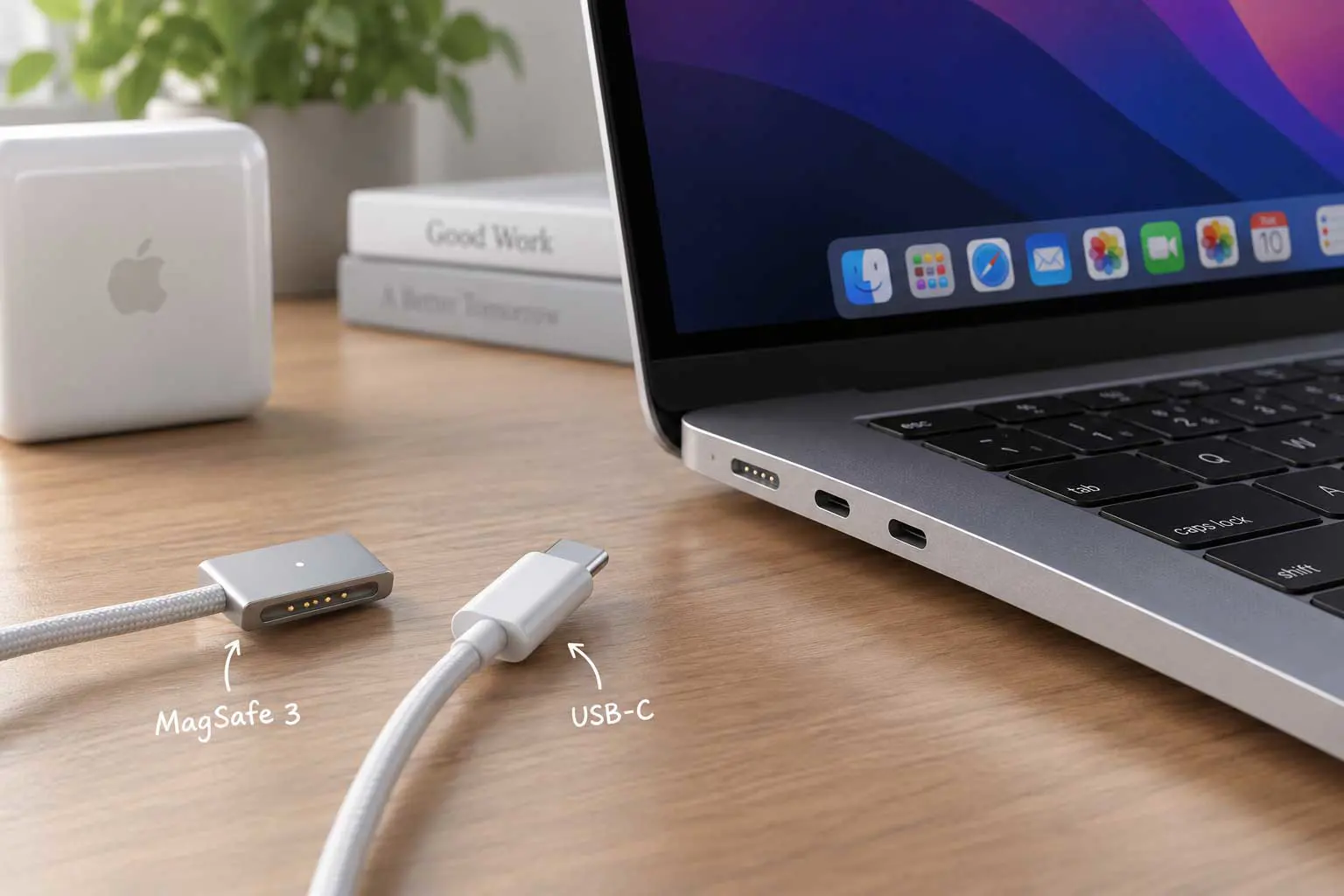
That means the connector itself does not determine whether a MacBook can charge. The more useful questions are which ports your Mac has, how much power the adapter provides, and whether your particular model supports fast charging. Apple's current Mac roadmap also includes several upcoming Mac models, so charging options can vary as the lineup changes. See Apple's Mac roadmap and upcoming models.
Apple also notes that a Mac charges through only one port at a time. If both MagSafe and USB-C power sources are connected, the Mac uses the power source providing the most power. Connecting both does not make the Mac charge faster.
MagSafe 3: A Dedicated Charging Connection
MagSafe 3 is Apple's dedicated magnetic charging connection on supported MacBook Air and MacBook Pro models. The connector attaches magnetically and can disconnect if the cable is pulled, which can reduce the chance of dragging the laptop with the cable.
MagSafe is also useful when you want to keep the MacBook's USB-C ports available for accessories, storage, displays, or other devices while charging. That can be particularly useful on Macs aimed at demanding workflows, including the newer Apple silicon systems covered in Apple's M6 and M5 Ultra Mac coverage.
On supported models, Apple provides USB-C to MagSafe 3 cables for charging. The required adapter wattage varies by Mac configuration, so the cable and adapter should be considered together rather than treating MagSafe as a fixed charging speed.
USB-C: More Flexible Across Devices
USB-C charging can be more convenient when your setup already uses USB-C power. A compatible Mac can charge from a USB-C power adapter, and some USB-C displays can provide power as well.
That flexibility can matter when you travel or work from different desks. One USB-C power adapter may also be useful for other devices that support USB-C Power Delivery.
USB-C is not automatically slower than MagSafe. Apple lists fast-charging configurations that use USB-C charging cables as well as configurations that use MagSafe 3, depending on the Mac model and adapter. If you are also following changes to Apple's Mac software, macOS 27 Golden Gate provides the broader software context around current Macs.
MacBook Charging Speed Depends on Wattage
The power adapter's wattage is an important part of MacBook charging, but a higher number on the adapter does not mean the Mac will always charge at that rate. The Mac manages how much power it draws.
Apple recommends using an adapter that meets the minimum wattage for your Mac. If the connected power source is too weak, macOS can show a Slow Charger message in the battery status menu and Battery settings.
| Charging factor | Why it matters |
|---|---|
| MacBook model | Determines supported charging ports and fast-charging configurations. |
| Power adapter | Determines how much power is available to the Mac. |
| Cable | Must support the charging setup and required power for the configuration. |
| Charging port | MagSafe 3 and USB-C are available on different Mac models and can have different practical uses. |
| Workload | A Mac doing demanding work may use power while charging, affecting how quickly the battery percentage rises. |
What Fast Charging Means on a MacBook
Apple defines fast charging on compatible MacBook Air and MacBook Pro models as reaching up to 50 percent battery capacity in around 30 minutes with the supported charging setup.
Fast charging is not available on every MacBook. Apple lists compatible MacBook Air models from 2022 onward and 14-inch and 16-inch MacBook Pro models from 2021 onward, with the exact adapter and cable requirements depending on the model.
For example, Apple lists supported MacBook Air configurations using 70W or 96W USB-C power adapters, and higher-wattage configurations using a 140W adapter. The exact requirements vary by MacBook model and screen size.
Which Charging Method Should You Use?
The practical choice depends on how you use your MacBook.
- Use MagSafe 3 when your Mac supports it and you want a dedicated charging connection that leaves USB-C ports available.
- Use USB-C when you already have a compatible USB-C power adapter, display, or charging setup.
- Use the method that matches the adapter and cable you already carry when both are supported by your Mac.
- If fast charging matters, check the requirements for your exact MacBook model rather than assuming one connector is always faster.
- [/LIST — UNORDERED]
How to Check Your MacBook's Charger Wattage
If you are unsure whether your adapter provides enough power, Apple says you can check the wattage printed on the adapter. On a Mac, you can also hold the Option key, choose the Apple menu, open System Information, select Power, and look for AC Charger Information.
If your Mac shows a Slow Charger message, the connected power source may not provide enough wattage for the Mac's needs. Apple recommends using an adapter that meets the minimum recommended wattage for the Mac.
Common MacBook Charging Questions
Frequently Asked Questions
Can I charge a MacBook with both MagSafe and USB-C at the same time?
Is MagSafe faster than USB-C?
Does a higher-wattage charger charge a MacBook faster?
What does Slow Charger mean on a MacBook?
Can a USB-C display charge a MacBook?
The Bottom Line on MacBook Charging
MagSafe and USB-C are both useful MacBook charging options on compatible models. MagSafe 3 is convenient as a dedicated magnetic connection, while USB-C offers broader flexibility with chargers and displays.
The more important part of the decision is the complete charging setup. Check your MacBook model, adapter wattage, cable, and fast-charging support together. That will tell you more about charging performance than the connector name alone. This matters even more as Apple expands the Mac family, with reports of future MacBook designs such as a touchscreen OLED model. Read about Apple's reported touchscreen MacBook plans.