Anyone looking to turn off AI features can do most of it in a few menus, but only some products offer a real off switch, and Meta AI offers none. Saganote verified the sources below on November 15, 2026. No device was tested, and menu labels come from Which?, Consumer Reports, PCWorld, Windows Central, BGR, Proton, and other guides dated from January 2025 to October 2026.
Gmail Ships AI On by Default, While Meta AI Offers No Off Switch
Google expanded Help Me Write, Suggested Replies, and AI Overviews in Gmail to all users, US English first, The Register reported on January 8, 2026. Switching them off means disabling Gmail smart features entirely, Google told the outlet. That trade-off shapes every Gmail choice below.
Meta sits at the other end. Built In states that Meta AI cannot be completely turned off on any of Meta's products, and Which? answers the same question with a flat no, not really. Muting is the ceiling.
| Product | Real off switch? | Where | What stays |
|---|---|---|---|
| Windows Copilot app | Yes, by uninstalling | Settings > Apps > Installed apps | Paint's Copilot button and Photos AI have no switch, per PCWorld |
| Windows Recall | Yes, Copilot+ PCs only | Settings > Privacy & security > Recall & snapshots | The component stays until removed in Windows features |
| Gmail smart features | Yes, all or nothing | Settings > See all settings > General | Gemini icons may still appear, per BGR |
| Gemini in Chrome | Partly | Chrome Settings > AI innovations | Other Google AI keeps running |
| Google AI Overviews | No | Web filter on results | Filter must be reselected each search |
| Apple Intelligence | Yes | Settings > Apple Intelligence & Siri | Some features have no separate switch |
| Meta AI | No | Mute only | Meta AI stays in every app |
Windows: Uninstall Copilot, Then Deal With Recall Separately
PCWorld, in an April 10, 2026 guide, says to search Copilot in the Start menu, right-click the result, and choose Uninstall, then repeat for Microsoft 365 Copilot. Which? offers a Settings route. Apps, Installed apps, Microsoft Copilot, Uninstall is the path. PCWorld adds that uninstalling also removes the Ask Copilot item from the File Explorer right-click menu.
Apps that stay installed can still launch at sign-in. Ctrl+Shift+Esc opens Task Manager, where Startup apps lists Copilot and Microsoft 365 Copilot for disabling, the same tab used in a guide to ten fixes for a slow Windows 11 PC after 26H2. PCWorld also says the Copilot key can be reassigned to Search under Settings, Personalization, Text input.
Recall is a separate control and exists only on Copilot+ PCs, which Windows Central says need an NPU of at least 40 TOPS, 16GB of RAM, and a 256GB SSD. Recall ships disabled. Settings, Privacy & security, Recall & snapshots holds Save snapshots, Delete snapshots, and a Reset Recall option that deletes all Recall data and disables it, per Windows Central's January 26, 2026 update.
Disabling Recall leaves its component in Windows. Windows Central says clearing Recall under Turn Windows features on or off, then restarting, removes it, and Click to Do, another Copilot+ feature, has its own toggle under Settings, Privacy & security, per PCWorld.
Smaller surfaces vary. Notepad has a Copilot toggle behind its settings gear, and Edge hides the Copilot button under Appearance, Copilot and sidebar. Paint and Photos have no switch, according to PCWorld and PopSci, and Office apps offer File, Options, Copilot, then clearing Enable Copilot one app at a time.
Gmail: One Setting Controls Gemini and Smart Features Together
Which? places the control at Settings, See all settings, General, Google Workspace smart features, then Manage Workspace smart feature settings, where switching off Smart features in Google Workspace and saving stops Gemini in Gmail, Drive, Chat, and Meet. BGR describes a popup with two toggles, the first for Workspace apps and the second for Maps, Google Wallet, and Google Assistant. Repeat the change on each Gmail account.
Costs are real. Proton and Consumer Reports say the master setting also disables spell and grammar checking, and Which? says flights and events stop appearing automatically in Google Calendar. Sources disagree on inbox tabs: The Register says sorting stops, while Qualtir says categories cannot be fully disabled.
Gemini icons may still show afterward. BGR says clicking one prompts a return to the settings, with Gemini doing nothing in the background, and Qualtir says personal accounts have no setting to hide the Gmail side panel, only to collapse it. Qualtir's menu labels appear in no other source, so treat them as unverified.
Chrome: AI Innovations Holds the Gemini Controls
BGR places the Chrome controls at the three-dot menu, Settings, AI innovations, Gemini in Chrome, where each option can be switched off, along with History search and Help me write one level up. BGR adds that Settings, System, On-device AI stops a roughly 4GB model from installing. CometVPN gives a different route, so labels vary.
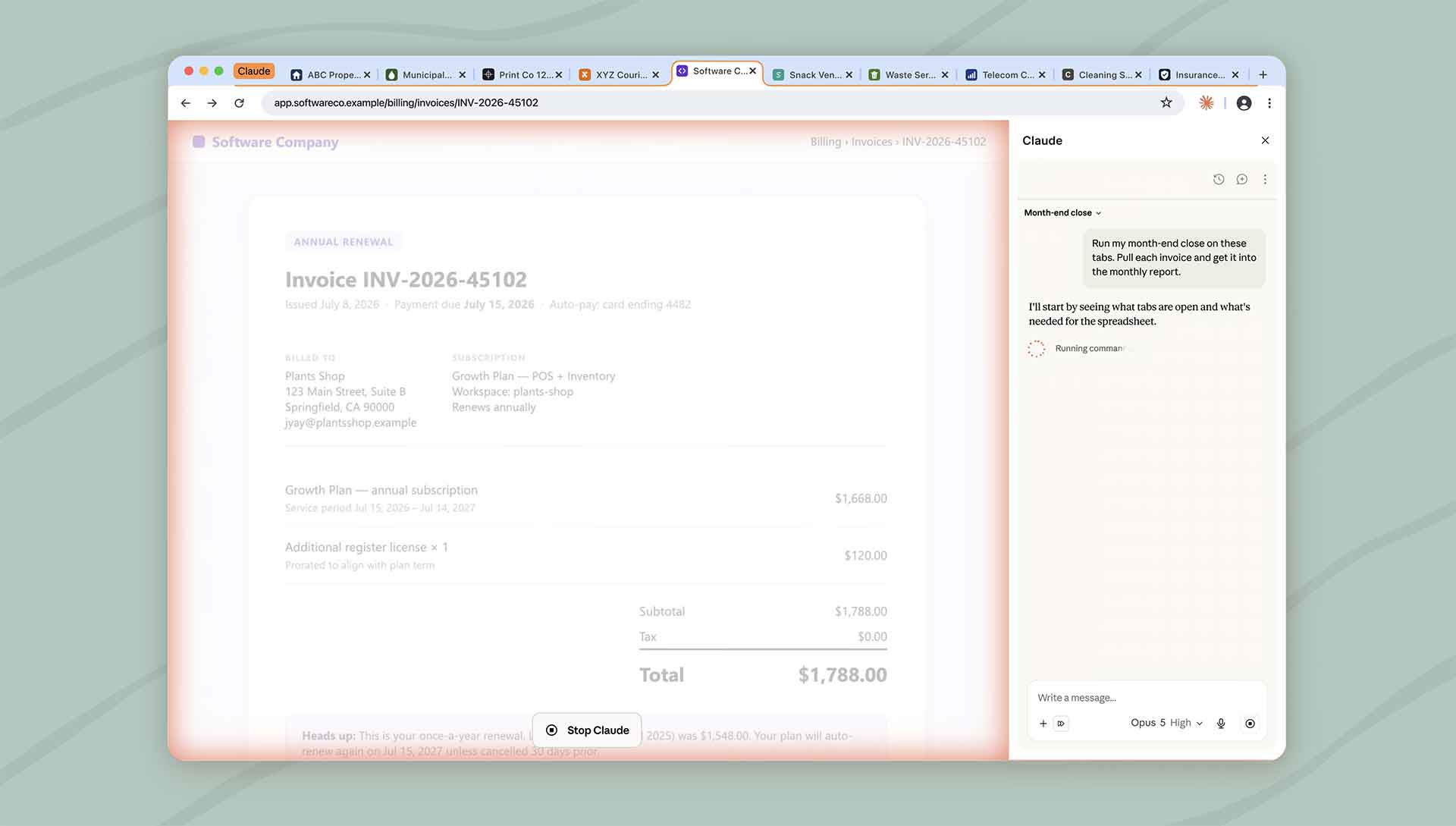
Gemini in Chrome is no longer a preview. Gemini Chrome for Android reached all US Android users on August 18, loads page context by default, and lets users disable that in Chrome Settings. Gemini Spark can also work inside sessions, and Spark can use existing Chrome sessions and saved logins only with permission.
Android's assistant switch is separate. Settings, Apps, Default apps, Digital assistant app controls it, as laid out in a guide to disabling Gemini on Android and switching back to Google Assistant, and uninstalling Gemini does not remove it as the default assistant. AI Overviews have no setting at all, so Consumer Reports and Which? both point to the Web filter, which must be reselected each search.
Apple Intelligence: Paths Differ by iOS Version
On iOS 26, Settings, Apple Intelligence & Siri holds the master toggle, and TechCrunch and Intego describe the Mac equivalent under System Settings. Which? says iOS 27 changes the route to Settings, Siri, Turn Off Siri, with a Siri Classic option. Saganote could not read Apple's own pages. Most Apple guides date from early 2025.
Turning the master toggle off hides features and removes the on-device models, per PopSci. Intego's early 2025 figure was about 3GB freed on iPhone, but Apple lists up to 14GB for Apple Intelligence storage on newer models, and Saganote could not confirm that switching it off returns that space. Space is the open question.
Some pieces have separate controls. Notification summaries sit under Settings, Notifications, Summarize Notifications, and Mail previews under Summarize Message Previews. PopSci says Screen Time, Content & Privacy, Intelligence & Siri can disable Writing Tools and Image Creation, while Clean Up in Photos and Focus's Intelligent Breakthrough only go off with the master toggle.
Apple unveiled a rebuilt Siri AI on June 8 running on Google Gemini models, and iOS 27 developer betas added a panel for choosing ChatGPT, Claude, or Gemini inside Siri. That panel is another switch to check after upgrading.
Meta AI: Mute It, Restrict It, or Object to Its Data Use
Muting is the available control. In WhatsApp, open the Meta AI chat, tap its name, then Notifications, and set Mute to Always. Instagram uses Chats, the Meta AI icon in the search bar, the i icon, and Mute messages, and Facebook uses the search icon, the Meta AI icon, the i icon, and Mute.
Two narrower controls exist. Which? says WhatsApp's Restricted chat setting stops others from using Meta AI inside a conversation, and Consumer Reports and Built In place Allow comment summaries on your posts under Facebook's Settings & privacy, Audience and visibility, Posts. Both leave Meta AI itself in place.
Data use is a separate question. Proton says Meta's Privacy Center lets users object to AI data use, but not on WhatsApp and mainly in the EU, UK, Switzerland, Brazil, Japan, and South Korea, and an opt-out guide for ChatGPT, Claude, Gemini, Grok, and Meta AI reports no US toggle for Meta AI.
Apple guides read here date from early 2025, except Which? from October 1, 2026, and Windows and Google labels vary by build. Switching off Gmail smart features also affects spell check and other conveniences. Sources were verified on November 15, 2026.
What Cannot Be Turned Off, and What to Do Instead
Four things have no real off switch: Google's AI Overviews, Meta AI, AI in Paint and Photos, and Apple's Clean Up and Focus features without the master toggle. Some processing continues regardless, per Qualtir.
Avoidance is the fallback. Where no switch exists, the practical way to turn off AI features is to avoid the surface or keep sensitive material away from it. Running models on a personal computer with Ollama or LM Studio keeps prompts off a provider's servers. For cloud tools, a guide to protecting data in AI chatbots says to swap names and account numbers for placeholders and never paste passwords or API keys.
Settings keep moving. Which? says iOS 27 shifts Siri's off switch, Google widened Gmail AI in January, and Meta has published no 2026 toggle, so anyone who wants to turn off AI features should recheck each path after major updates.
Frequently Asked Questions
Can Meta AI be removed from WhatsApp or Instagram?
Does switching off Gmail smart features remove Gemini?
Does uninstalling Copilot also remove Recall?
Can Google AI Overviews be turned off?