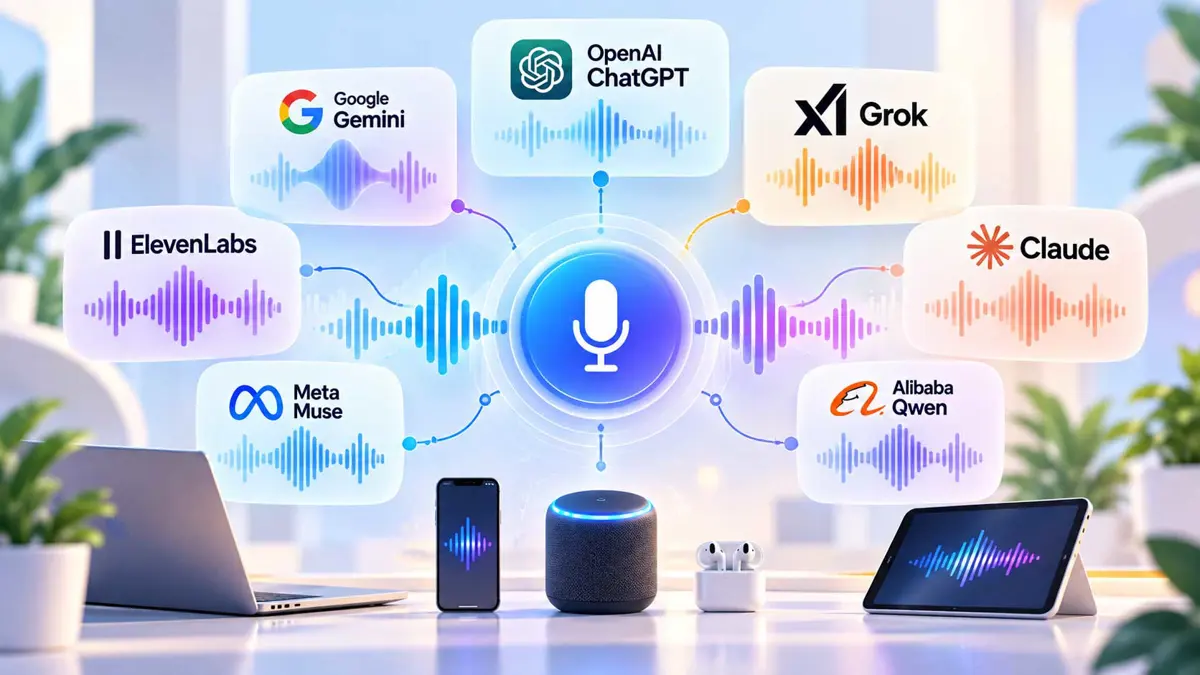
Voice AI Models are changing what it means to talk to software. The first generation of voice assistants mostly waited for a command, converted it into text, and returned a short answer. Modern systems can carry a conversation, handle interruptions, understand context, generate expressive speech, search for information, and in some cases take actions while you keep talking.
That makes "voice AI" a confusing label. A speech-to-text model, a text-to-speech model, a realtime speech-to-speech model, and a voice agent can all be called voice AI, but they solve different problems.
The useful way to understand the market is to look at the job each model performs. Once you know the layers, the differences between ChatGPT Voice, Gemini Live, Grok Voice, Claude Voice, ElevenLabs, and Qwen become much easier to understand.
How Voice AI Models Work
Voice AI is software that can understand spoken audio, generate speech, or do both as part of an AI interaction. The simplest examples are dictation and voice reading. More advanced systems support realtime conversations where the model listens, reasons, speaks, and may call tools without forcing the user back to a keyboard.
The key point is that voice is an interface, not a single capability. Two products can both offer voice chat while using very different audio pipelines, models, tools, and interaction rules.
The Voice AI Stack: From Your Voice to an Answer
A traditional voice system can be understood as a chain of separate jobs. Your microphone captures speech, a speech-to-text model transcribes it, a language model interprets the request and generates a response, and a text-to-speech system turns that response back into audio.
This architecture is still useful because developers can replace one component without rebuilding everything. An application might use one provider for transcription, another for reasoning, and another for voice generation.
Newer speech-to-speech systems compress more of this process into an audio-oriented model. Instead of treating every turn as a text message surrounded by audio conversion, the model works directly with audio and can respond with audio. OpenAI, Google, Grok, and Qwen all now offer versions of this approach.
The Four Types of Voice AI You Need to Know
| Type | Input | Output | Common use |
|---|---|---|---|
| Speech-to-text | Speech | Text | Transcription, captions, dictation |
| Text-to-speech | Text | Speech | Narration, assistants, accessibility |
| Speech-to-speech | Speech | Speech | Realtime conversations |
| Voice agent | Speech | Speech plus actions | Support, sales, assistants, workflows |
Speech-to-Text: AI That Hears You
Speech-to-text, or STT, is the listening layer. Its job is to turn a recording or live microphone stream into text that another system can understand.
Good STT is about more than getting individual words right. Real applications also care about punctuation, speaker separation, timestamps, language detection, noisy environments, accents, and how quickly partial transcripts arrive.
This is why a transcription model can be very different from a model designed for natural voice conversation. OpenAI, Gemini, and Grok all expose dedicated transcription capabilities, while Qwen also supports realtime audio and text output.
Text-to-Speech: AI That Speaks
Text-to-speech, or TTS, takes written content and turns it into audio. Modern systems increasingly control pacing, emphasis, emotion, pronunciation, pauses, and sometimes sound effects.
ElevenLabs v4 is a good example of a voice-first approach. It is designed around expressive delivery, multiple speakers, audio events, and more than 90 languages. OpenAI and Google also offer dedicated TTS systems for developers.
Speech-to-Speech: AI That Talks Back
Speech-to-speech systems reduce the distance between hearing and speaking. The model can accept audio and produce audio as part of the same realtime interaction.
The advantage is not simply that the response sounds nicer. A voice conversation has timing. People pause, interrupt, change direction, laugh, hesitate, and speak before they have finished forming a perfectly written sentence. Realtime systems have to handle that flow.
Voice Agents: When Talking Becomes Doing
A voice agent adds actions to the conversation. It can combine voice with search, APIs, calendars, business systems, knowledge bases, or other tools.
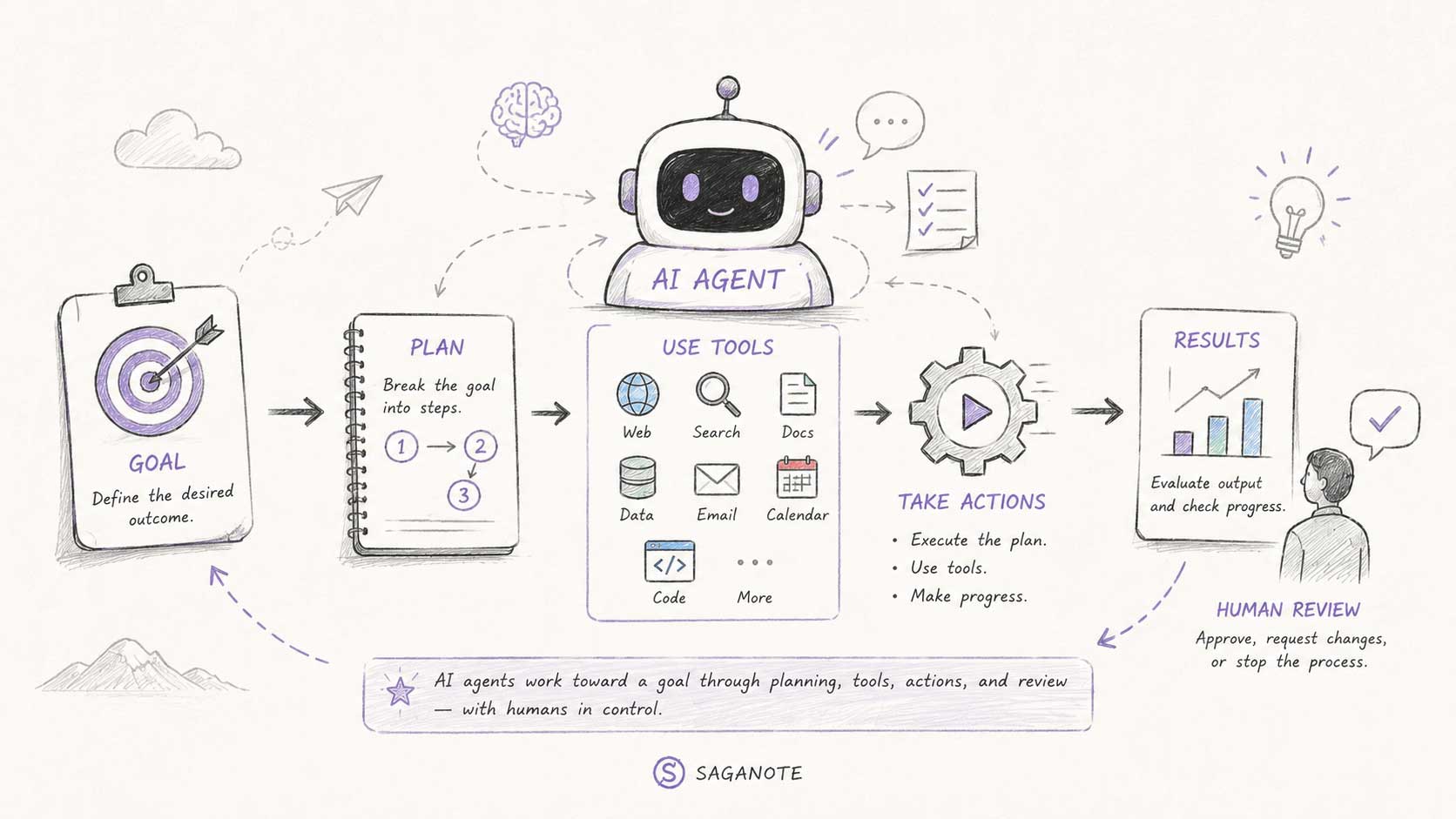
That changes the interaction from "ask a question and hear an answer" to "tell the system what you want and let it work on the task." This is closely related to AI agents, where a system can reason about a goal and use tools to move toward it.
Read also:
 What Is an AI Agent? A Simple Guide to AI That Can Act
 What Is Agentic AI - And Why It's About to Change How You Work
Why Realtime Voice Feels Different From Dictation
Dictation is mostly one-way. You speak, the system transcribes, and you send the text onward. Voice conversation is two-way and continuous.
A realtime voice system needs to know when you started speaking, when you paused, when you finished, and whether you are interrupting the AI. It also needs to begin generating audio quickly enough that the exchange does not feel like a series of recorded messages.
Barge-In and Interruption
People do not always wait politely for an assistant to finish. A useful voice system needs to handle interruptions without losing the thread of the conversation.
Turn-Taking
The system has to decide when a person is finished speaking. Some systems use acoustic voice activity detection, while newer approaches can also use semantic cues. Qwen's current realtime documentation, for example, describes both acoustic VAD and semantic turn detection.
Streaming
Streaming lets a system start processing or playing audio before the entire response has been generated. That can make the interaction feel substantially faster.
OpenAI Voice: From ChatGPT Voice to Realtime Models
OpenAI is building voice at several layers. ChatGPT Voice is the consumer-facing conversation experience, while OpenAI's developer platform includes realtime speech-to-speech models, transcription, translation, and text-to-speech capabilities.
The important distinction is between talking to ChatGPT and building your own voice application. A person using ChatGPT mainly cares whether the conversation feels natural and useful. A developer also has to care about session state, interruptions, tool calls, audio transport, latency, and how the voice system connects to the rest of the application.
OpenAI's current Realtime documentation describes speech-to-speech agents that work directly with audio, maintain conversation state, and call tools. Its audio documentation also separates realtime voice from dedicated transcription, translation, and speech-generation workflows.
More on OpenAI:
 OpenAI Launches GPT-Live - a Full-Duplex Voice Model That Talks While It Listens
 ChatGPT Voice Is Becoming a Way to Delegate Work, Not Just Talk
Google Gemini Voice: Live Conversations and Native Audio
Google's Gemini voice stack spans realtime audio, transcription, and text-to-speech. Its current developer catalog includes Gemini Live for low-latency voice interaction, a higher-reasoning Live variant, dedicated transcription, and TTS models.
Gemini's approach is interesting because Google treats voice as part of a broader multimodal system. The same family can work with text, images, audio, and other inputs, so voice does not have to exist in isolation.
For everyday users, Gemini Live is the important concept: a spoken conversation that can remain interactive rather than behaving like a voice recording layered over a text chatbot. For developers, the Live API exposes the underlying realtime audio architecture.
More on Gemini:
Grok Voice: Speech-to-Speech With Reasoning and Agents
xAI's Grok Voice shows another direction. Grok Voice Think Fast 2 is a speech-to-speech model designed for realtime conversations, with xAI highlighting speech reasoning, conversational behavior, and tool-use reliability.
xAI also offers standalone speech-to-text and text-to-speech APIs. Developers can therefore choose a complete speech-to-speech experience or use individual audio components where that makes more sense.
xAI has also built a Voice Agent Builder around Grok Voice. It combines voice with telephony, retrieval, tools, guardrails, MCP connections, and observability. This is a useful example of the difference between a voice model and a production voice agent.
More on xAI:
 xAI Launches Grok Voice Think Fast 2 for Faster Real-Time AI Voice Agents
 xAI Says Grok Voice Transcribe 2.0 Doubles Accuracy at Same Price
Claude Voice: When Conversation Becomes a Work Interface
Anthropic's Claude voice mode shows that a voice experience does not have to be defined by a standalone speech model alone. Claude can use its underlying language models while exposing a spoken interface and connected tools.
Anthropic's current voice mode supports Claude model families including Opus, Sonnet, and Haiku, with connected services such as Gmail, Google Calendar, Slack, Canva, and Notion available according to the user's plan and permissions.
That makes Claude's approach relevant to a practical question: what happens after the AI understands what you said? The value of voice grows when the system can use the information it heard to retrieve context or help complete a real task.
ElevenLabs: When the Voice Itself Is the Product
ElevenLabs represents an important part of the voice AI market that can be missed when every discussion is framed around chatbots. Its core strength is speech generation and control.
Eleven v4 is designed for expressive speech, with support for more than 90 languages, multiple speakers, emotional delivery, and audio events. It can interpret directions such as laughter, whispers, and other sound cues in a script.
That makes ElevenLabs especially relevant for creators, games, dubbing, narration, characters, and applications where the personality and delivery of the voice are central to the experience.
The broader lesson is that "voice AI" does not automatically mean "voice assistant." Sometimes the product is the voice itself.
Alibaba Qwen: Realtime Voice as a Building Block
Alibaba's Qwen family shows how realtime voice is also becoming a developer building block. Qwen-Audio 3.1 Realtime is an end-to-end realtime voice model with audio and text input and output. Its current documentation also describes function calling, web search, voice cloning, and full-duplex interaction.
Qwen's realtime stack supports multiple connection methods and different approaches to turn detection. Its documentation also distinguishes a single-model speech-to-speech system from the pipeline approach of ASR plus LLM plus TTS.
That distinction is important for developers. You can build a voice system as a collection of specialized components, or choose a model designed to handle more of the conversation in one place.
Voice AI Models Compared by What They Do
Instead of asking which voice model is "the best," start by asking what job you need the audio system to perform. The same provider can have separate models for realtime conversation, transcription, translation, and speech generation.
| Provider or family | Strong role to understand | Voice approach | Typical use |
|---|---|---|---|
| OpenAI | General AI voice and realtime agents | Realtime audio plus dedicated audio models | Chat, assistants, developer voice apps |
| Gemini | Multimodal realtime voice | Native audio, Live, transcription, TTS | Voice assistants and multimodal apps |
| Grok | Realtime voice agents | Speech-to-speech plus STT and TTS APIs | Agents, support, sales, realtime apps |
| Claude | Voice as an AI work interface | Voice mode connected to language models and tools | Thinking, planning, connected work |
| ElevenLabs | Expressive voice generation | Advanced TTS and voice control | Narration, characters, dubbing, creators |
| Qwen | Programmable realtime voice | End-to-end audio with agent capabilities | Voice assistants and developer systems |
Voice models change quickly. Model names, availability, supported languages, APIs, and capabilities can change without changing the underlying categories explained in this guide.
What Actually Makes a Voice AI Model Good?
There is no single metric that captures a good voice experience. A model can sound excellent but respond too slowly. Another can be fast but struggle with long instructions. A transcription model can be highly accurate while being unsuitable for natural conversation.
Latency
How long does the user wait before hearing the first useful part of the response? For voice, this is one of the most noticeable technical qualities.
Listening Accuracy
Can the model understand accents, background noise, names, numbers, and natural speech? This matters especially for transcription and voice agents.
Turn-Taking
Can the system tell when you are finished? Can you interrupt it? Can it recover gracefully when both sides speak at once?
Reasoning
A voice can sound human while the underlying AI is still poor at complex tasks. Voice quality and reasoning quality are separate dimensions.
Voice Naturalness
Listen for pacing, pauses, pronunciation, emphasis, emotional control, and whether the system sounds like it is reading a script or participating in a conversation.
Tool Use
For agents, ask whether the system can move beyond talking. Can it search, call an API, retrieve information, update a system, or hand work to another agent?
Context and Memory
A useful voice assistant needs enough context to avoid making you repeat yourself. Longer context can also matter when a conversation becomes a real work session.
Languages
Language support is more complicated than counting a language list. Accuracy, pronunciation, accent support, speech detection, and naturalness can vary across languages.
Voice AI vs a Chatbot
A chatbot primarily uses text as its interface. A voice AI system uses speech as an input and output channel. The underlying reasoning model may be similar, but the interaction requirements are different.
Voice adds timing, interruption, tone, pronunciation, and the problem of deciding when a person has finished speaking.
Read also:
Voice AI vs an AI Agent
A voice interface does not automatically make something an agent. A voice chatbot can answer questions without taking actions. A voice agent combines conversation with a goal, reasoning, and access to tools.
| System | Main interaction | Can talk? | Can act? |
|---|---|---|---|
| Chatbot | Text | Sometimes | Usually limited |
| Voice assistant | Speech | Yes | Sometimes |
| Voice model | Audio | Yes or no | Not necessarily |
| Voice agent | Speech plus tools | Yes | Yes, when tools and permissions allow |
This distinction explains why newer voice products feel different. The interesting shift is not simply that computers can speak more naturally. Speech is becoming a control layer for software that can actually do things.
How Voice AI Is Used Today
Personal Assistants
Voice is useful when your hands are busy. You can ask for a quick explanation, brainstorm an idea, plan a day, or capture a thought without stopping to type.
Learning and Research
Conversational voice can make explanations feel more like tutoring. You can ask follow-up questions naturally instead of constructing a new prompt for every step.
Accessibility
Speech interfaces can reduce the need for typing, reading, or navigating complex interfaces. Recognition and voice output quality matter greatly here because small errors can become frustrating barriers.
Customer Support
Voice agents can handle routine conversations, retrieve information, and pass complex cases to people. The important engineering problem is not just making the voice sound natural. It is controlling what the agent is allowed to do.
Content Creation
Voice generation can support narration, dubbing, characters, audiobooks, podcasts, and localized content. This is where expressive TTS systems can matter more than general-purpose conversational models.
Work and Productivity
Voice can become a hands-free way to delegate work. That could mean summarizing information, drafting something, checking a calendar, or directing an agent while another application remains open.
Why Voice AI Still Gets Things Wrong
A natural voice can make an AI system feel more reliable than it actually is. That is a dangerous assumption.
Voice AI can misunderstand speech, misinterpret intent, invent information, choose the wrong tool, or take an action based on an incorrect assumption. Spoken interaction can make mistakes harder to notice because users may focus on the flow of the conversation instead of checking every detail.
The more access a voice system has to email, payments, calendars, files, or business systems, the more important permissions, confirmation steps, logging, and human review become.
How to Choose the Right Voice AI Approach
Start with the job, not the brand.
- Need accurate transcripts? Start with a speech-to-text model.
- Need narration or a custom voice? Look at text-to-speech systems.
- Need a natural realtime conversation? Look for speech-to-speech or Live models.
- Need the AI to complete tasks? Look for a voice agent with tool use and permissions.
- Need expressive characters or dubbing? Focus on voice generation and delivery controls.
- Need a developer platform? Compare APIs, streaming, latency, tool calling, languages, and deployment options.
This approach prevents a common mistake: choosing a model because it has a convincing demo when the real application needs something else.
What Developers Should Look At Before Building a Voice App
| Question | Why it matters |
|---|---|
| Speech-to-speech or pipeline? | Determines architecture and where latency enters |
| How does streaming work? | Affects perceived responsiveness |
| How are interruptions handled? | Determines whether conversations feel natural |
| Does it support tool calling? | Determines whether the agent can take action |
| What transport does it use? | WebRTC, WebSocket, SIP, or another method changes implementation |
| How is state maintained? | Affects memory and multi-turn conversations |
| Which languages are supported? | Language count alone does not guarantee equal quality |
| Can voices be customized? | Important for branding, characters, and accessibility |
| What safety controls exist? | Critical when the system can act |
| What happens when the model fails? | Good systems need fallbacks and human escalation |
What Is Changing in Voice AI?
The individual model names will keep changing, but the larger direction is easier to see. Voice is moving from a separate feature toward a general interface for AI systems.
The more interesting pattern is an AI that can listen while you speak, understand context, reason about a request, use tools, and continue working without making you translate every thought into carefully formatted text.
We are also seeing the boundaries between voice, vision, and agents become less distinct. A system can hear a question, look at what is in front of it, reason about the situation, and then respond or act. That is a much broader idea than a traditional voice assistant.
For users, the important change is simple: speaking to AI is becoming another way to operate software. For developers, audio is becoming a first-class input and output modality rather than a thin layer around a text model.
The Simple Mental Model to Remember
If you remember only one thing from this guide, remember the layers.
| Layer | The question to ask |
|---|---|
| Speech-to-text | Can it understand what I said? |
| Reasoning | Can it understand what I mean? |
| Speech-to-speech | Can it respond naturally in realtime? |
| Text-to-speech | Can it produce the voice I need? |
| Tools | Can it access the information it needs? |
| Agent | Can it actually complete the task? |
ChatGPT, Gemini, Grok, Claude, ElevenLabs, and Qwen approach these layers differently. Some are general AI assistants, some focus heavily on realtime speech, some specialize in voice generation, and others are building developer platforms for complete voice agents.
That is why there is no single "voice AI model" to understand. There is a growing family of technologies, each solving a different part of the problem.
Two Related Pieces of the Voice AI Puzzle
Voice sits on top of other AI capabilities, so understanding the reasoning model and the way voice enters a workflow is useful too.
Read also:
 What Is a Large Language Model - and How Does It Work?
 Meta Launches Muse Voice Dictation for Mac
Frequently Asked Questions
What is a voice AI model?
What is the difference between speech-to-text and speech-to-speech?
Is ChatGPT a voice AI model?
What is Gemini Live?
What is Grok Voice?
Is ElevenLabs a chatbot?
What is a voice agent?
Can voice AI take actions?
Are voice AI models the same as text AI models?
What matters most when comparing voice AI models?
Voice AI is becoming less about making computers talk and more about making software easier to operate. The best way to understand the market is to look past the voices and ask what happens underneath: how the system listens, reasons, speaks, uses tools, and handles the moments when things go wrong.
